Avoid support scams. We will never ask you to call or text a phone number or share personal information. Please report suspicious activity using the “Report Abuse” option.

Learn More
Open

Thunderbird Meadow – Dark theme menus fixed teal background

Stanimir Stamenkov

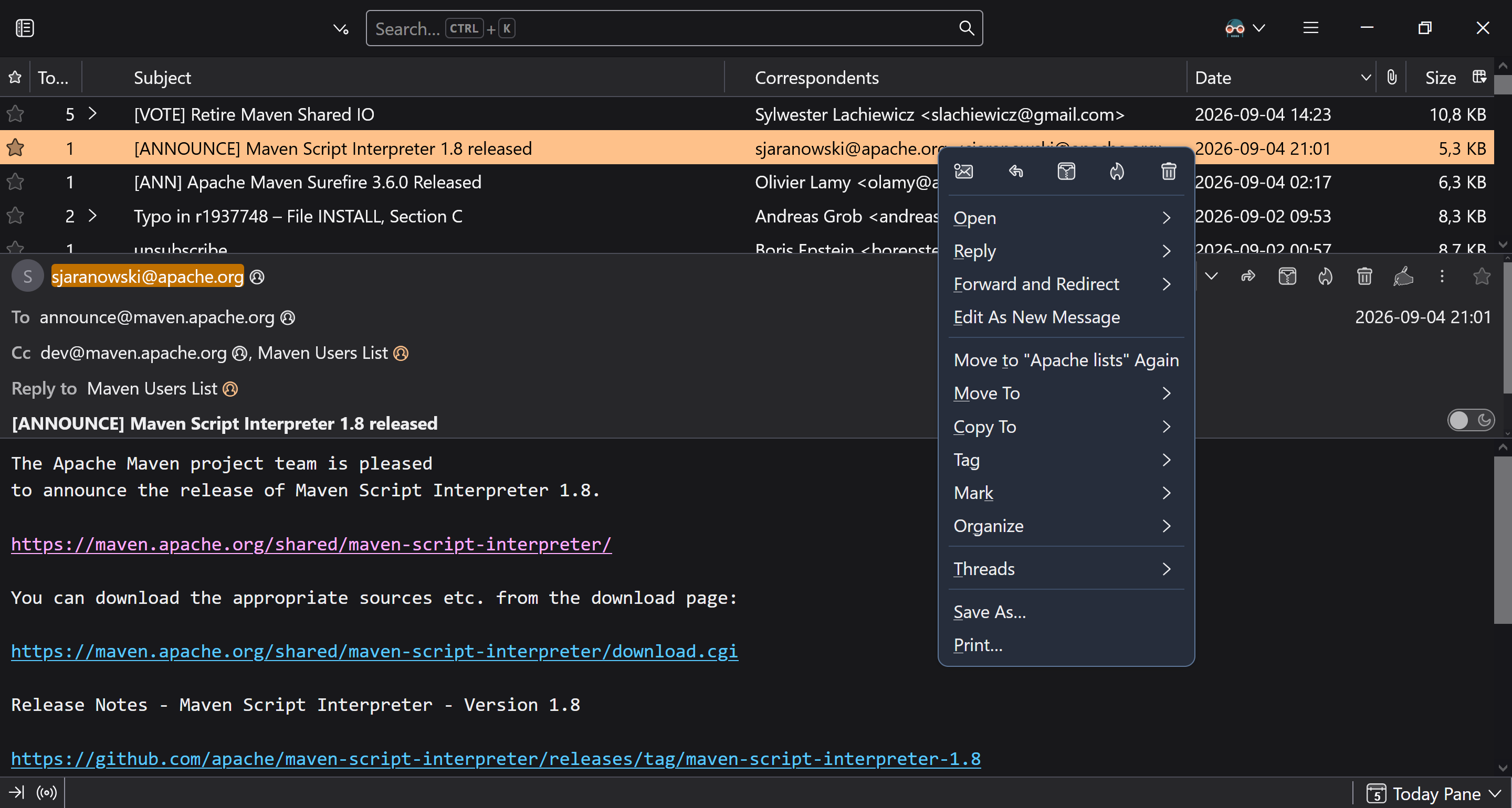
Using the system color theme, where my Windows 10 system is set to the dark color theme, I see Thunderbird 153+ Meadow showing popup menus with weird dark teal background. The standard Window menus (File, Edit, ..., Help) appear to use slightly different background, which still doesn't match my system color. Is there a setting I'm missing to have these menus shown with my system dark color theme (like current Fx, and previous Tb versions)?

I'm using my system color accent setting, but I'm seeing changing this Tb setting doesn't seem to affect the menus background.

I've also noticed I'm not seeing this on Windows 11 – the menus background is fine, although on Windows 11 I'm still noticing this teal "accent" appearing in certain elements of the popup menus, f.e. the color of menu item keyboard shortcuts.
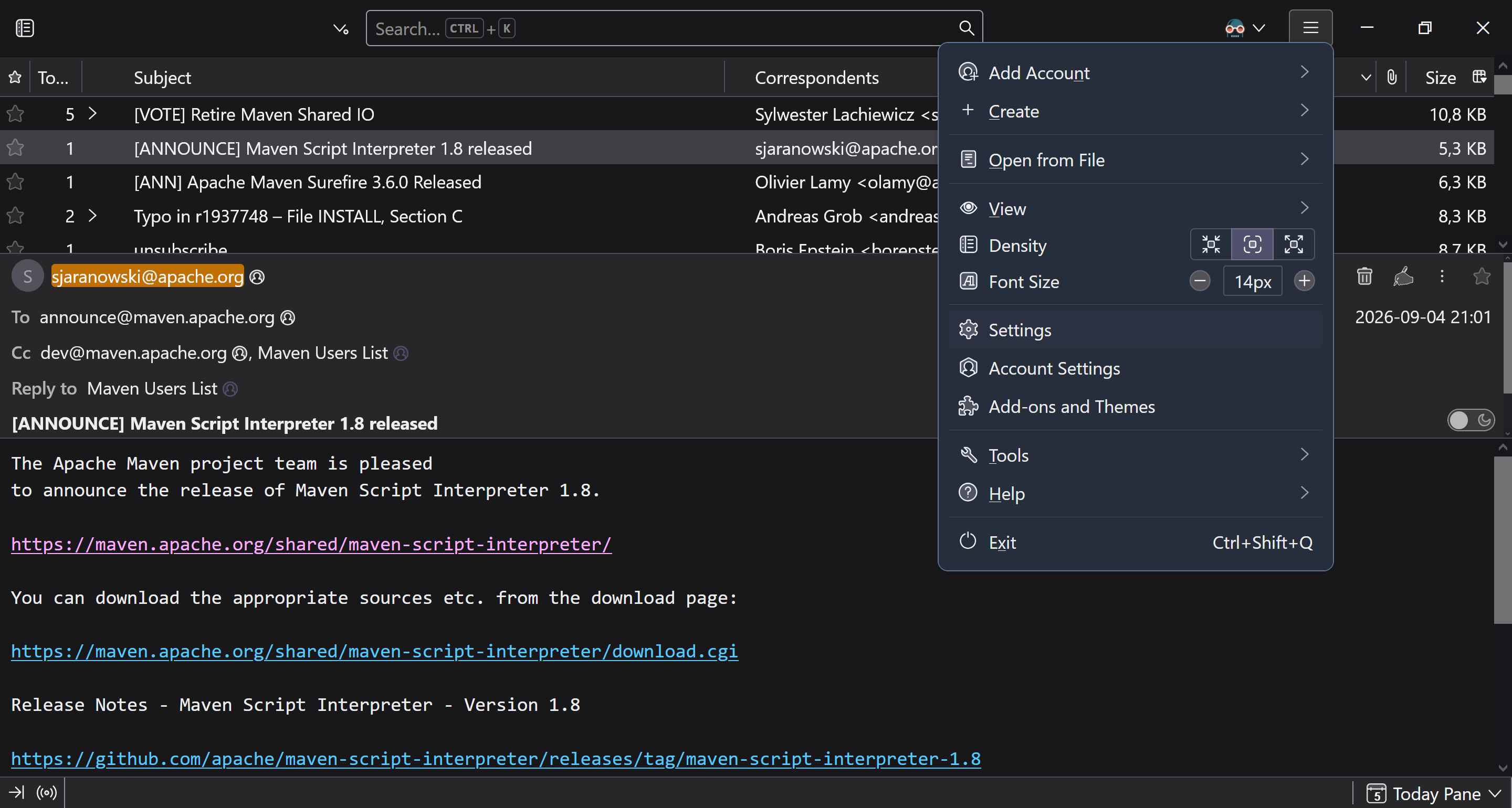
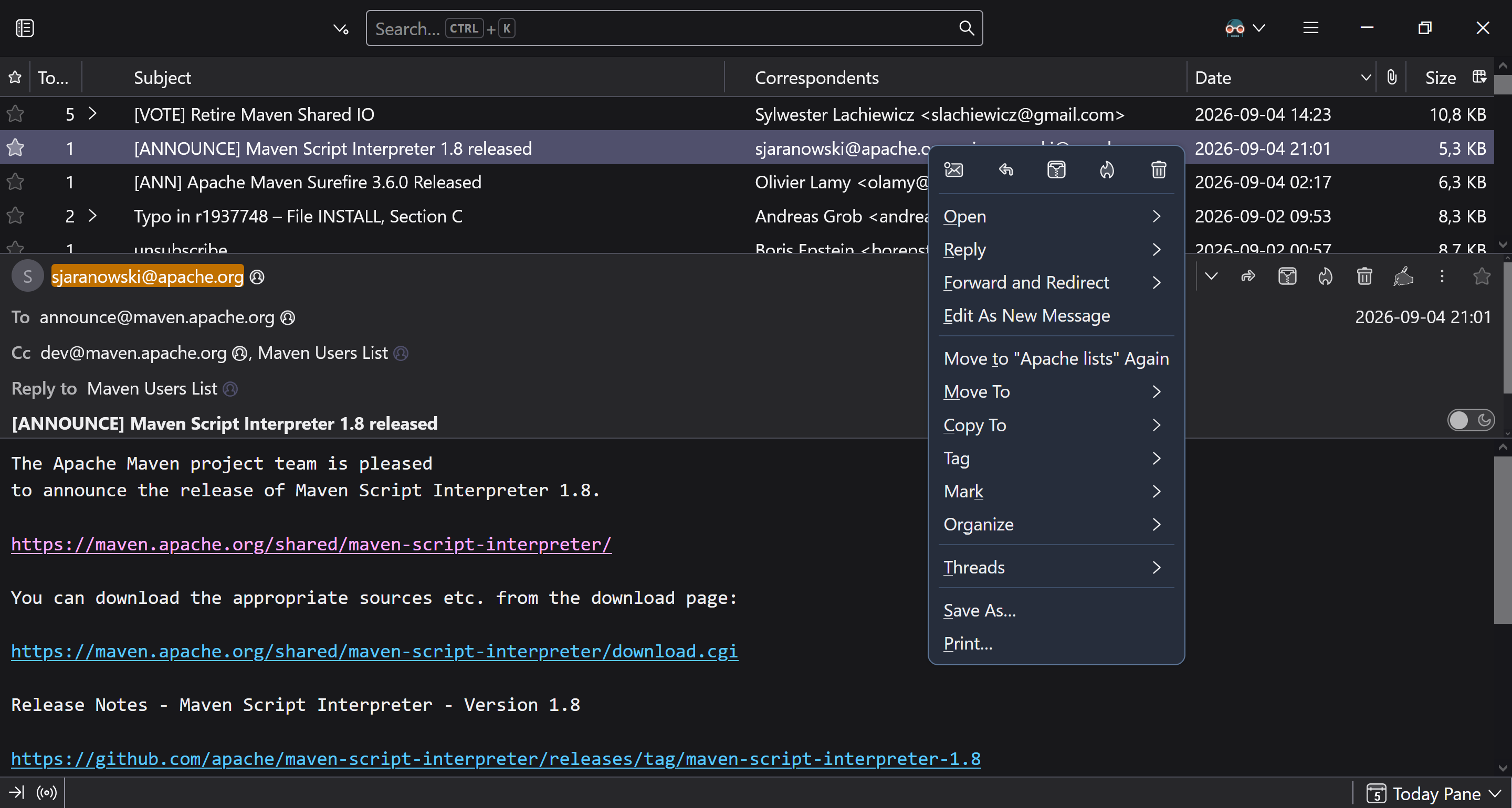
Using the system color theme, where my Windows 10 system is set to the dark color theme, I see Thunderbird 153+ Meadow showing popup menus with weird dark teal background. The standard Window menus (File, Edit, ..., Help) appear to use slightly different background, which still doesn't match my system color. Is there a setting I'm missing to have these menus shown with my system dark color theme (like current Fx, and previous Tb versions)? I'm using my system color accent setting, but I'm seeing changing this Tb setting doesn't seem to affect the menus background. I've also noticed I'm not seeing this on Windows 11 – the menus background is fine, although on Windows 11 I'm still noticing this teal "accent" appearing in certain elements of the popup menus, f.e. the color of menu item keyboard shortcuts.
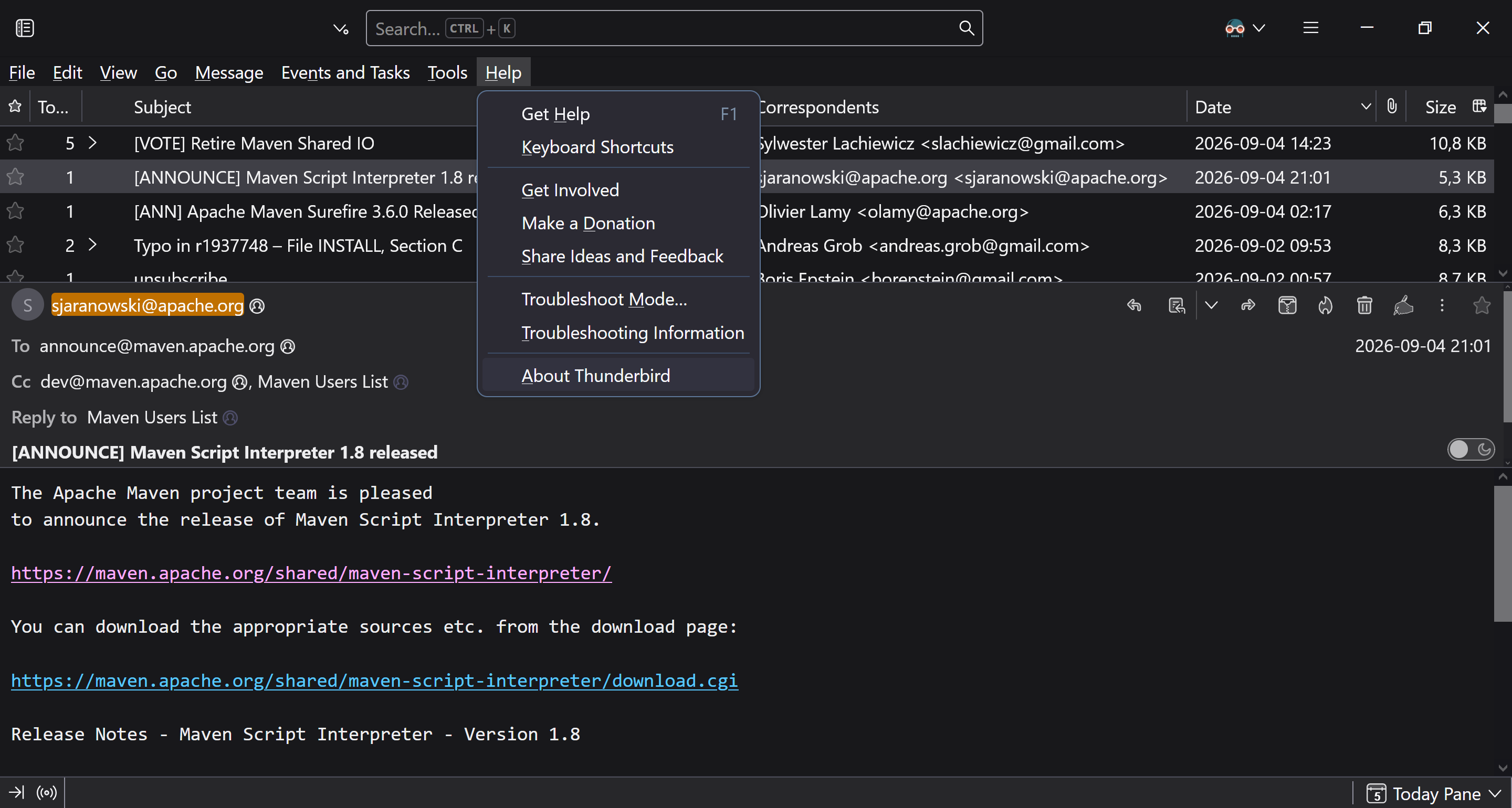
Capturas de pantalla anexas

You must log in to your account to reply to posts. Please start a new question, if you do not have an account yet.