


Youtube volume slider visual issue
So I'm having a small issue with the volume slider on youtube. The gray bar that indicates volume is about 1% of the size it should be (Please see attached image). It functions fine but bothers me enough that I've contacted support. I've opened it in safe/troubleshooting mode and the issue persists, and there in no issue on chrome. Any help would be appreciated, thanks ^_^.
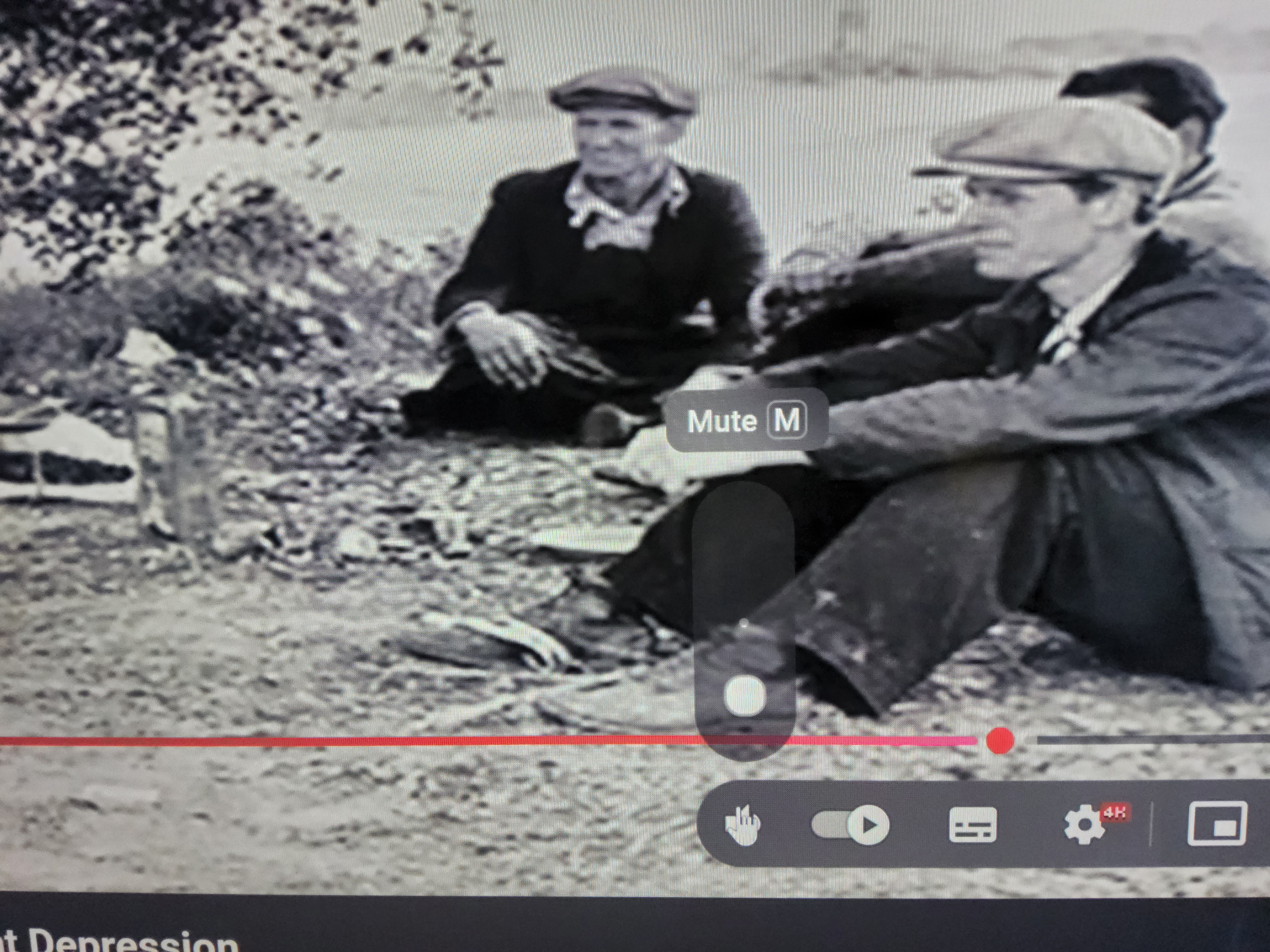
Sean challen modificouno o
Chosen solution
It's back to normal, I'm guessing there was an update? Thanks anyway.
Ler a resposta no contexto 👍 0All Replies (4)
Hi
Do you have any add-ons installed in Firefox?
Can you try using private browsing with all add-ons disabled. Does this help fix the issue?
I do. This does fix the issue, but only in private browsing, safe mode remains bugged. How would the extension be causing issues if safe mode disables them, and is there a fix?
Thanks for the help so far, going to sleep so please don't expect another reply till tomorrow.
I just opened a private browsing session and turned my extensions on one by one. The volume slider works with all of them active, but only in the private browser.
Chosen Solution
It's back to normal, I'm guessing there was an update? Thanks anyway.