


Backgrounds and style sheets changed, cant fix.

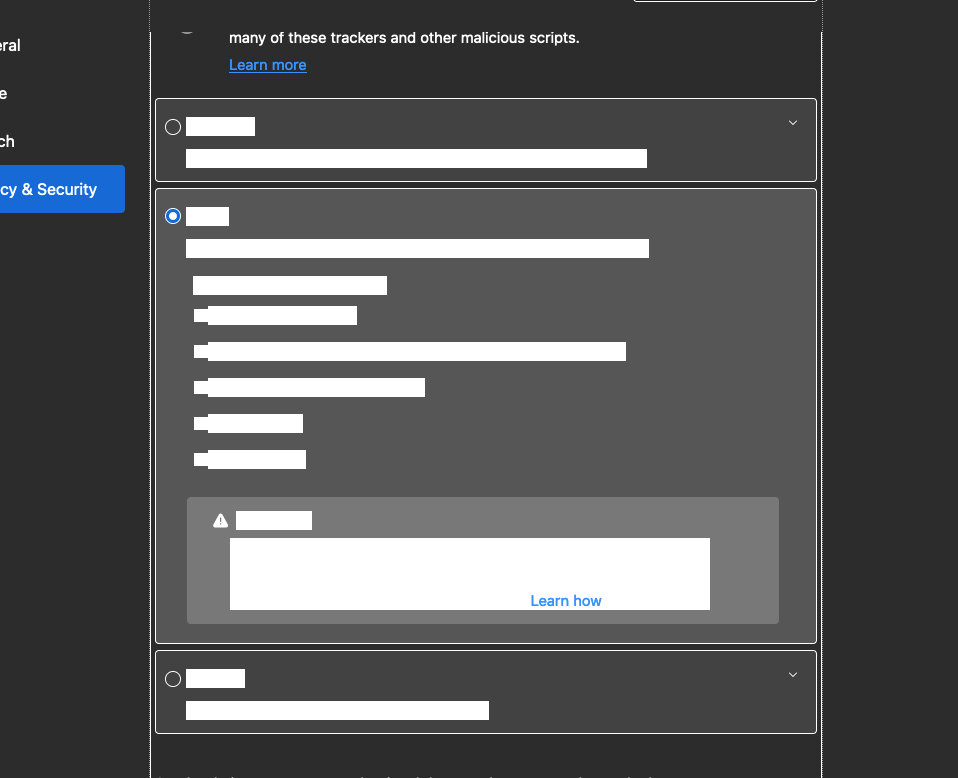
I'm not sure what happened, if it was the update or what; But Firefox is suddenly wrecked. None of the background images load and it seems like the global style sheet is effected (see screenshot). I Googled for a fix and tried a refresh, and deleted the app and reinstalled (which likely maintained some preference somewhere). And I tried going into config and messing with that background color setting that needs to be "0", which it was. Anyone else having this issue?
Chosen solution
I was having a similar issue (https://support.mozilla.org/en-US/questions/1346865) and it turned out to be related to using High Contrast Mode in my system settings.
I went to:
Firefox Menu > Preferences > Languages and Appearance/Fonts and Colors > Colors...
and then set "Override the colors specified by the page with your selections above" to "Never" which resolved the issue.
Ler a resposta no contexto 👍 1All Replies (4)
Hi
I believe that what you are looking at is something that is not formally supported in Firefox - it is not something that we design, develop and test for.
You can use Firefox Color (https://color.firefox.com/) to change the appearance of Firefox.
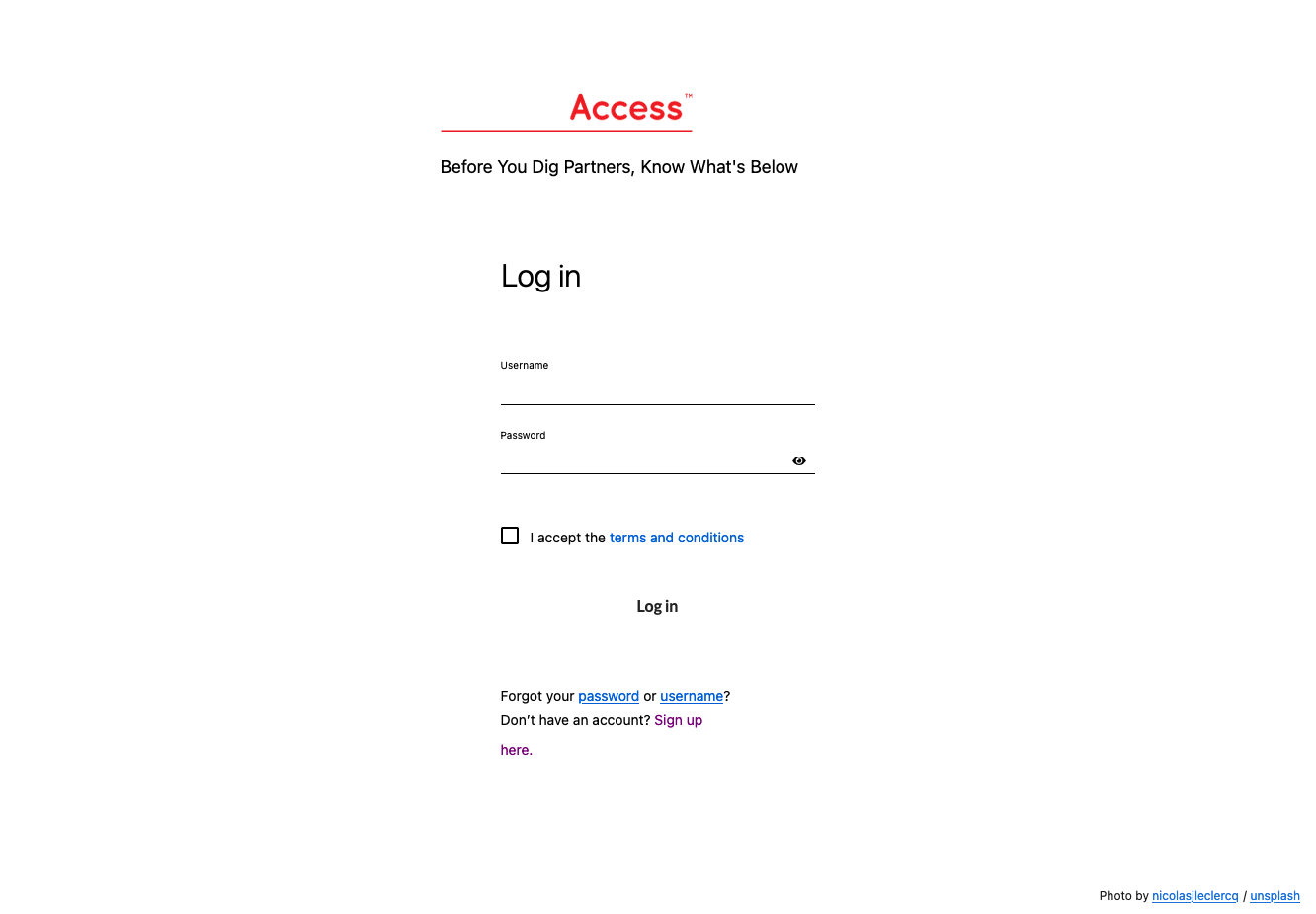
This is not correct. I tried your solution and all it changes is the theme. There is something buried into this update that has wreck the browser deeper than just style sheets. I have not tweaked anything and the issue persists. I have uploaded a screenshot of the same website from Safari and Firefox to further show an example of the issue. As stated, refreshing the browser does not seem to have any affect. Changing the style sheet does not have any affect.

adrian71 modificouno o

Chosen Solution
I was having a similar issue (https://support.mozilla.org/en-US/questions/1346865) and it turned out to be related to using High Contrast Mode in my system settings.
I went to:
Firefox Menu > Preferences > Languages and Appearance/Fonts and Colors > Colors...
and then set "Override the colors specified by the page with your selections above" to "Never" which resolved the issue.
See also "New" in the release notes.
Firefox now automatically enables High Contrast Mode when in Accessibility "Increase Contrast" is checked on MacOS.