

Este fío arquivouse.
Faga unha nova pregunta se precisa axuda.

Resolto
Arquivado
How can I stop Firefox deleting my cookies on closing it down.
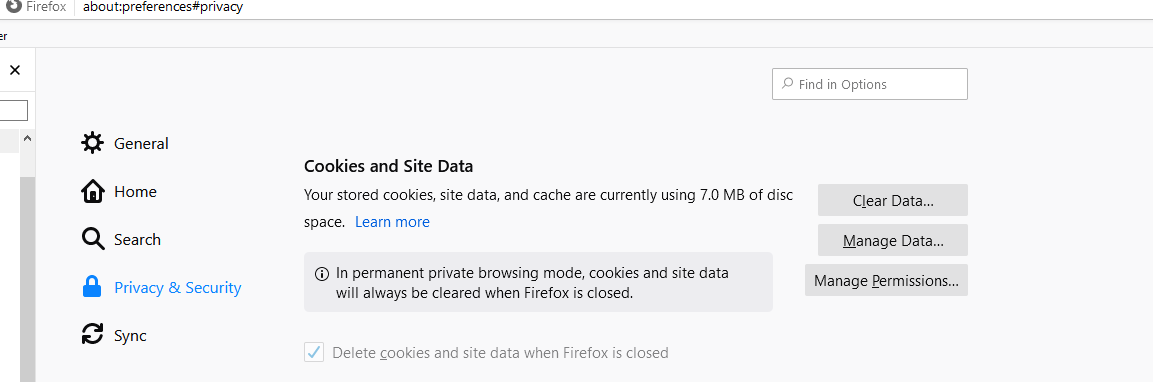
With reference to the enclosed attachment, the 'delete cookies and site data when Firefox is closed' check mark is 'greyed' out and I cannot change it.
With reference to the enclosed attachment, the 'delete cookies and site data when Firefox is closed' check mark is 'greyed' out and I cannot change it.
All Replies (1)

Chosen Solution
Hi IanM, You are in Permanent Private Browsing mode.
Go to: Menu -> Options-> Privacy & Security scroll down to History deselect *Always use private browsing mode