Can't access about:keyboard.

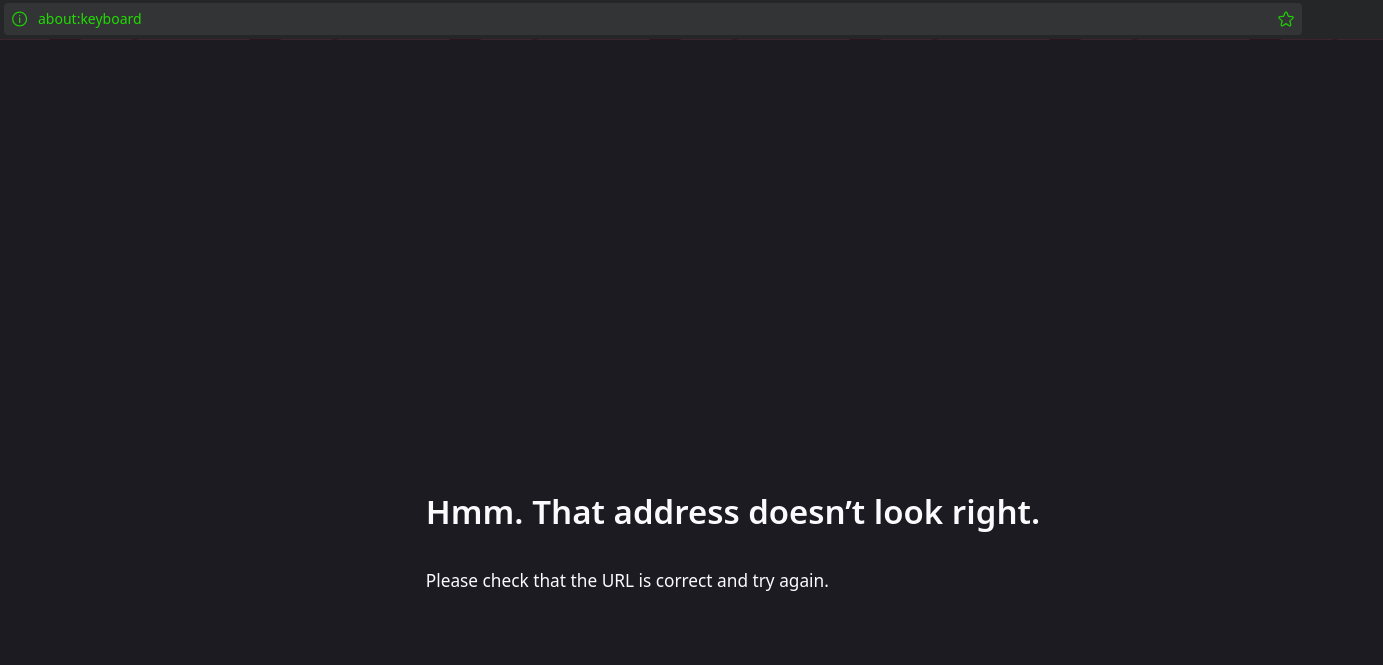
I can't access the keyboard hotkeys config page as instructed in https://support.mozilla.org/en-US/kb/customize-keyboard-shortcuts-firefox. Typing about:keyboard into the address bar gives an Invalid URL error, as seen in the attached screenshot. I am able to access other about: pages.
All Replies (7)

about:keyboard
Works fine for me in Win 11, will try Ubuntu later . . .
Réiteach Roghnaithe
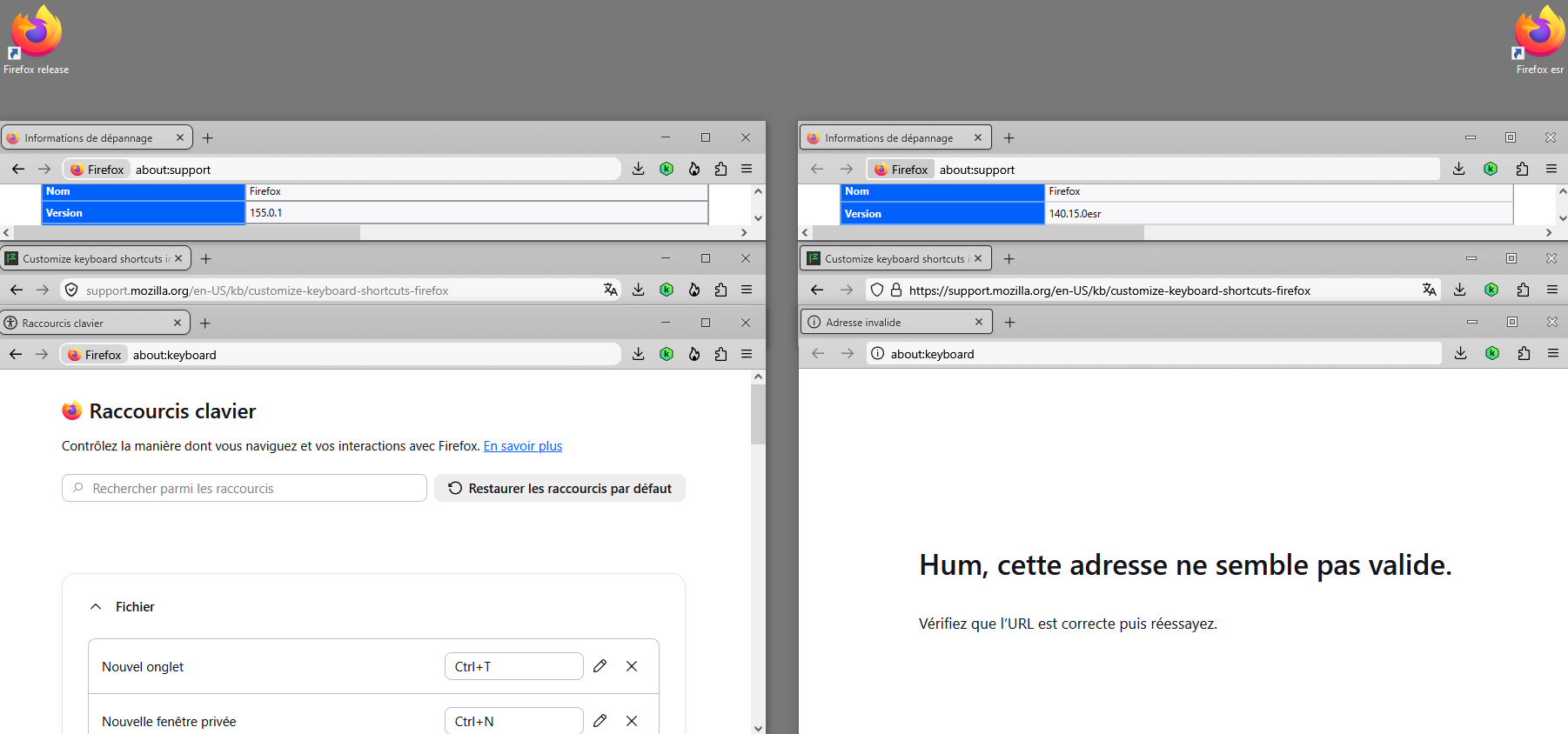
Quoting the article: "Starting in version 147, you can…" — you're on version 140.
AH! jbr gives a reason, and yes I'm on Ubuntu now Fx 155 and it works fine.
You can join this discussion thread https://connect.mozilla.org/t5/discussions/customizable-hotkeys-is-live-please-help-us-scope-version-2/td-p/116793
As for me, Linux and Firefox
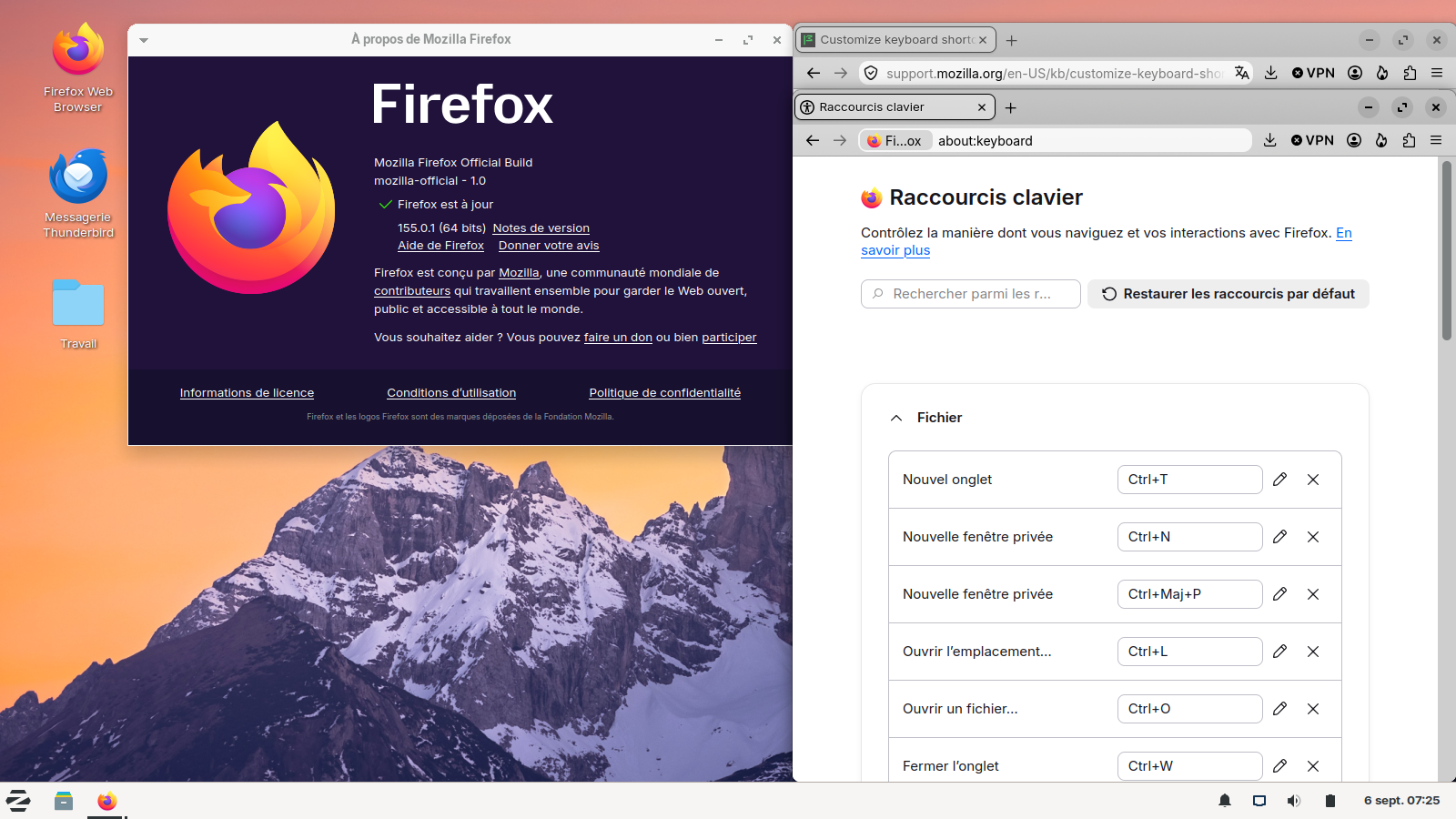
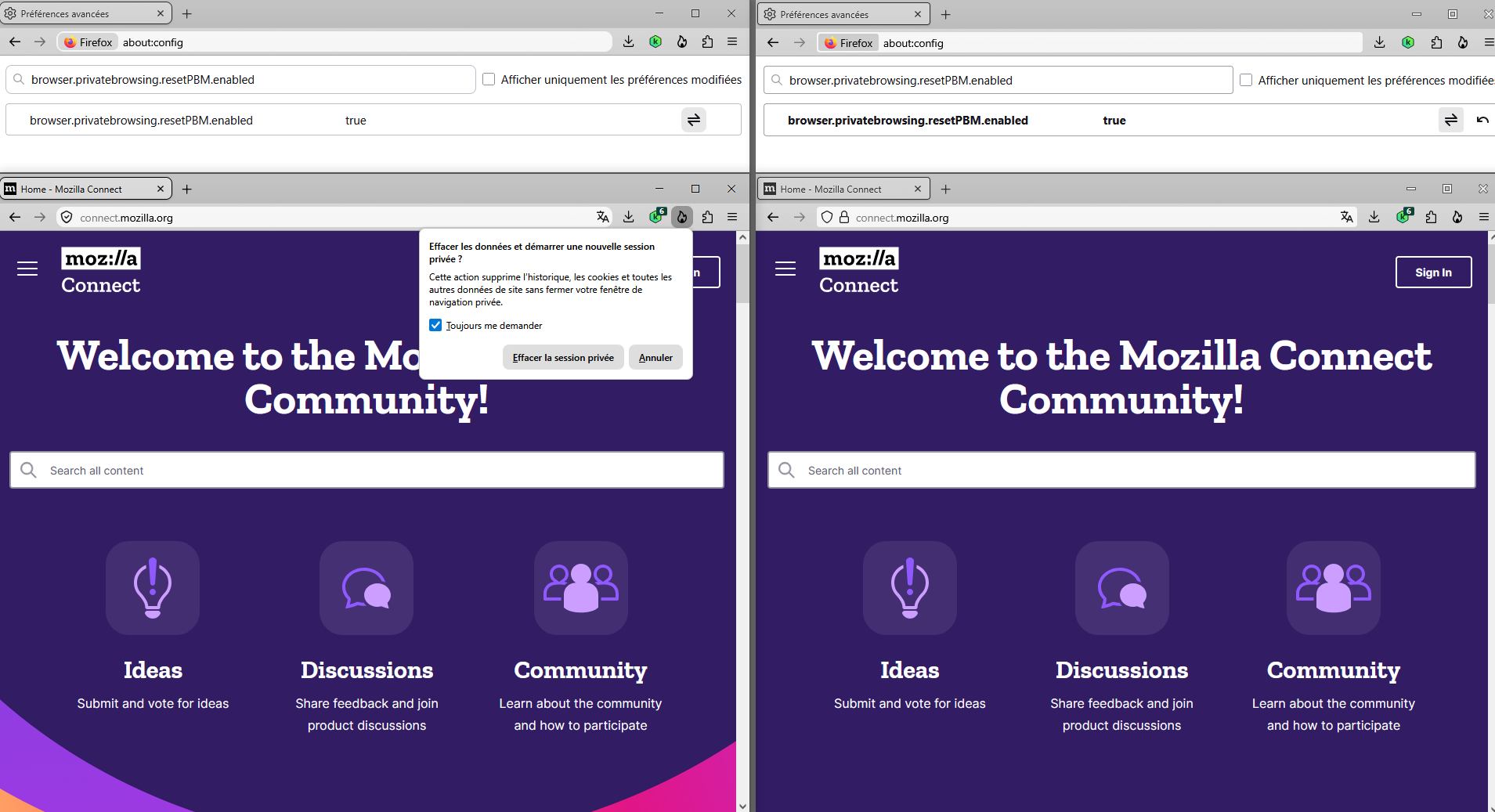
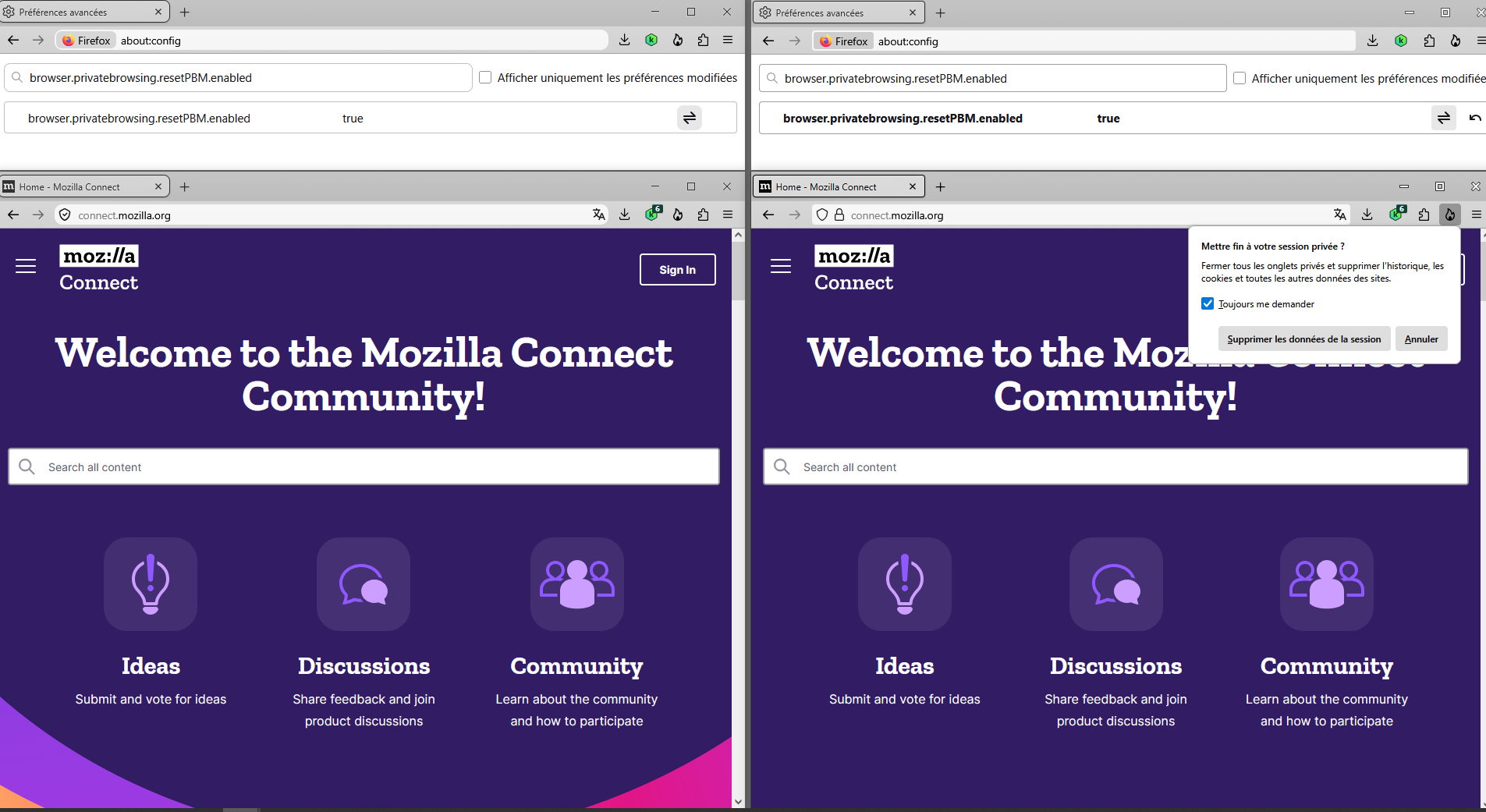
Clarification, about https://www.firefox.com/en-US/firefox/151.0/releasenotes Private Browsing Mode now allows you to instantly clear all data from your current session without closing the entire window. When you select the End Private Session button (the fire icon) to the right of the URL bar, Firefox will ask you to confirm to clear your session. Once confirmed, it will wipe all of your private browsing data and open a fresh new Private Browsing Mode session for you.
Those articles https://www.soeren-hentzschel.at/firefox/firefox-120-ermoeglicht-das-zuruecksetzen-privater-sitzungen https://www.ghacks.net/2023/10/06/firefox-is-getting-a-button-to-reset-private-browsing-sessions
Private Browsing - Use Firefox without saving history By default the article is displayed according to the operating system and Firefox @Berge, you can, Customize this article https://support.mozilla.org/en-US/kb/private-browsing-use-firefox-without-history
As for me, Firefox is set to Always use private browsing mode
Athraithe ag Agent virtuel ar
As for me, Firefox is set to Always use private browsing mode