

Cuireadh an snáithe seo sa chartlann.
Cuir ceist nua má tá cabhair uait.

Solved
Cartlannaithe
Error displaying web page

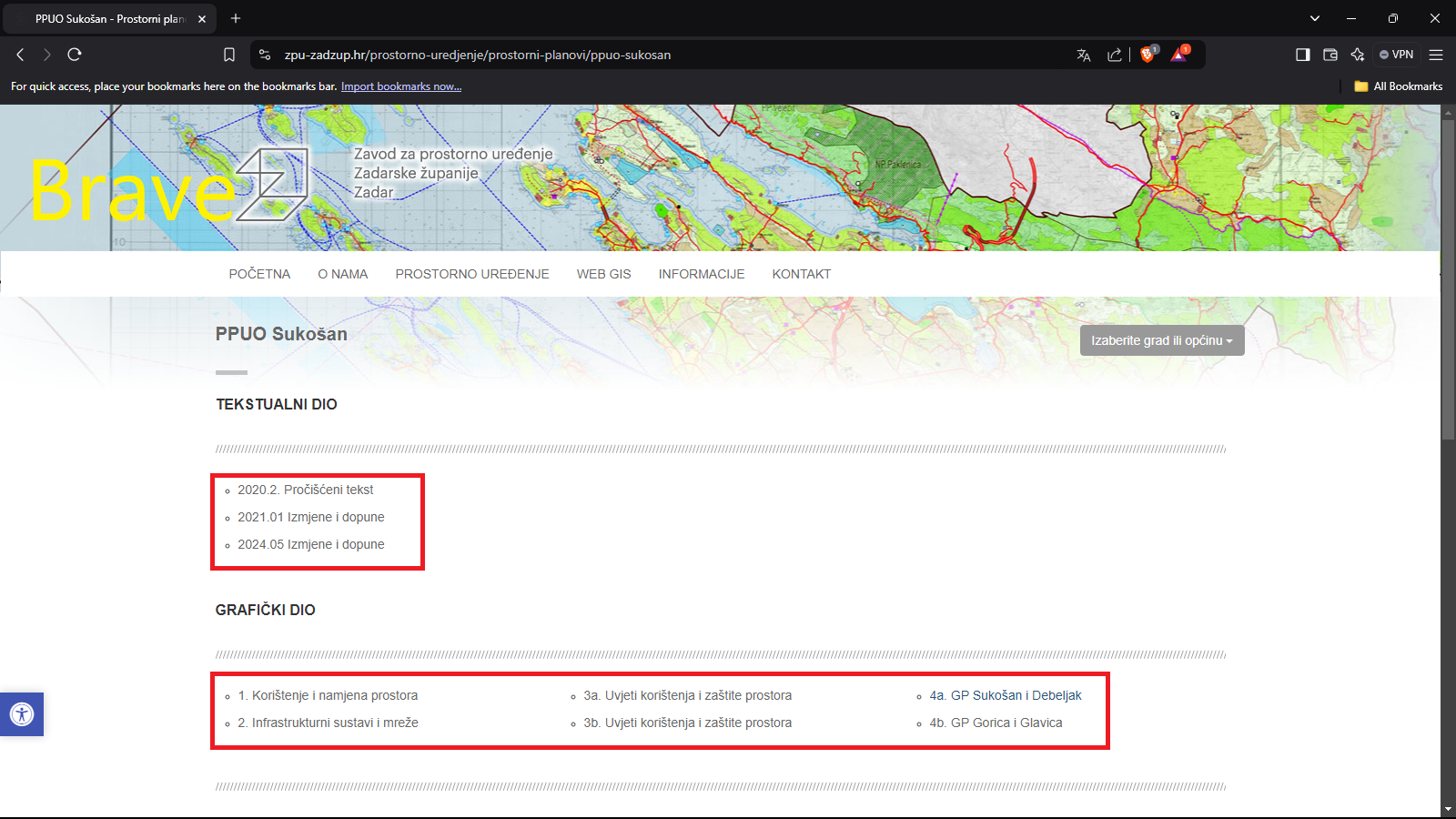
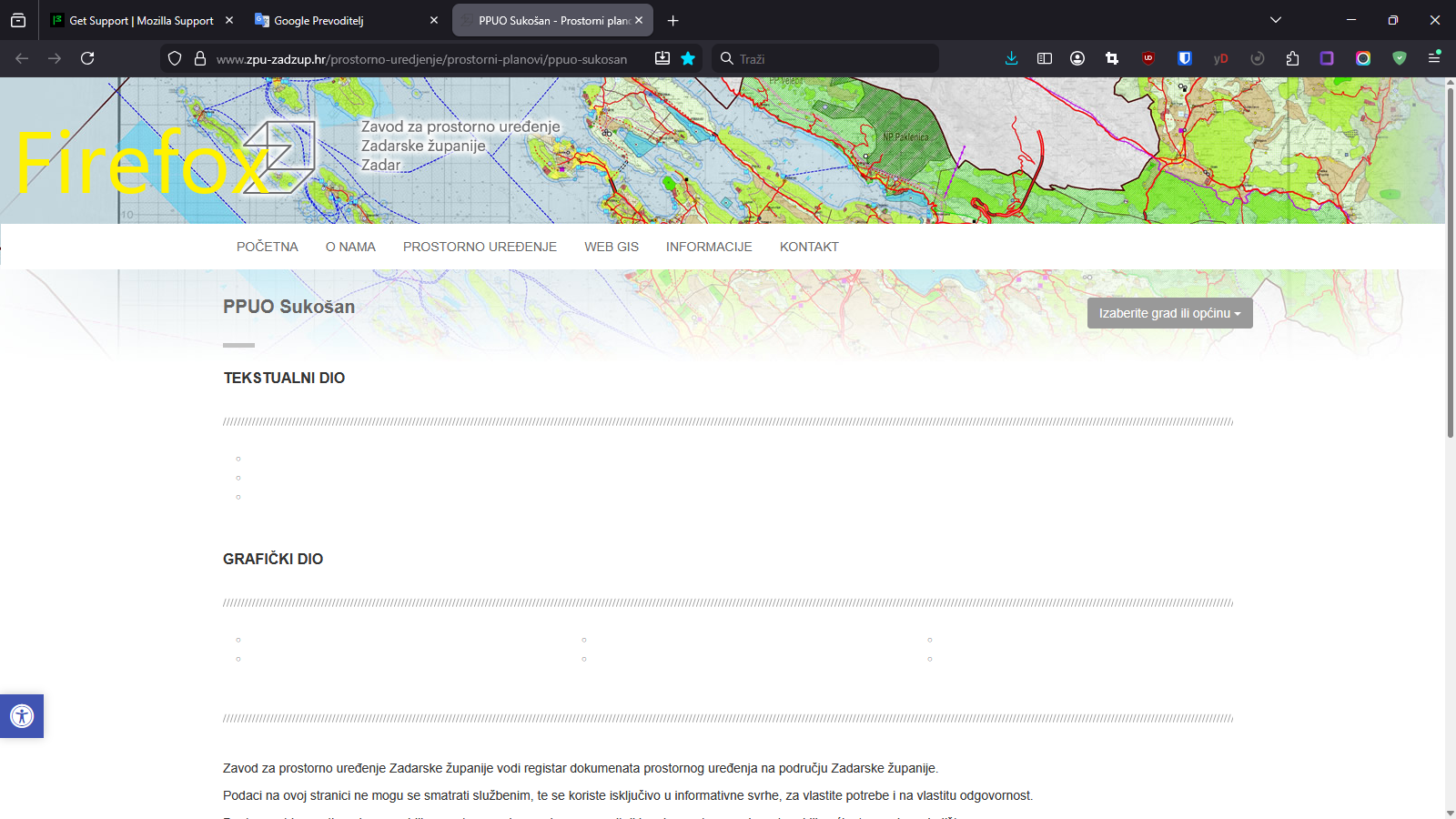
Difference in the display of the same web page with Firefox, Brave and Microsoft Edge. In Firefox, the part marked in red is missing.
Difference in the display of the same web page with Firefox, Brave and Microsoft Edge. In Firefox, the part marked in red is missing.

All Replies (3)
Réiteach Roghnaithe
Hi there,
My Firefox displays the highlighted section. Here are some troubleshooting steps that may resolve the issue for you:
- Please check if you have Enhanced Tracking Protection (ETP) enabled. You can do that by clicking the shield
 icon at the left of the address bar.
- If ETP is enabled, try disabling it.
- If the problem is not fixed, try clearing Firefox cache.
- If it does not help, also try clearing cookies and data for the website you experience troubles with (warning: you will be logged out on this website).
- If it also does not help, try running Firefox in Troubleshoot Mode.
Solution under number 4 :)
Glad to hear that! In case you need to troubleshoot further (to make it work in normal mode), this article should help.