


Maximise web pages automatically

When visiting websites, the website is quite small, I know I can Hold the CTRL key + scroll the mouse to increase the page size. Is there a way to get FF to automatically increase the page size to maximum when visiting any website?
Thanks in advance.
FF for the win !
Alle antwurden (4)
If you need to adjust the font size on websites then look at:
- Default FullZoom Level - https://addons.mozilla.org/firefox/addon/6965
- NoSquint - https://addons.mozilla.org/firefox/addon/2592
FF should have this option without the need of addons in my opinion. I think with all the extra addons FF starts to slow down.
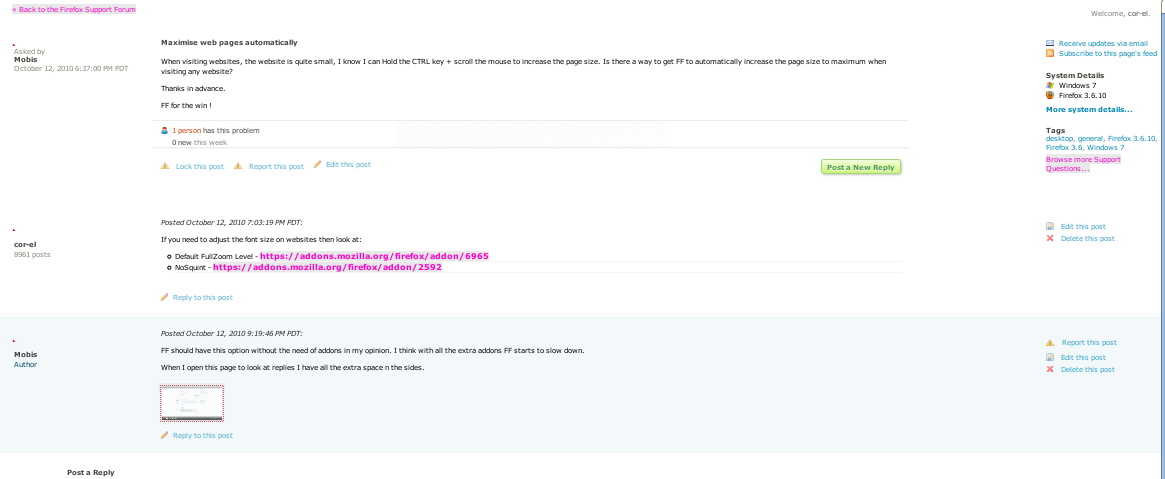
When I open this page to look at replies I have all the extra space n the sides.
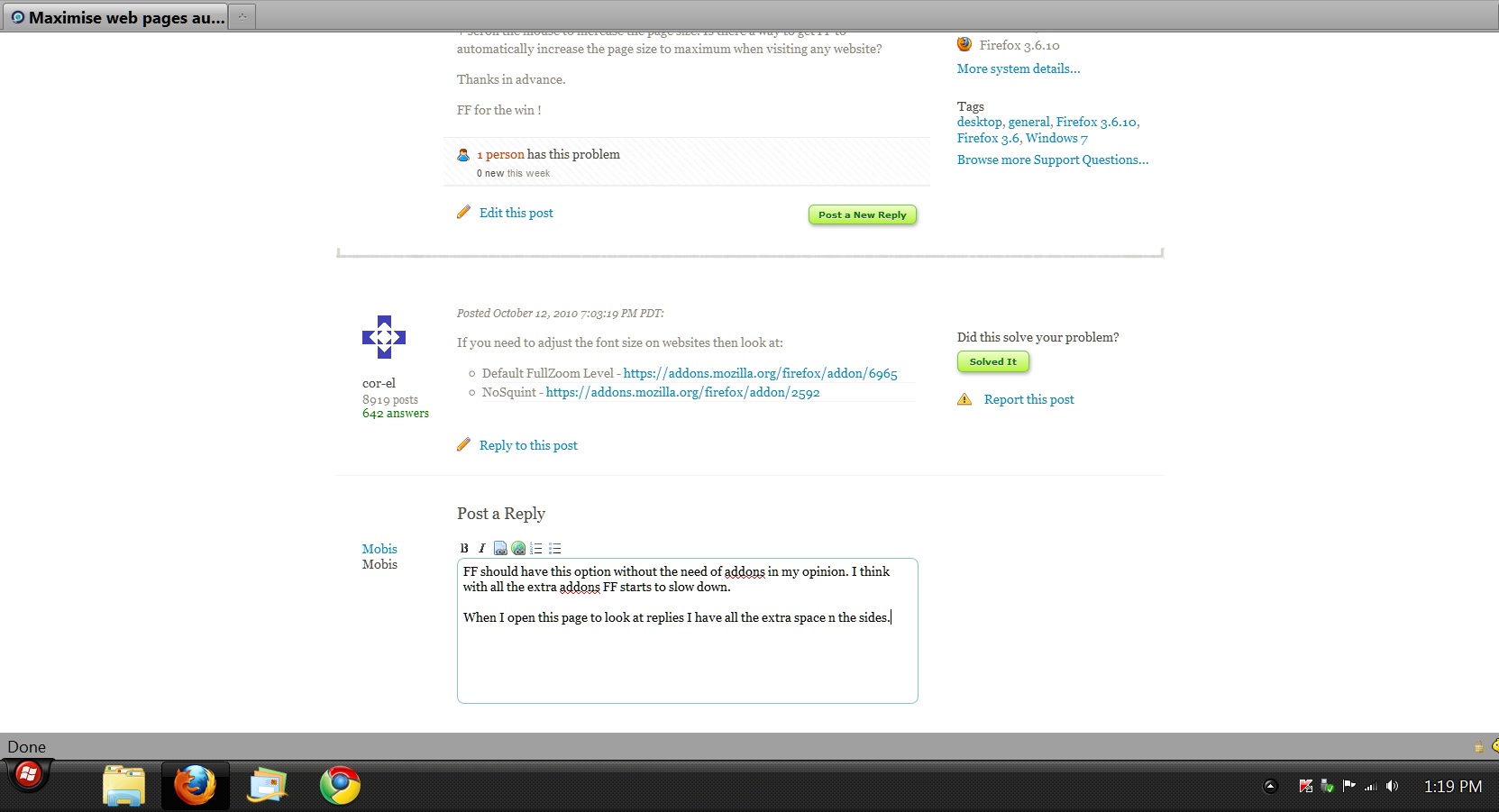
That is because this forum used fixed widths for the elements. If they would use percentages then Firefox will render the page using the full width of the screen.
(image is zoomed out quite a bit)
Bewurke troch cor-el op
Thanks Cor-el for some input.