


Oplost
Composition Toolbar option is not accessible from "New message" screen

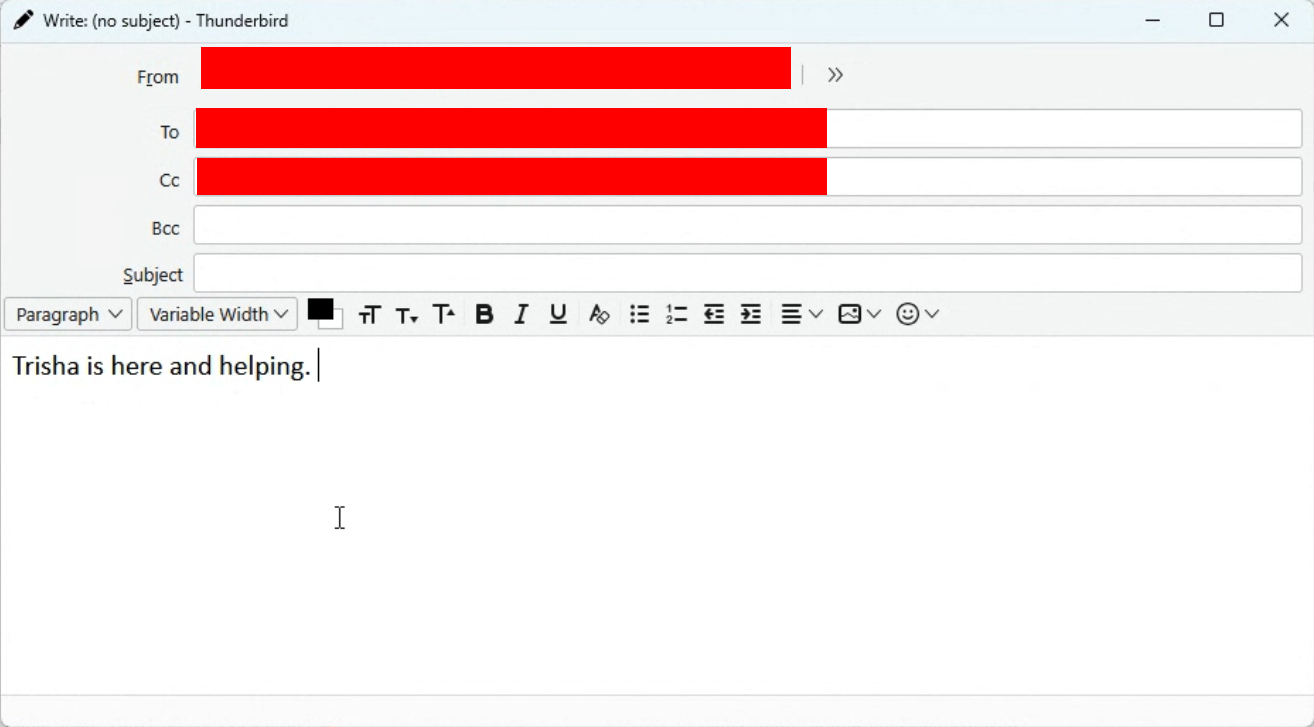
I know that to view the composition toolbar, I need to open up a new message, then click View, and then click Toolbars. However, what do I do if the Menu Bar is also now visible? See attached screenshot.
I know that to view the composition toolbar, I need to open up a new message, then click View, and then click Toolbars. However, what do I do if the Menu Bar is also now visible? See attached screenshot.
Alle antwurden (5)
Keazen oplossing
Press the alt key
Thanks so kindly! Where is the documentation on these and other keyboard shortcuts?
If I tell you, they'll make me stand in the corner, but I'll do it anyway: https://support.mozilla.org/en-US/kb/keyboard-shortcuts-thunderbird
Yeah, I should be standing in a corner as well for asking instead of looking. Thanks in solidarity!
- ) We can stand together.