


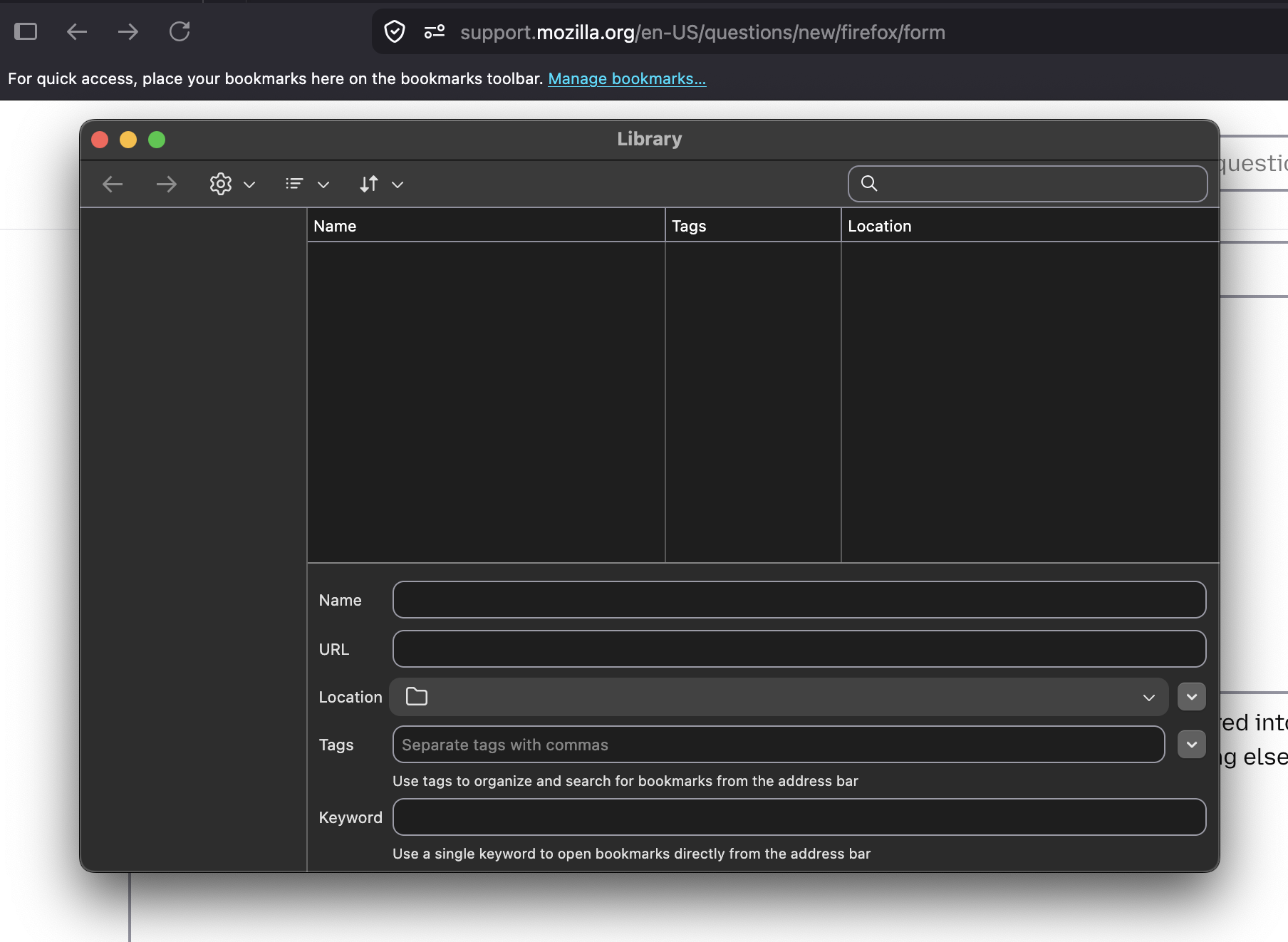
Hello. I restarted my laptop and now ALL my Firefox bookmarks have DISAPPEARED! What to do?

Upon restarting my laptop earlier today, I realized that ALL my Firefox bookmarks have disappeared into thin air. Gone (or, rather, "empty") is my bookmarks toolbar, and my bookmark menu, and everything else. What to do? Thank you.
Keazen oplossing
And I am even more baffled by the fact that I once again "restared" Firefox, and now everything has magically reappeared >_< LOL Thanks for your help.
Alle antwurden (5)
Hello,
Firefox automatically creates backups of your bookmarks, which can be helpful if your bookmarks are lost or missing. To recover them, follow the instructions below.
- Click the menu button
 , then click Bookmarks.
- Scroll to the bottom and click Manage Bookmarks.
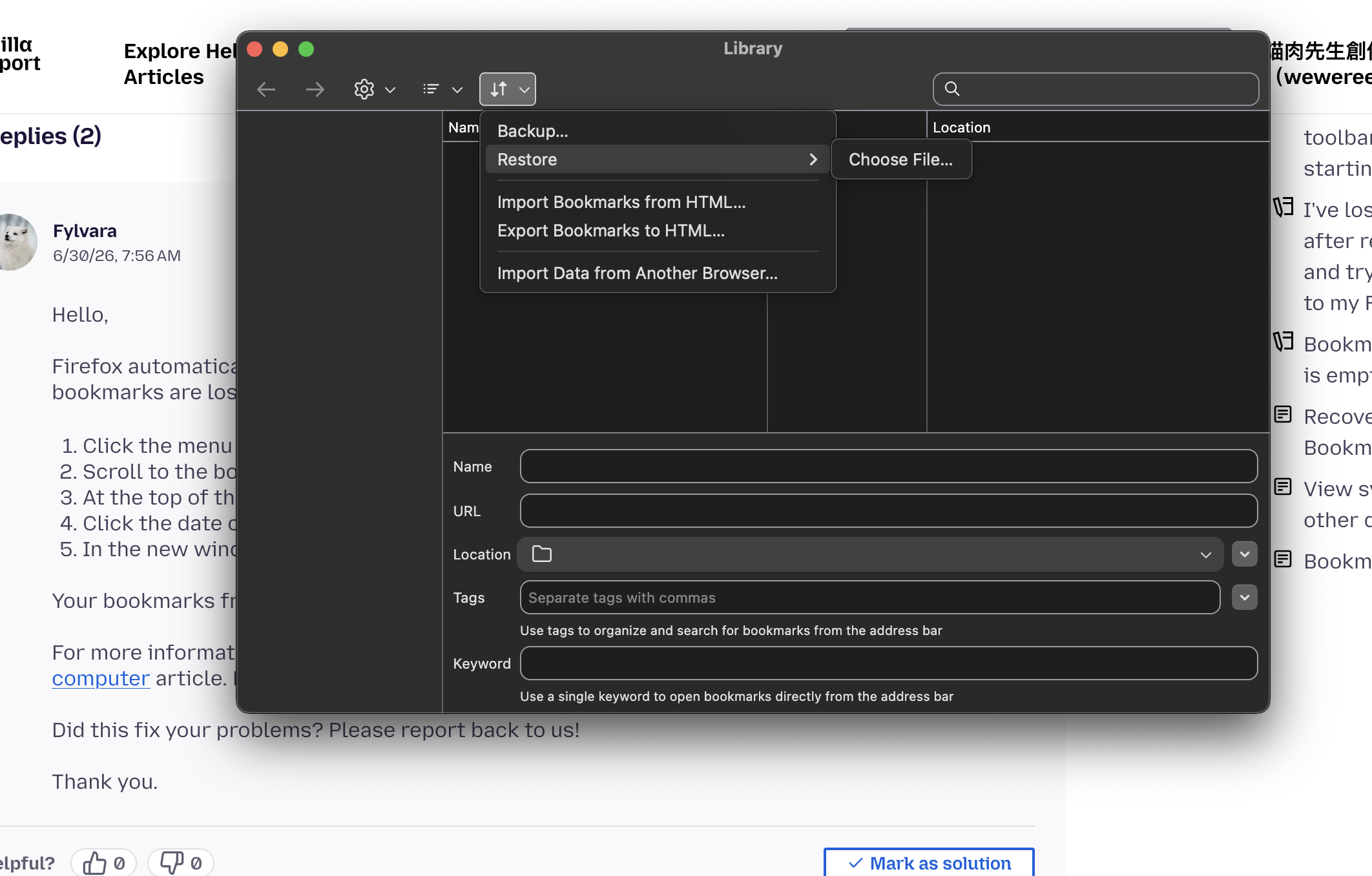
- At the top of the Library window, click on Import and Backup and select Restore.
- Click the date of the bookmark backup you want to recover.
- In the new window that appears, click OK.
Your bookmarks from the selected date should now be restored.
For more information, see the Restore bookmarks from backup or move them to another computer article. For other solutions, see the Recover lost or missing Bookmarks article.
Did this fix your problems? Please report back to us!
Thank you.

If you look in "manage bookmarks" (CTRL+SHIFT+O), is it all still in the "Bookmarks Toolbar" folder?
Bewurke troch tsr2 op
Hello @Fylvara, @tsr2. Thank you for your suggestions.
It is really odd: I've tried both methods, and both show a completely empty bookmarks library (see both the attachment from my original post, and the one I am adding here). When I click on "Restore", and then on "Choose File", nothing happens, no popup, no Finder window.
Oddly enough, ALL "Desktop Bookmarks" are still there in my Firefox app on my iPhone. Sync is enabled, hitting "Sync now" on my desktop Firefox does not re-populate my bookmarks list.
I am baffled by it all.
Keazen oplossing
And I am even more baffled by the fact that I once again "restared" Firefox, and now everything has magically reappeared >_< LOL Thanks for your help.
My bookmarks toolbar has now also recovered after a restart.