


WHATSUP WEB NOT WORKING

PROCEDURE TO UPDATE MY WHATSUP WEB IS NOT WORKING AND SHOW MESSEGE TO UPDATE FIREFOX
Alle antwurden (2)
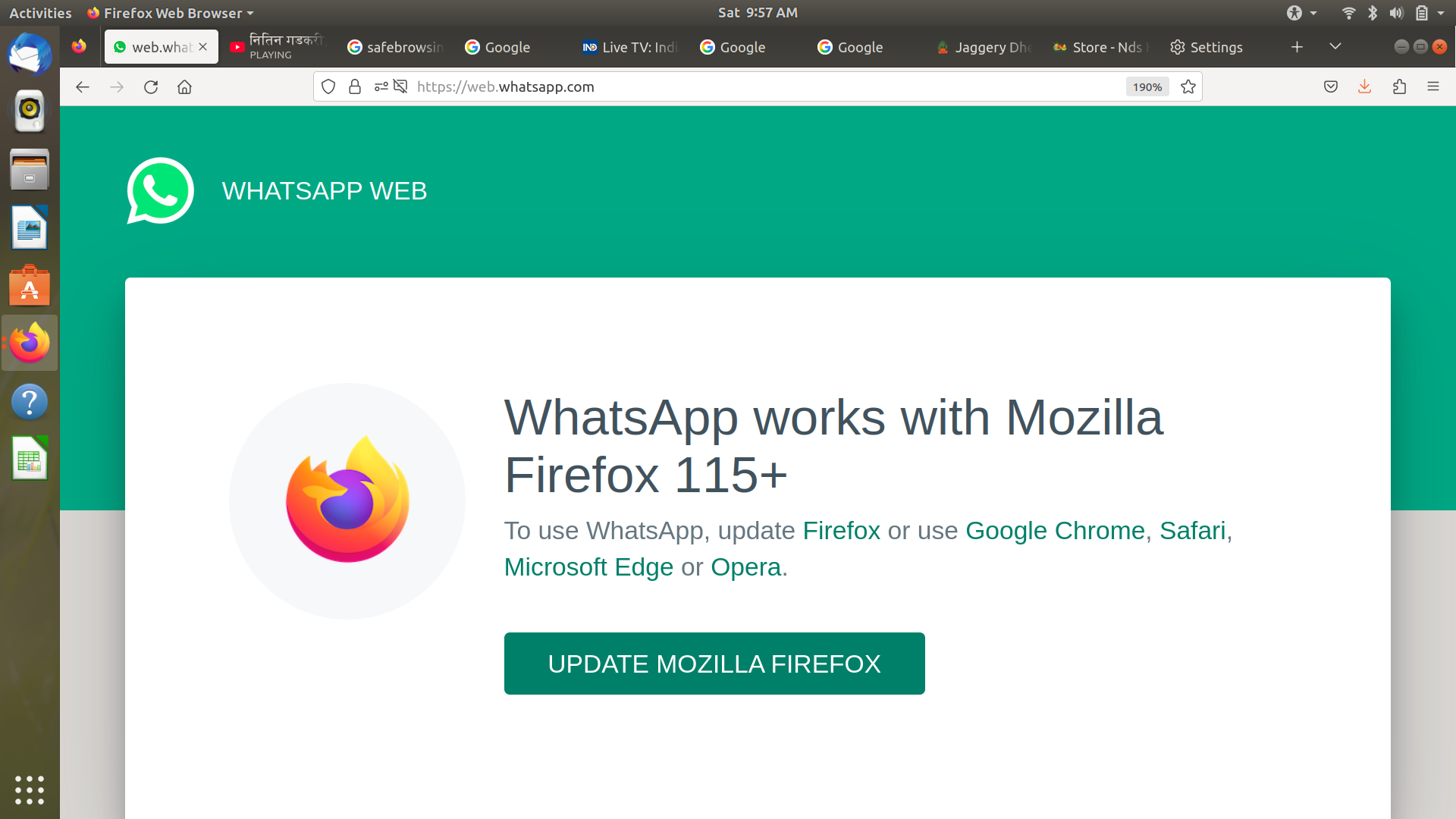
Your Firefox version on Linux appears to be the old Firefox 113.0.2 and the WhatsApp web site is looking for 115 or newer.
If you are using a package build installed in your package manager and there are no more updates then perhaps your version of Linux distro is no longer supported with package updates. You either need to update to a currently supported version of your Linux distro or another one or use the Firefox Linux tarballs from Mozilla as they get internal Firefox updates like the macOS and Windows versions. Just make sure wherever you put the tarball version has read/write permissions on the folder for the user to get updates as a easy way is to have folder in Home.
https://support.mozilla.org/en-US/kb/install-firefox-linux https://www.firefox.com/download/all/desktop-release/ (Firefox 145.0 Release) https://www.firefox.com/download/all/desktop-esr/ (Firefox 140.5.0esr)
Bewurke troch James op
If you cannot update your Firefox then you can try to change your Firefox version number to fool the WhatsApp web site.
- In a new tab, type or paste about:config (with a colon) in the location (address) bar and press Enter/Return. Click the button accepting the risk.
- In the search box in the page, type or paste forceVersion and pause while the list is filtered
- Double-click the network.http.useragent.forceVersion preference to display an editing field, and change the value to say 115 or 128 then press Enter/Return or click the blue check mark button to save the change.
Bewurke troch James op