


Join us to show up for other Firefox users 🦊. Earn fun badges and Mozilla swag vouchers! Find out more: https://mzl.la/askafox150

Windows 10 reached EOS (end of support) on October 14, 2025. If you are on Windows 10, see this article.

Sykje yn Support

Mij stipescams. Wy sille jo nea freegje in telefoannûmer te beljen, der in sms nei ta te stjoeren of persoanlike gegevens te dielen. Meld fertochte aktiviteit mei de opsje ‘Misbrûk melde’.

Mear ynfo

Enable JavaScript iOS

I'm trying to access Microsoft login page using Firefox as my default browser on iOS. This isn't possible until I enable JavaScript but where do I do this?

I've tried about:config however the search engine, DuckDuckGo, kicks in and does a search for " about:config"
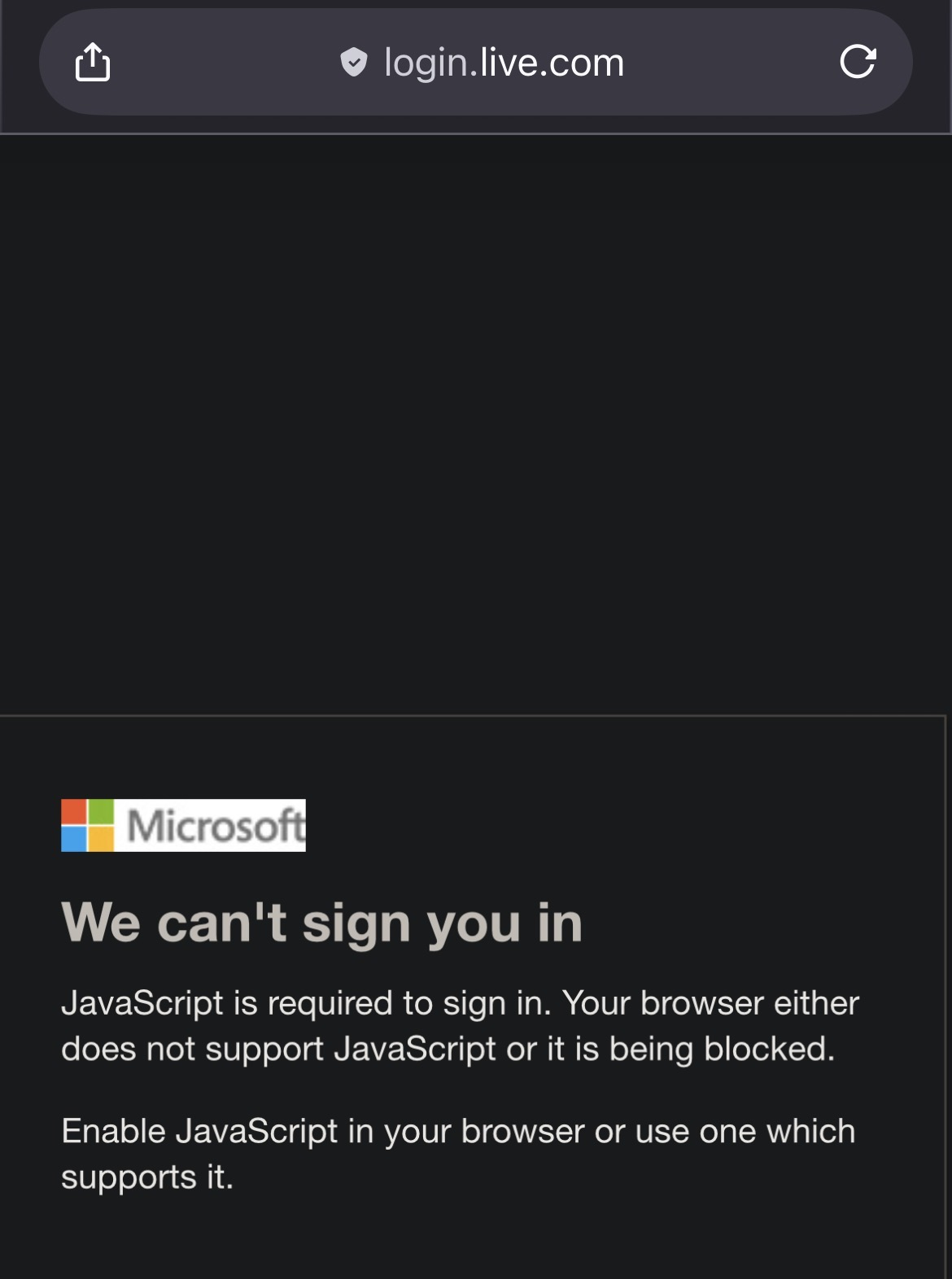
I'm trying to access Microsoft login page using Firefox as my default browser on iOS. This isn't possible until I enable JavaScript but where do I do this? I've tried about:config however the search engine, DuckDuckGo, kicks in and does a search for " about:config"
Keppele skermôfbyldingen

Alle antwurden (1)

Hi Jonathan Muller

The system JavaScript setting for all browsers is managed through your iPhone's main Settings app, not within the Firefox app itself.

You'll need to enable it there:

Go to your iPhone's Settings app .

Scroll down and tap on Safari or Firefox.

Tap on Advanced.

Find the JavaScript toggle and make sure it is switched On.

Since Firefox on iOS uses the same engine, toggling this option in Safari's settings should enable JavaScript for Firefox and any other browser you use on your iPhone!

Maybe that solve your Microsoft login issue.

In fraach stelle

Jo moatte jo oanmelde by jo account om op berjochten te antwurdzjen. Stel in nije fraach as jo noch gjin account hawwe.