


zoom meeting settings

I can sign on to zoom but I get a message to say that my Browser is not allowing my microphone or video to be displayed. I have used zoom for a number of years and never had this issue before
Alle antwurden (3)

What OS? What version of Firefox? Post a full browser screenshot showing the issue. It clearly sounds like you need to give permission. Here's a test link. https://zoom.us/test
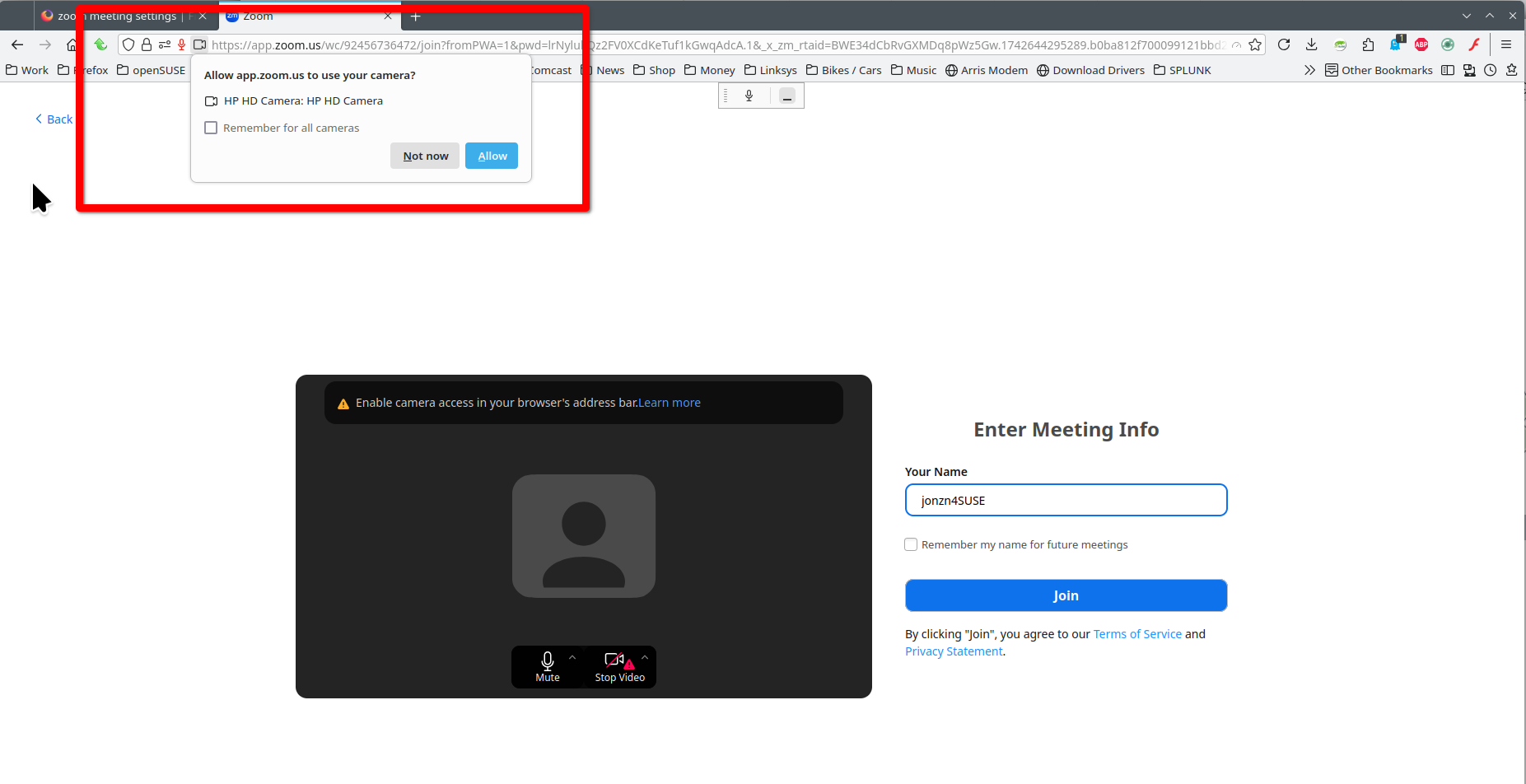
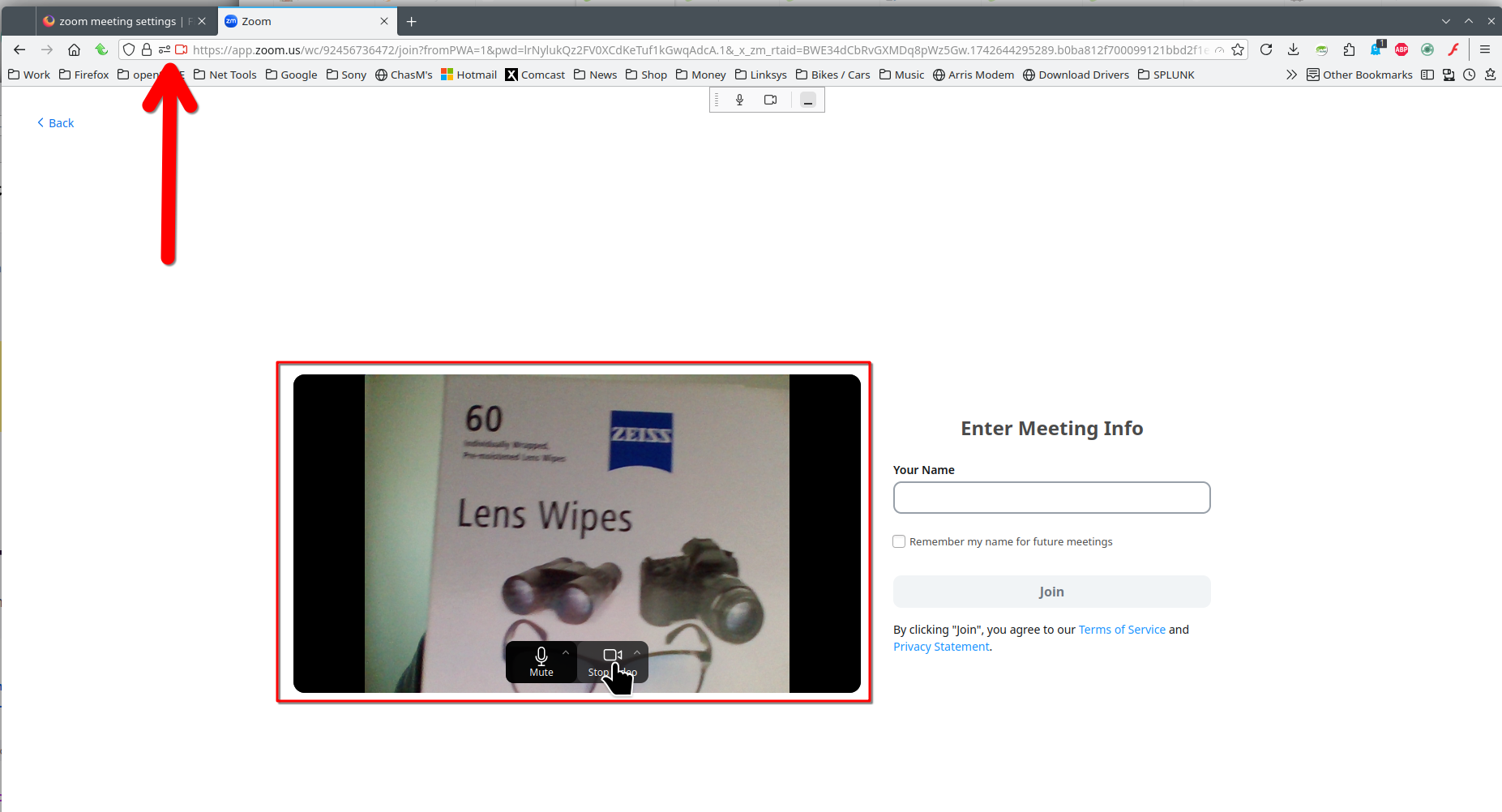
Bewurke troch jonzn4SUSE op
I joined the meeting without any problem last week. Today I could apparently join the meeting using the sign in data I always use but it told me my browser was blocking my video and microphone. I could hear and see everyone else. I did the test you suggested but it just led me to the screens I already had. When I left the meeting and came back in the audio was apparently working. Only problem was no one could hear me. I still had a red triangle next to the video symbol. As I am not in the meeting I cannot give you the screen shot. It just seems very odd.
Post a screenshot.