


Permission denied when opening file from another drive

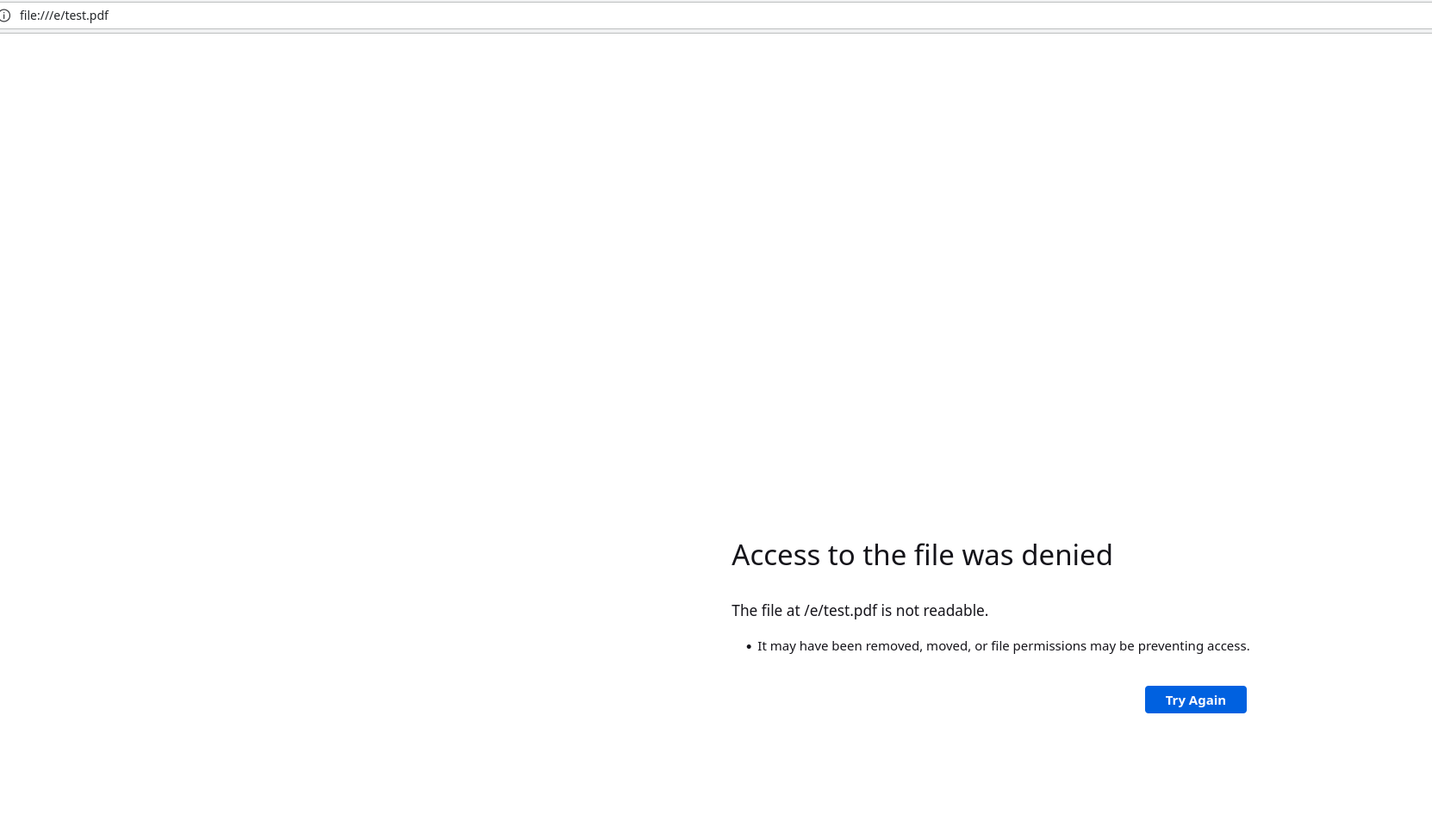
When opening a file from another drive, I get an error: Access to the file was denied
I know this can happen on the Snap version, but I have Firefox installed from a deb!
Keazen oplossing
Ubuntu has an apparmor profile for /usr/lib/firefox/firefox. You can add paths you want to be accessible to /etc/apparmor.d/tunables/home.
Alle antwurden (5)

Show the error message. I assume the drive is already mounted. Can you access the file via the file explorer in you OS? I'm curious to know what file you're trying to access via the internet browser instead of the normal file explorer? See what happens with Firefox from Mozilla. Just download, unzip, and run firefox-bin to see if you have the same issue. https://www.mozilla.org/en-US/firefox/all/#product-desktop-esr
Yes, I can access the file with the file explorer. It also works fine when I open it with Firefox ESR from that link and the stable version of Firefox from that link. The permissions on the file look correct: -rw-rw-r--. Is there a way to tell whether Firefox was installed through snap from within Firefox itself? It seems to be installed through apt, but I know that some apt packages are secretly installed as snaps, which apparently can cause issues.
apt list --installed | grep firefox
WARNING: apt does not have a stable CLI interface. Use with caution in scripts.
firefox/jammy,now 119.0+build2-0ubuntu0.22.04.1~mt1 amd64 [installed,automatic]
Keazen oplossing
Ubuntu has an apparmor profile for /usr/lib/firefox/firefox. You can add paths you want to be accessible to /etc/apparmor.d/tunables/home.
Thanks!
I don't want other apps to access this drive so I added /e/* r, to /etc/apparmor.d/usr.bin.firefox. My drive is mounted at /e. To anyone else using this answer, reload the apparmor profile with sudo service apparmor reload after making changes and see if it works
Changing the apparmor profiles directly will conflict with updates, instead you should use a local override in /etc/apparmor.d/local/usr.bin.firefox.