Google Sheets Ctrl + F and Ctrl + H do not work

I've disabled every Add-on on Firefox, I've restarted it, but these two functions still do not work. On the other hand, Ctrl + B, Ctrl + I, etc. work.
These two functions also work when using Google Chrome, but I would like these functions to work on Mozilla Firefox.
Anyone else run into this issue?
Alle antwurden (3)

You could use a permission on the page info window. It seems you can't use the shortcut on the site. Instead, click on the padlock then Connection secure > then More Information. On the Permissions tab select Allow for Override keyboard shortcuts.
https://support.mozilla.org/en-US/kb/firefox-page-info-window

These are the listed keyboard shortcuts default.
https://support.mozilla.org/en-US/kb/keyboard-shortcuts-perform-firefox-tasks-quickly https://firefox-source-docs.mozilla.org/devtools-user/keyboard_shortcuts/index.html
Beyond this setting are userChrome.css or Addon edits that change shortcuts and if the google site uses different shortcuts then that is Google not Firefox doing.
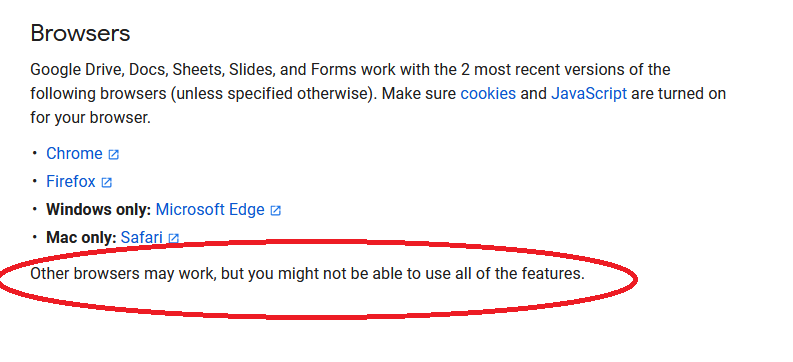
You have to remember that you're using a Google product and they want you to use Chrome. There are usually functions that only work or work better in Chrome. see screenshot
https://support.google.com/docs/answer/2375082?hl=en&co=GENIE.Platform%3DDesktop