


New Update causes large everything on 4k monitor

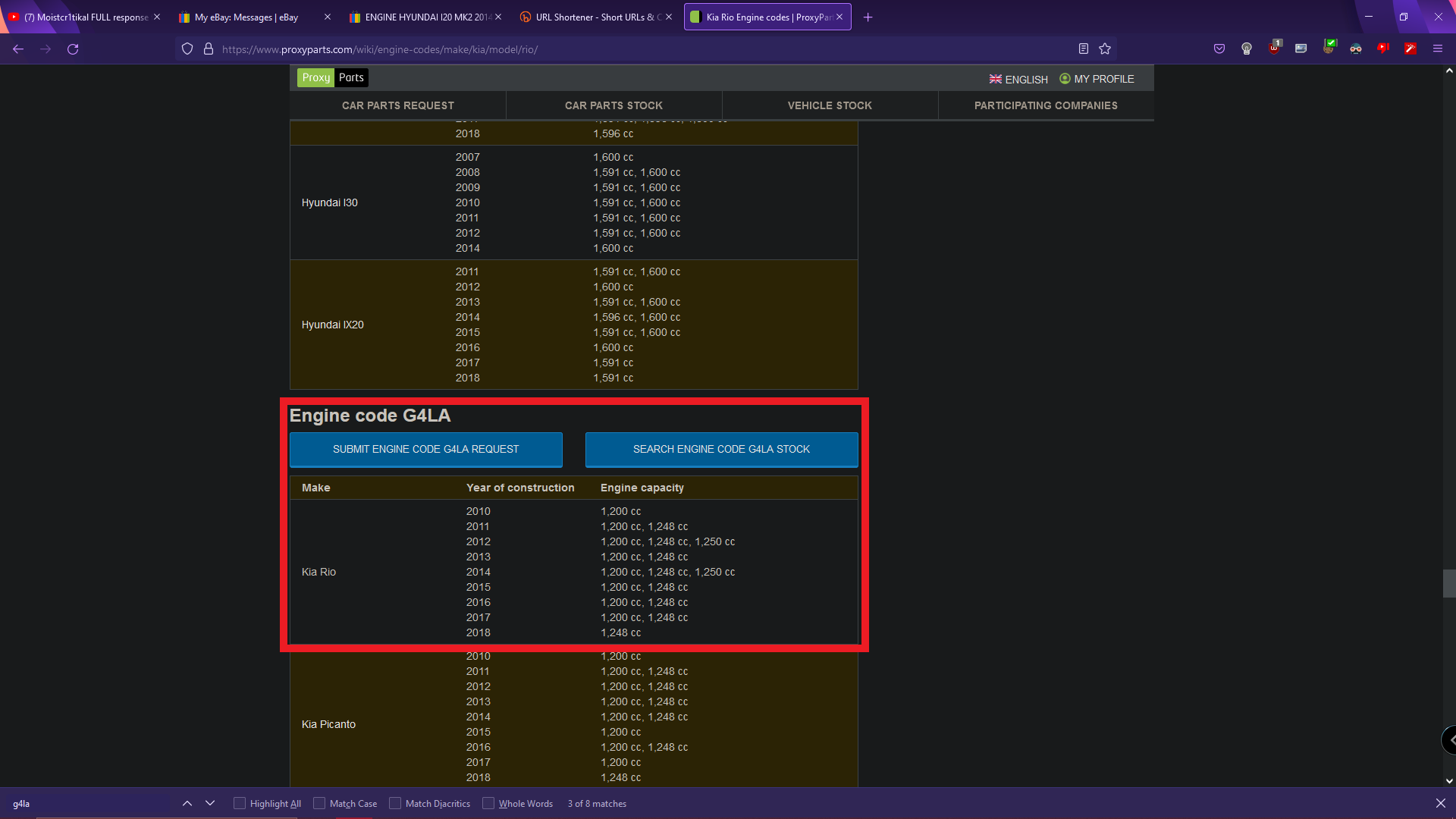
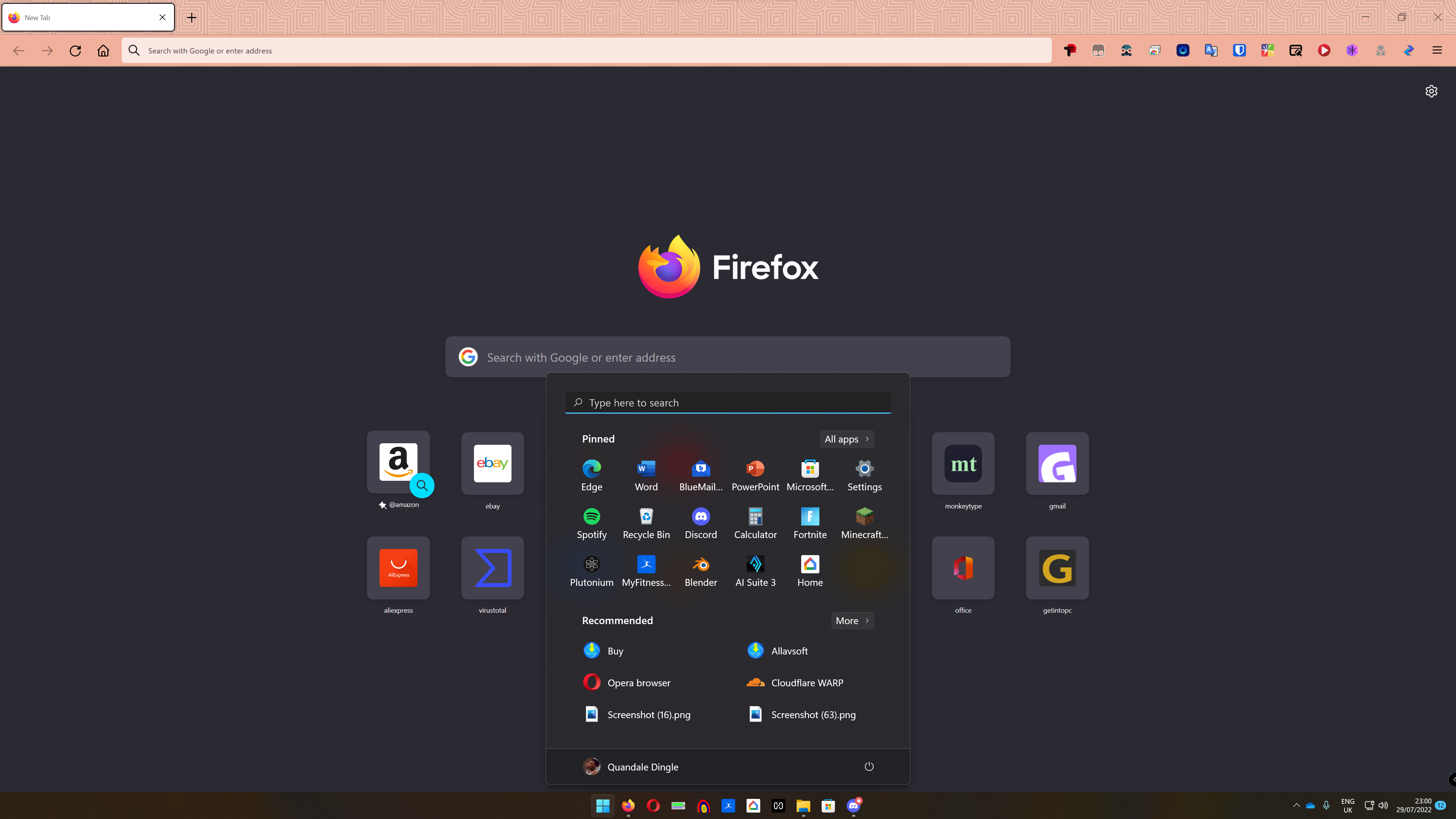
After the latest update (103.0) everything has grown larger, but the text. All images and interaction boxes. I have an example from a few months ago, is a different resolution but I was using the 4k for a while in 102 and there were no issues. No apparent option in settings to change the zoom/size of the bar. All other apps had nothing changed compared to this if that helps? If any other screenshots are needed please let me know, thanks!
Alle antwurden (2)
You can look at this thread:
- /questions/1384204 SINCE THE LAST UPDATE, THE FIREFOX SCREEN DOES NOT FIT MY SYSTEM SETTING(125%)
Hi
While there is not an easy way to revert this our product team did suggest this about:config preference change as the optimal solution at this time.
- In the address bar, type about:config and press the Enter key.
- The about:config warning page may appear. Click Accept the Risk and Continue to continue to the about:config page.
- In the search field, enter browser.display.os-zoom-behavior, select the pencil "edit" icon and change the number to 0.
- Select the check mark and restart Firefox.
They did note they would look into alternative options which may be present in a future update.
WARNING from the moderator team: Changing Firefox pref from the about:config page can sometimes break Firefox or cause strange behavior. You should only do this if you know what you're doing.
Please read Firefox Advanced Customization and Configuration Options to learn more.