


Youtube videos not showing properly
Hello,
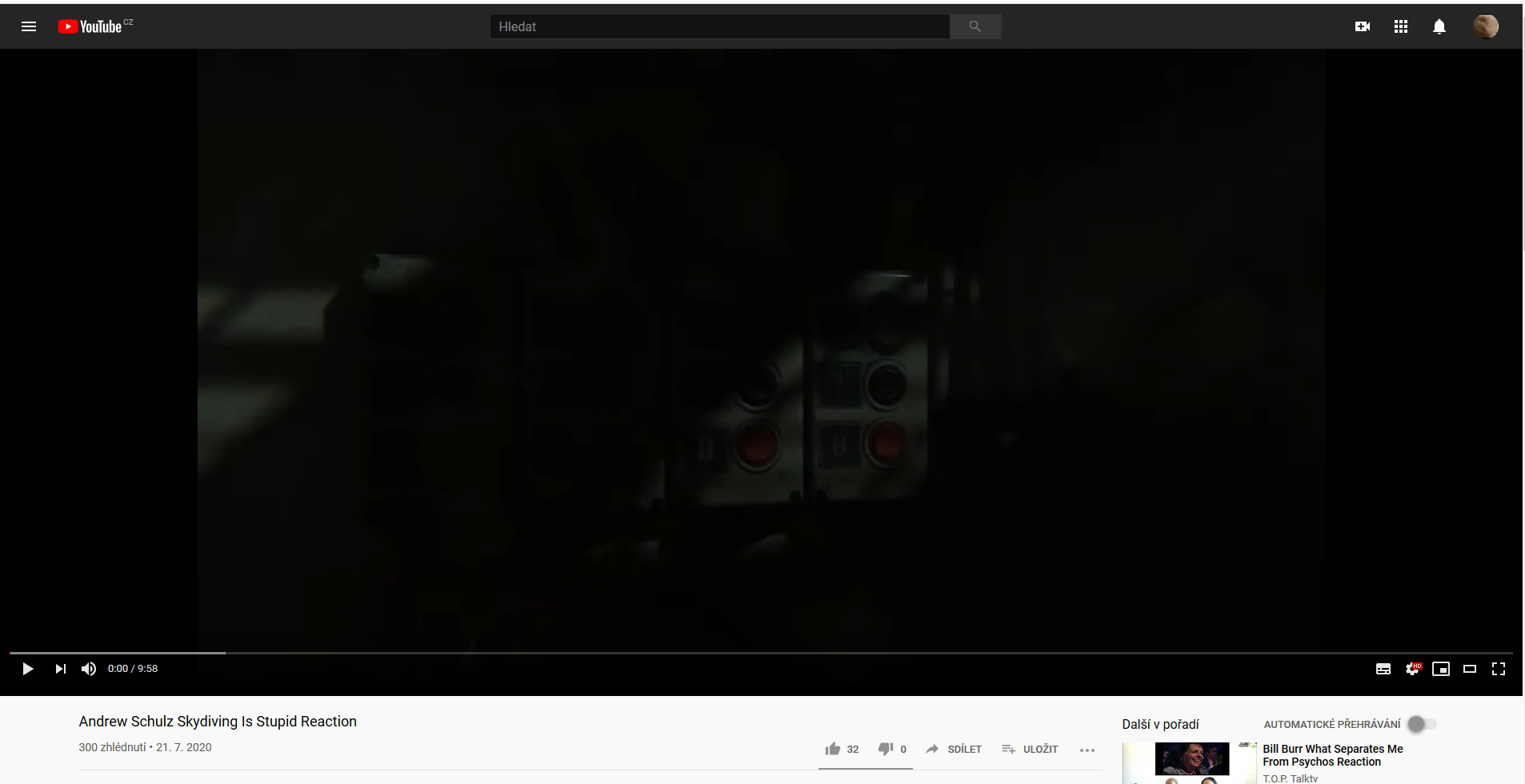
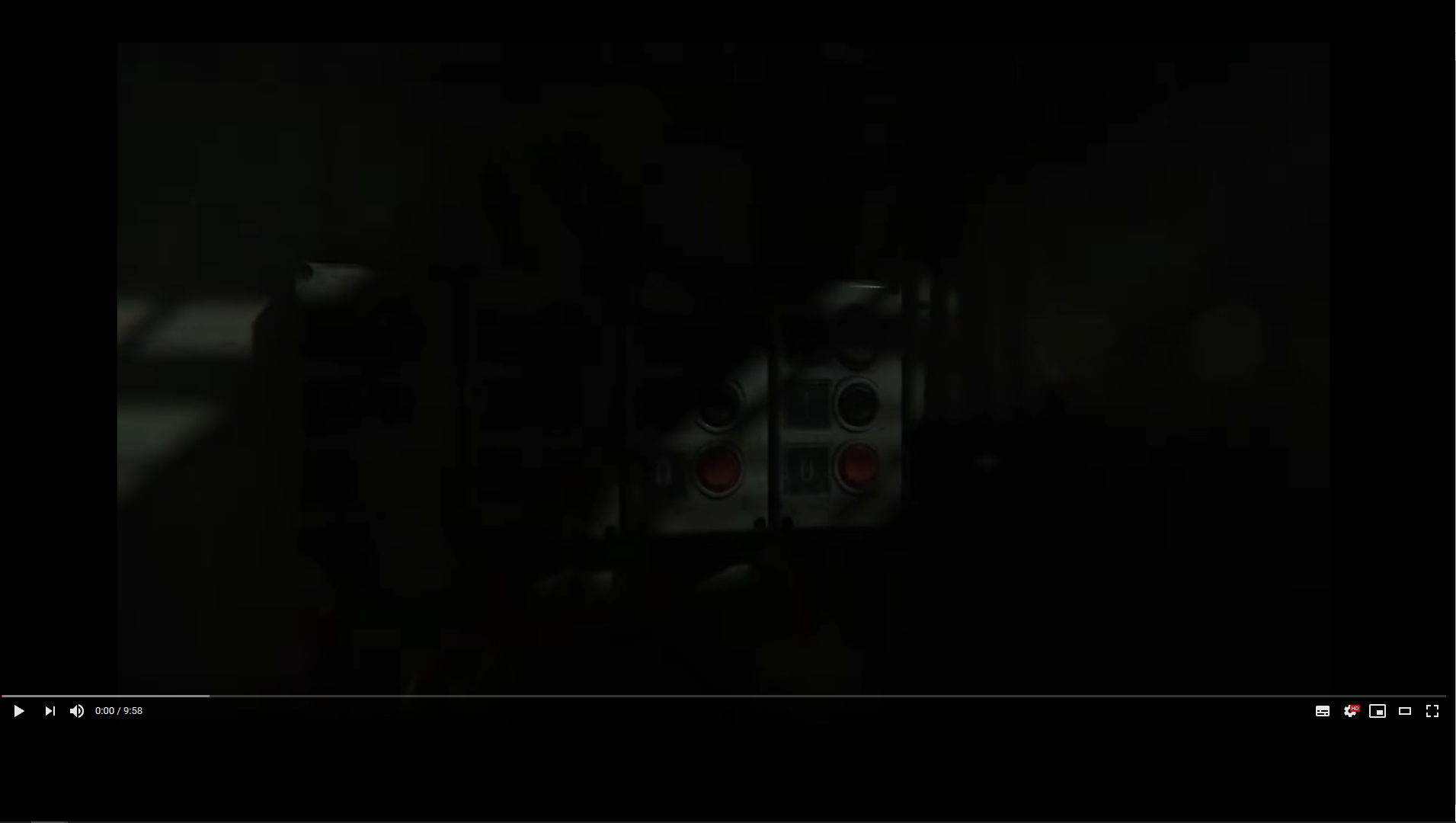
Since about a week ago, my youtube on Firefox (doesn't do this on other browsers) started to show videos, that I start in a new tab in weird format (doesn't do this when I click it to play in the same window). The video has black space under the controls for the video, it sometimes has a little white dot next to the time and when I try to go fullscreen it leaves a lot of black space under the video and sometimes even on the sides and the fullscreen gets stuck and can only be stoped by pressing escape button. And when I press "i" for the mini player and then again to go normal size it fixes this. Except for Grammarly, I don't use any add-ons or motives.
Keazen oplossing
Problém nakonec vyřešila nejnovější aktualizace Firefox. Předpokládám tedy, že se muselo jednat a bug v dané verzi prohlížeče.
Alle antwurden (6)
Zkusil bych vypnout/zapnout HW akceleraci v prohlížeči, případaně nouzový režim Firefoxu (jestli bude problém i pak).
Problém přetrvává.
Spustite počítač v núdzovom režime a preverte či problém pretrváva.
.....
Bewurke troch Gabriel235 op
Zkus ještě promazat cache a cookies v prohlížeči.
Pokud nic nepomůže, zkus si udělat nový profil Firefoxu.
Pokud to bude stejné i v něm, můžeš ho zase smazat.
Keazen oplossing
Problém nakonec vyřešila nejnovější aktualizace Firefox. Předpokládám tedy, že se muselo jednat a bug v dané verzi prohlížeče.