I cannot get .txt files to Preview in Firefox since updating to 72.0.1.
I have always been able to open a txt file from a website and have it preview in the browser. Now I get the dialog to Save or open with. This change happened recently, I believe in update 72.0.1. Txt is not an option in the Applications list so I can't choose what to do.
Alle antwurden (3)
hello, this might happen for files on a ftp server as this protocol is getting deprecated: https://www.fxsitecompat.dev/en-CA/docs/2019/all-ftp-resources-are-now-downloaded-instead-of-being-rendered/
Firefox will only open a text file in a tab when the file is send as text/plain. If the file is send as a generic type like application/octet-stream" or as content disposition then you get a download dialog. In some cases you can override this by opening the link in a tab and prefix the link with the view-source: protocol.
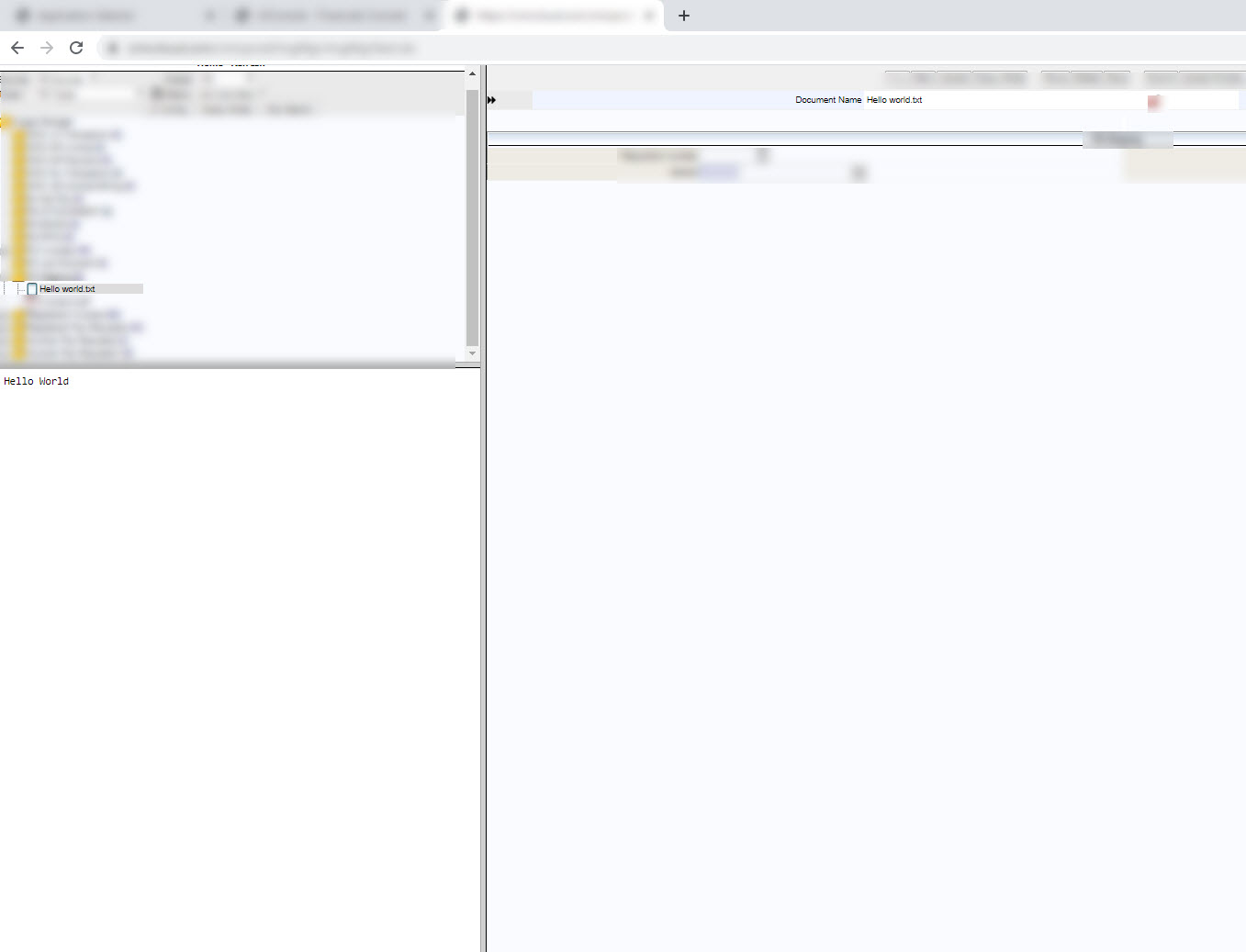
I have attached a file which is a screen shot from Chrome. Does the ame in IE also. Firefox did exactly the same thing before but now pops up with open or save. I did not have to change any settings in Firefox to accomplish this when i installed it, just used to do it.