


Firefox won't load start up URLs.

Go to settings; tell Firefox to load current pages at start up. Close browser; start browser; page names show in tabs but never load, just spin. This happens with and without plug-ins.
Alle antwurden (6)

Please copy and post your startup and homepage settings here.
The links look okay to me.
Let's try this; Load the wanted web pages in the Firefox tabs.
Open a new window and type about:preferences#general<enter> in the address bar.
Under When Firefox Starts select Show My Home Page.
Under Home Page, press Use Current Page After, remove the about:preferences entry.
Attached is the displayed page -- no entries for the topics you mention. I appreciate your efforts.
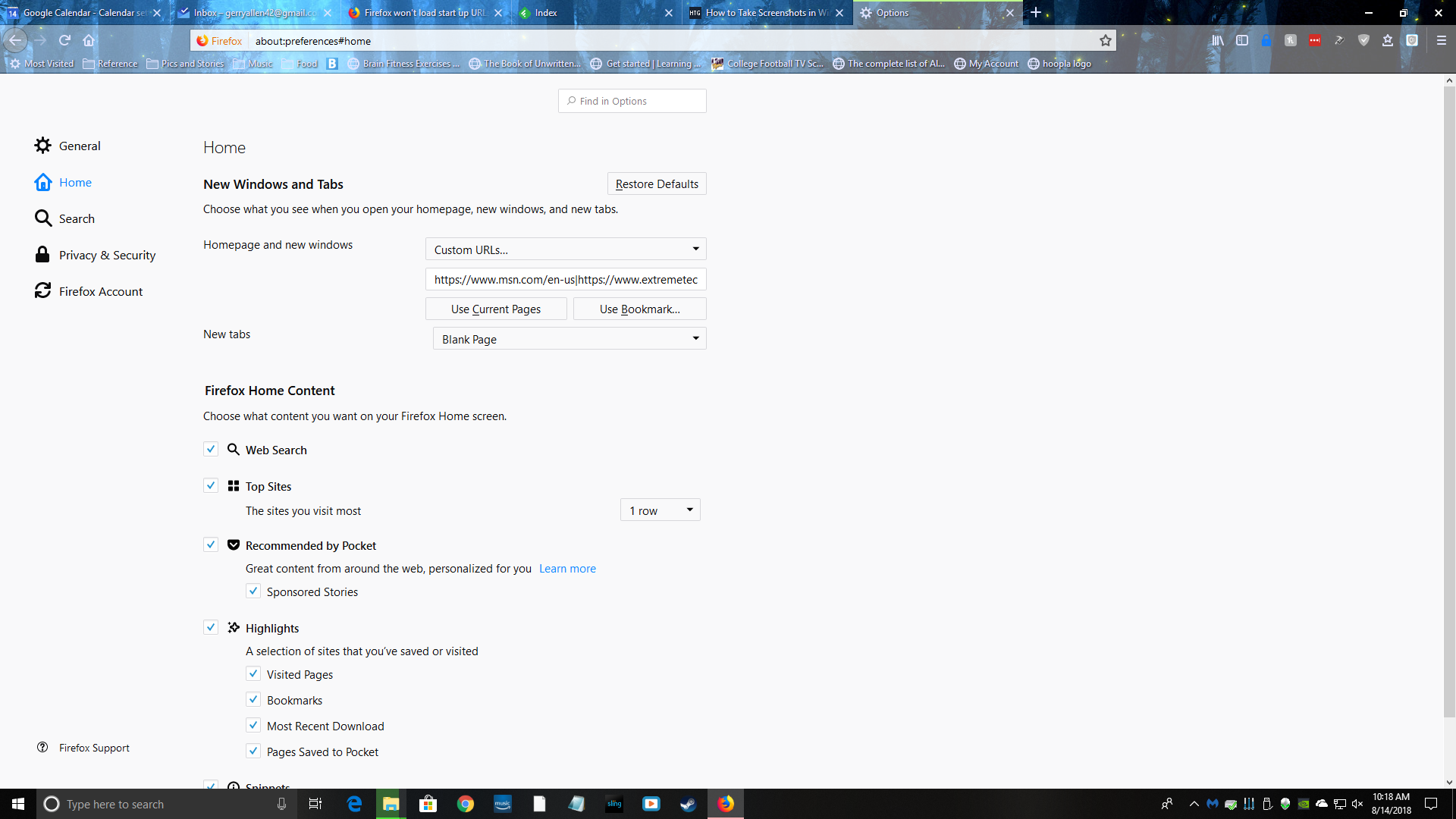
At the top of your screenshot under New Windows And Tabs
I called for more help.
I created a new profile, started Firefox, opened the pages above, told Firefox to use current pages as start, closed Firefox, started Firefox and all tabs opened but only the MSN tab connected; the others simply spun. Am using Google DNS servers (8.8.8.8 and 8.8.4.4) but all else seems pretty vanilla,