


New email address - no password box in setup screen

I am trying to add my new (outlook) email address to Thunderbird but I get the following error message before I have the opportunity to enter my password
Authentication error. Show less
Unable to log in at server. Probably wrong configuration, username or password.
Where am I going wrong please?
Toutes les réponses (8)

Please post screenshots of your 'setup screen' where there is no 'password box', as well as one of the 'Authentication error'. https://support.mozilla.org/kb/how-do-i-create-screenshot-my-problem
Here are two images
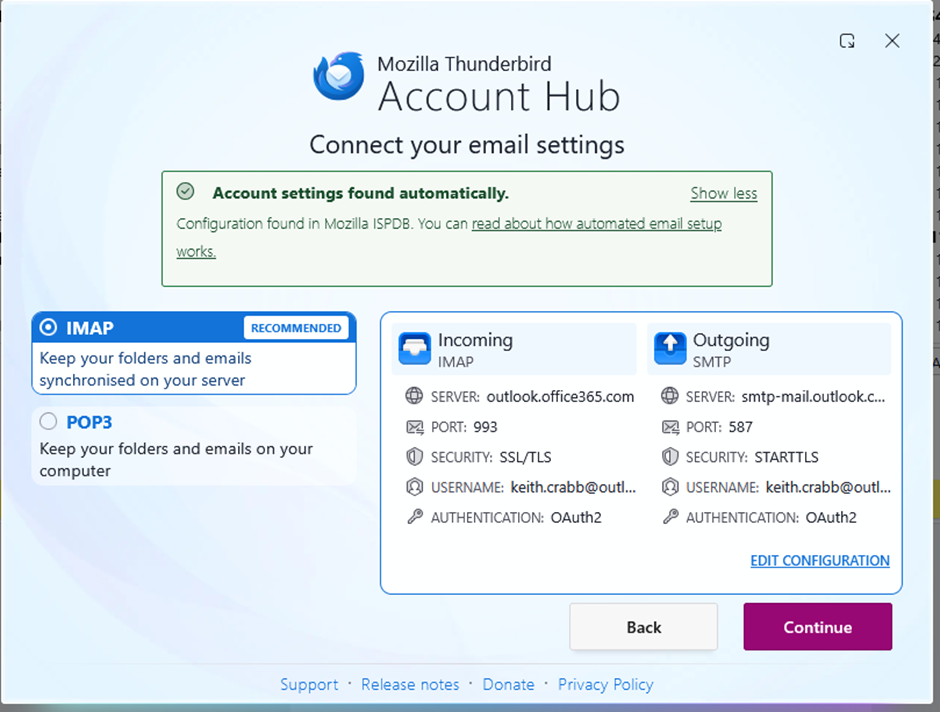
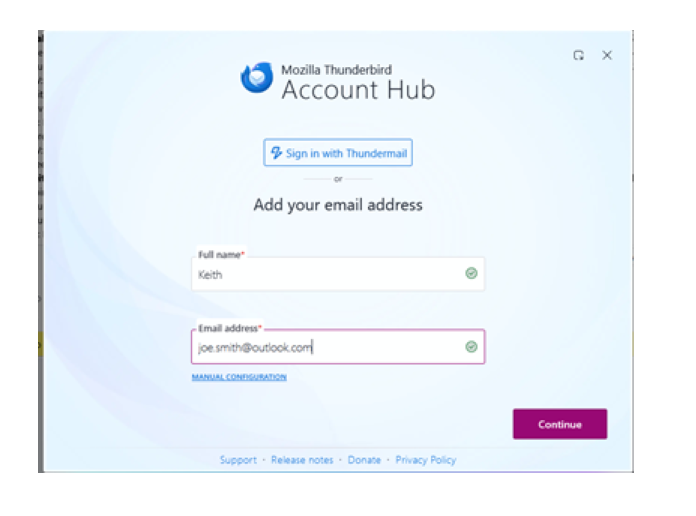
Looking at your second screenshot (the one on the left), what happens when you click continue? Please also post a screenshot of the error you get.
Sorry, this one is better
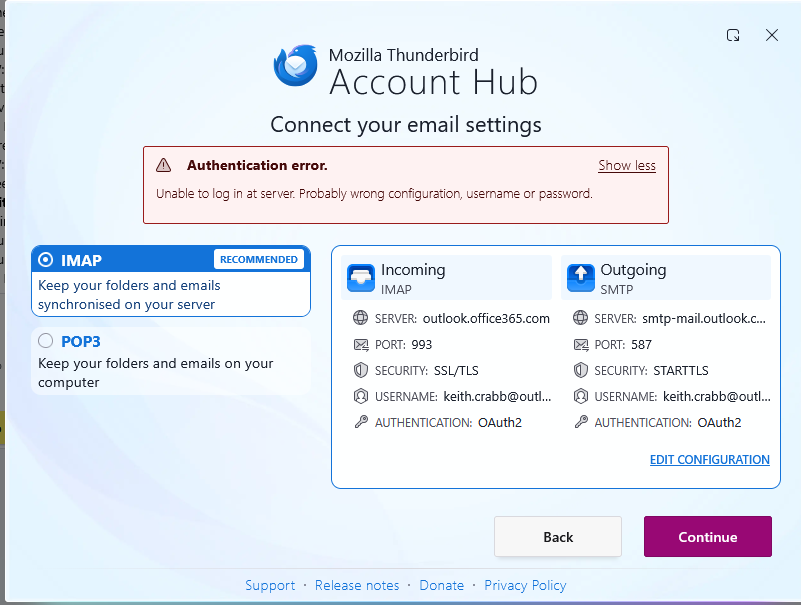
At this point you didn't get to the point where you'll be prompted for the password yet. See support article for the TB Account Hub. https://support.mozilla.org/kb/tb-oauth
As to why you get an authentication error at this point, I'm not sure. Take a look at these troubleshooting steps, and see if any of this helps. https://support.mozilla.org/en-US/kb/tb-oauth#w_more-detailed-oauth-explanation-for-less-technical-people
Thanks for that, I got a little further this time, but here is the latest error message
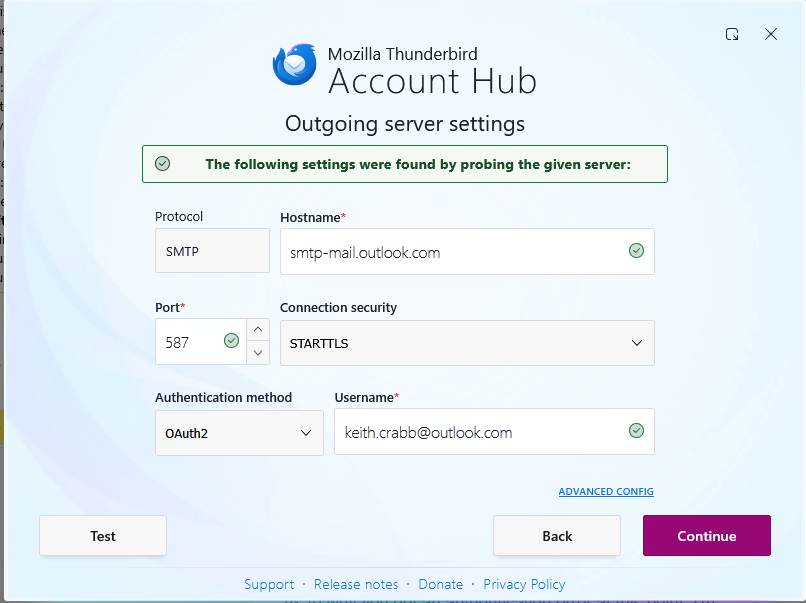
What happens when you click 'Continue'?
Nothing! I can only get as far as error msg 2 now, and 'continue' returns to the same message