


I have just acquired a new computer and have downloaded Thunderbird onto it... can I bring over my folders, etc that were on my old computer (which is dead)?

I have just acquired a new computer and have downloaded Thunderbird onto it... can I bring over my folders, etc that were on my old computer (which is dead)?
Toutes les réponses (15)
How dead is it? If you have access to the drive, you can do it. If the pc crashed while thunderbird was running, it might be a salvage operation, piece by piece, but definitely doable to some degree (depending on any damage done to thunderbird). Provide more details and I or others will assist as best we can. Thank you
Hey David. The start button stopped working so I couldn't turn on the old computer. The Geek Squad wasn't able to fix it. They are currently attempting to transfer/copy the hard drive onto an external hard drive for me.
We can still assist. Post back to same thread when you get it back. My earlier suggested steps still apply :)
Hello David! I now have all of the stuff from my old computer on an external hard drive. Nothing is damaged. If you could walk me through transferring the files, that would be wonderful! Thanks!
Ok, to minimize errors, could you please post a screenshot of the folder's contents? Not all the details, just enough to see what the main folders are. That will ensure that my suggested steps should work. Thank you
I've attached what I can see in the external hard drive
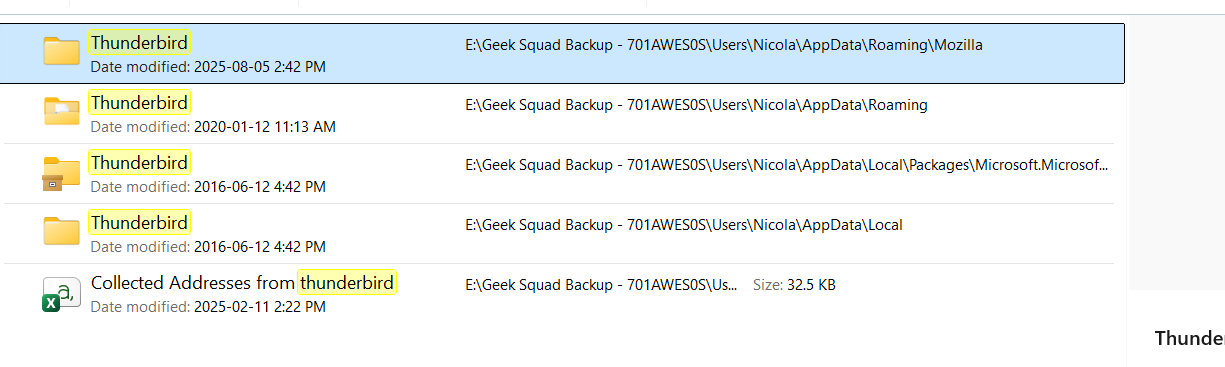
thank. now, do a screenshot of the appdata\roaming\mozilla folder. that appears to be the most recent, from august
Modifié le par david
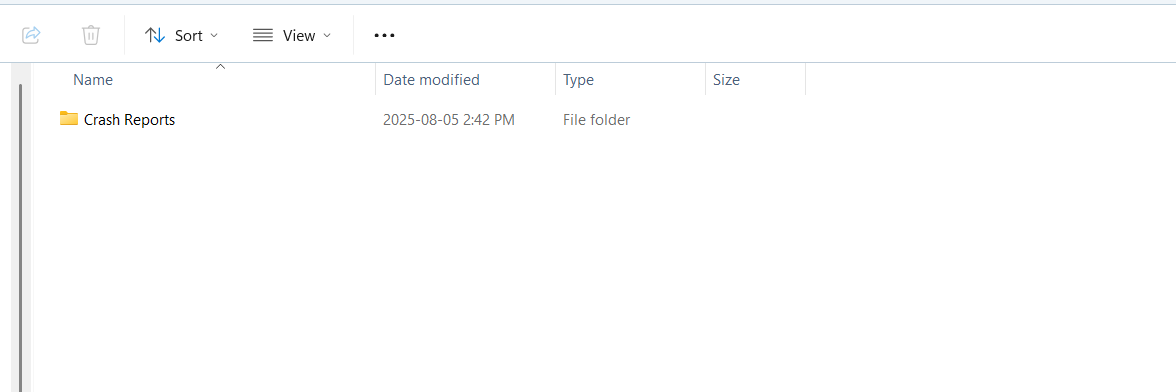
Is it fixed?
These are the folders that I am looking for... local folders that I had created in Thunderbird. Can I just drag them from the external hard drive to my new computer? thanks
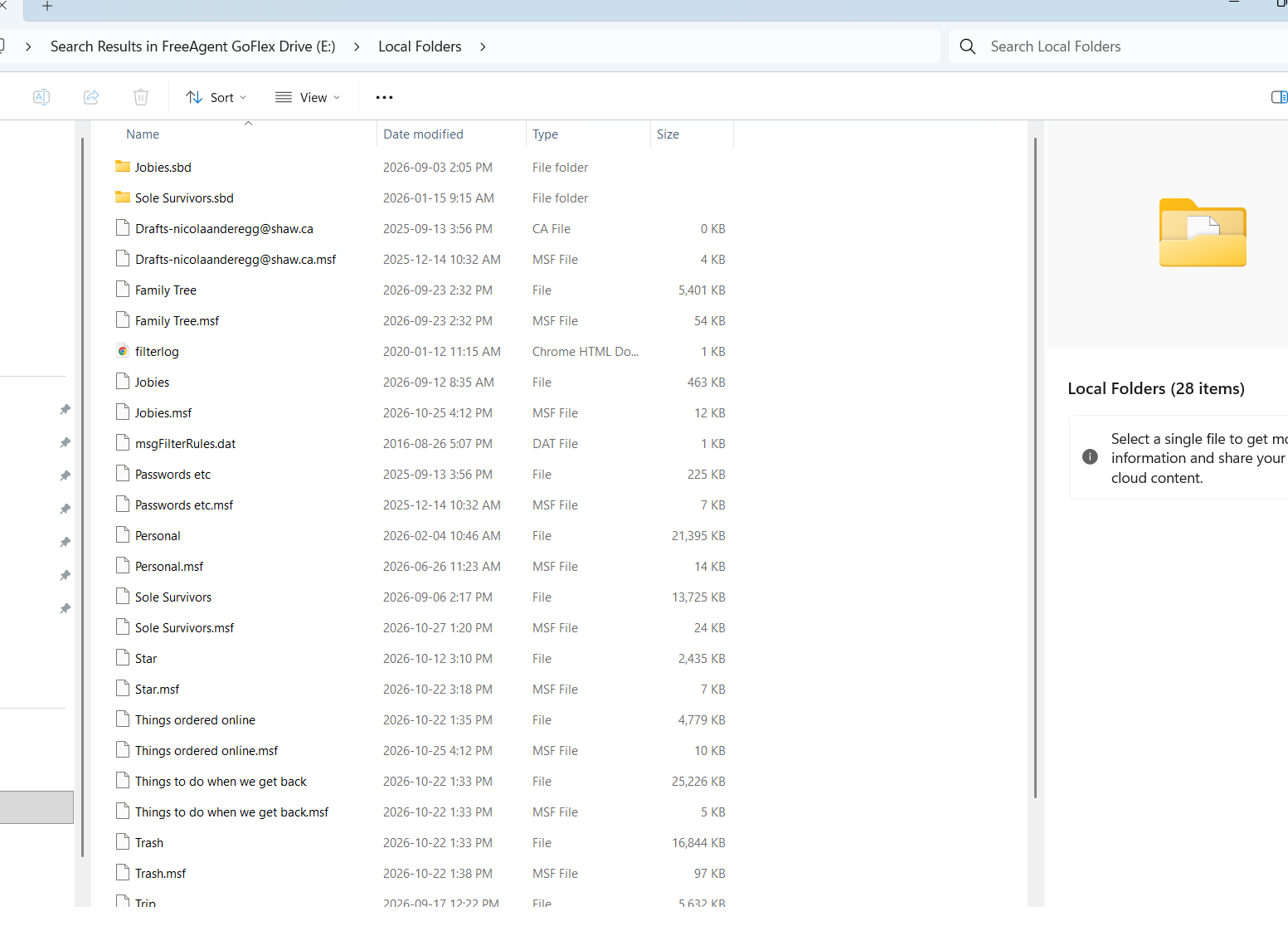
Yes,
- exit thunderbird
- select all the contents of Local Folders as shown in your screenshot
- click to the mail\Local Folders of your active profile and paste them in
- restart thunderbird
If you are unsure of where your active profile is, do this:
- click help>troubleshootinginformation
- scroll to 'profile folder' and click 'open folder'
- now, click the Mail folder and then the Local Folder
David: not fixed
sorry... you're suggestions just popped up... I'll try that now!
Sorry... where am I clicking this: If you are unsure of where your active profile is, do this:
click help>troubleshootinginformation scroll to 'profile folder' and click 'open folder' now, click the Mail folder and then the Local Folder
the menus are either in the tool bar or the hamburger menu in upper right.