Can I increase UI font size?

I can't see very well and I have trouble reading my tab names with the new update, Firefox 157.0. Is there any way to make the font size in Firefox itself larger? I can find settings to make font bigger on webpages, but not the interface itself.
If there is no option, where do I request it? Thank you.
Update: Windows 10 ease of access settings (Settings>Ease of Access>Make Text Bigger + Make Everything Bigger) do technically do it, but boosting the text everywhere causes problems on a lot of websites. I literally just want to do the tab names. thanks
Modifié le par kas71
Toutes les réponses (2)
Hi kas71,
Firefox does not currently have a built-in setting to increase only the font size of the browser interface, such as tab names, while leaving website text unchanged.
You can use Windows' text scaling options, as you found, but that affects other applications and can also affect how websites are displayed.
If you specifically want an option to increase the font size of Firefox's interface, you can submit the idea through Mozilla Connect. This is where Mozilla collects feedback and feature requests for Firefox.
If you'd like, you can also let us know whether the main problem is the tab names or other parts of the Firefox interface, as that may help identify an existing accessibility feature or workaround.
Bonjour
A space for users to give product feedback https://support.mozilla.org/en-US/kb/what-mozilla-connect
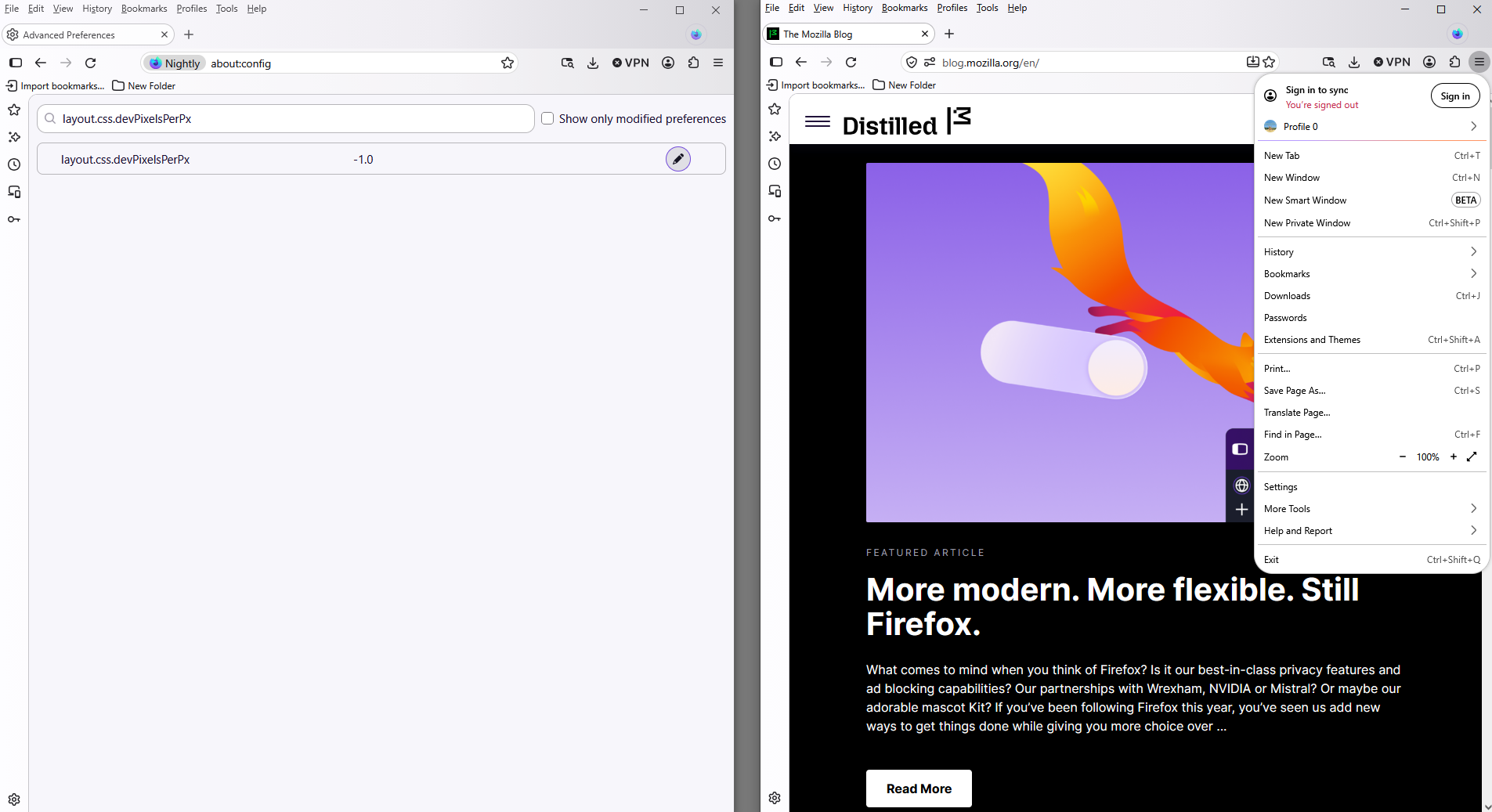
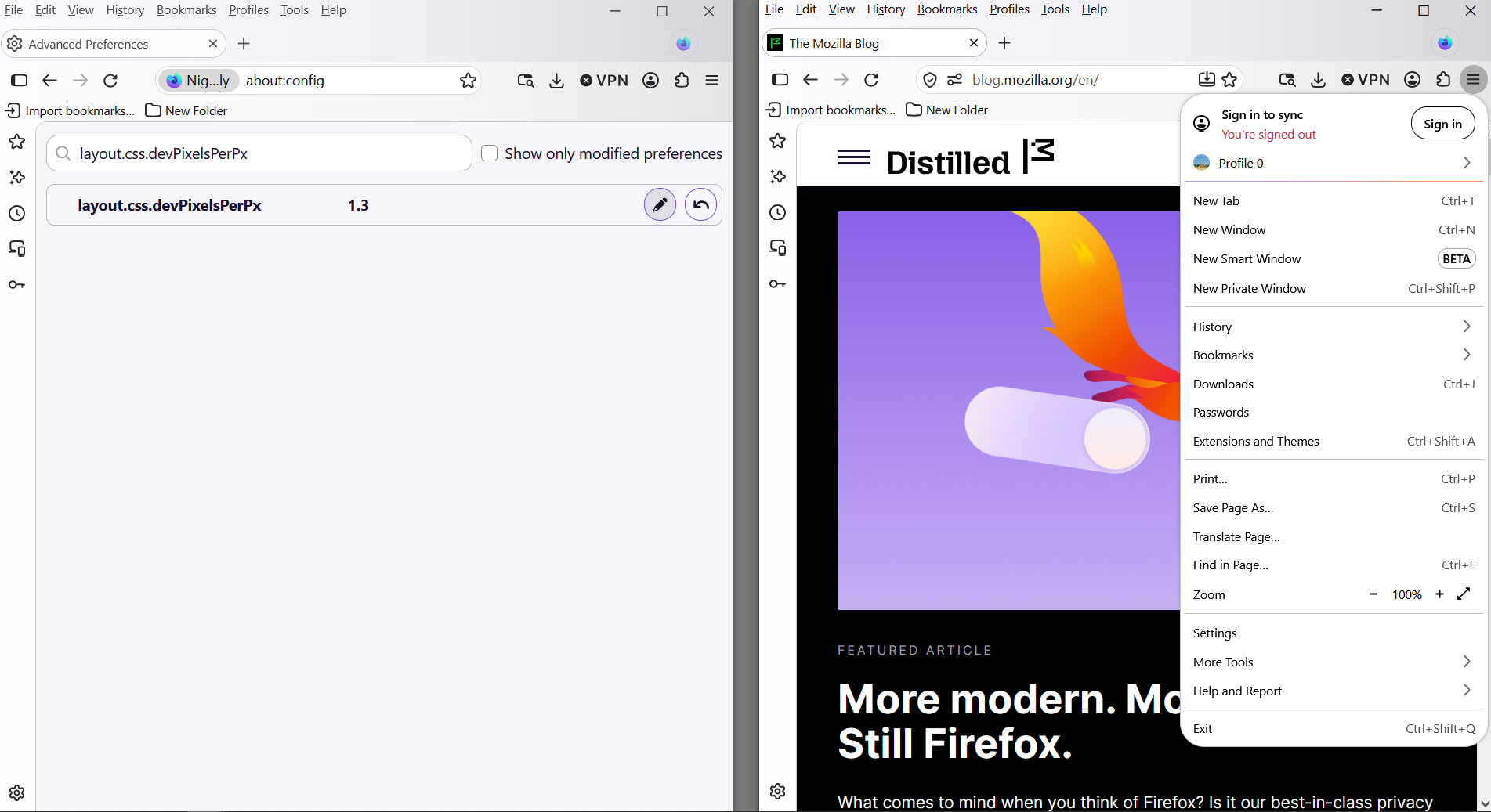
About user interface. The preference, layout.css.devPixelsPerPx. There's propagates also side effects on the web pages.
1 - Go to configuration editor https://support.mozilla.org/en-US/kb/about-config-editor-firefox 2 - Enter a search term layout.css.devPixelsPerPx default value -1.0
A test, value, 1.3