Can't access OnLine banking since recent updates
Attn: Customer Support
  Firefox is currently my "default" browser.  I am running the most current updated Firefox browser.  I am using a desktop iMac with OS of Tahoe 26.1
  It appears since the latest few updates (on Firefox) over the last week or so, I can no longer log in to my online banking.  I am able to enter my username and password (I'm using the 1Password app on this desktop and my iOS).  After entering my username and password, the progress wheel just spins and spins and nothing further happens.  The screen just sits there and does not progress to the next webpage allowing entry to my banking.  I know that it is a problem with the Firefox browser.   When I log in to my online banking using Chrome, I have no issues, it logs right in.
  What is going on?   Please advise.  I'm thinking about ditching Firefox and going with Chrome or Safari.
Thanks for your assistance Dennis Ontario, Canada
Toutes les réponses (4)

Oldenwise said
Attn: Customer Support Firefox is currently my "default" browser. I am running the most current updated Firefox browser. I am using a desktop iMac with OS of Tahoe 26.1 It appears since the latest few updates (on Firefox) over the last week or so, I can no longer log in to my online banking. I am able to enter my username and password (I'm using the 1Password app on this desktop and my iOS). After entering my username and password, the progress wheel just spins and spins and nothing further happens. The screen just sits there and does not progress to the next webpage allowing entry to my banking. I know that it is a problem with the Firefox browser. When I log in to my online banking using Chrome, I have no issues, it logs right in. What is going on? Please advise. I'm thinking about ditching Firefox and going with Chrome or Safari. Thanks for your assistance Dennis Ontario, Canada
Does it happen with Firefox in Troubleshoot Mode? https://support.mozilla.org/en-US/kb/diagnose-firefox-issues-using-troubleshoot-mode#search
Did you clear your browser cache? https://support.mozilla.org/en-US/kb/clear-cookies-and-site-data-firefox
...thanks for the feedback. I'm not familiar with the "Troubleshoot Mode"...I'll have to look into that, but I don't believe that's the problem.. I may need some assistance how to work the troubleshoot mode.
Re: clearing the browser cache, I am familiar with doing that and clear all the time, when and if I have to open a new tab for the same website. It's not the problem.
Regards, D.

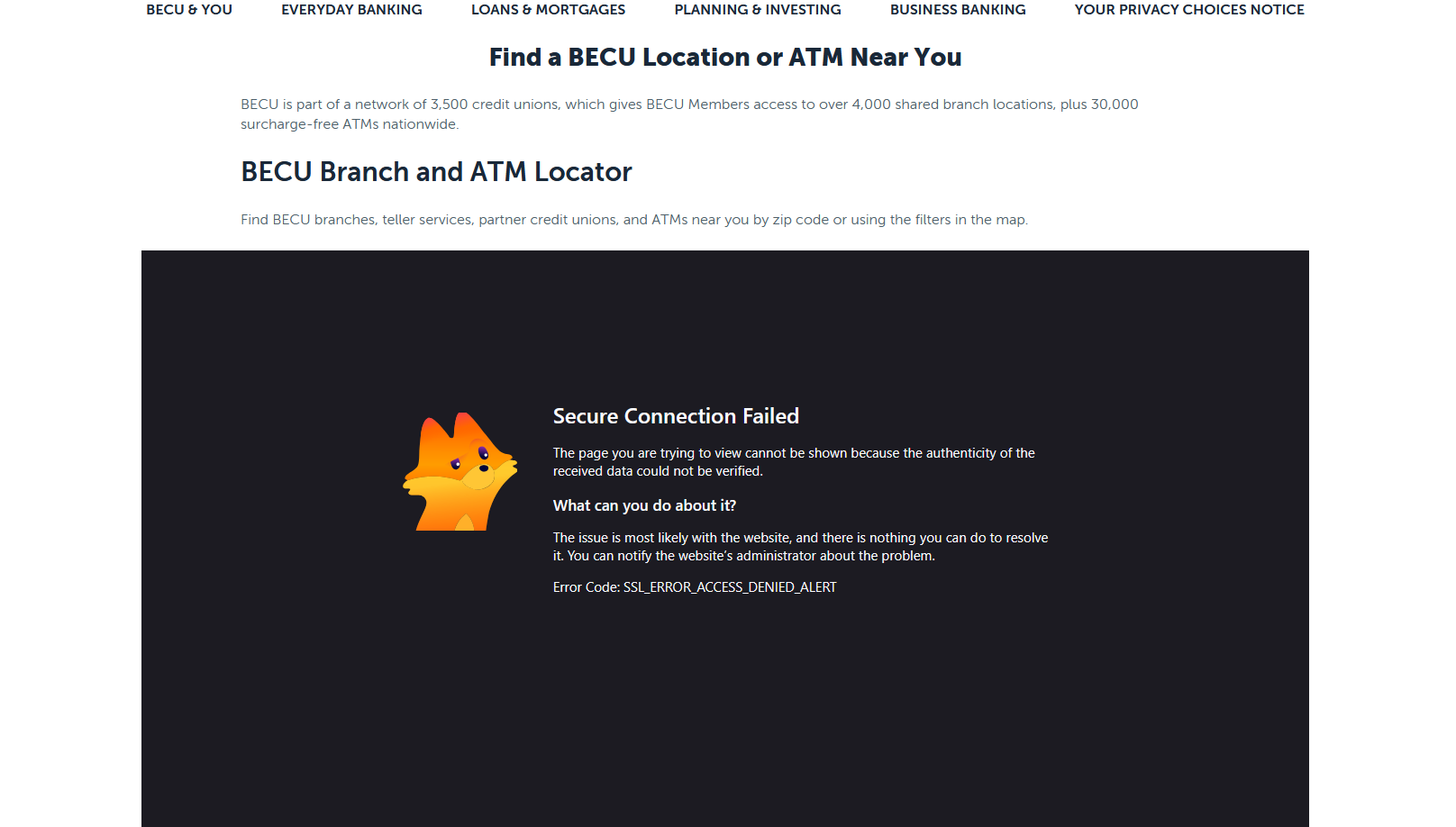
I have the same issue. I switched to troubleshooter mode and the issue went away, but I cannot find what in the new updated Firefox 152.0 (64bit) is blocking the internal site on my banking app. I had a vpn extension that was creating havoc and removed it, but when I login to my banking app I can use most of the app but when I try to load a location map it crashes. See attached screen shot.