


Youtube does not work
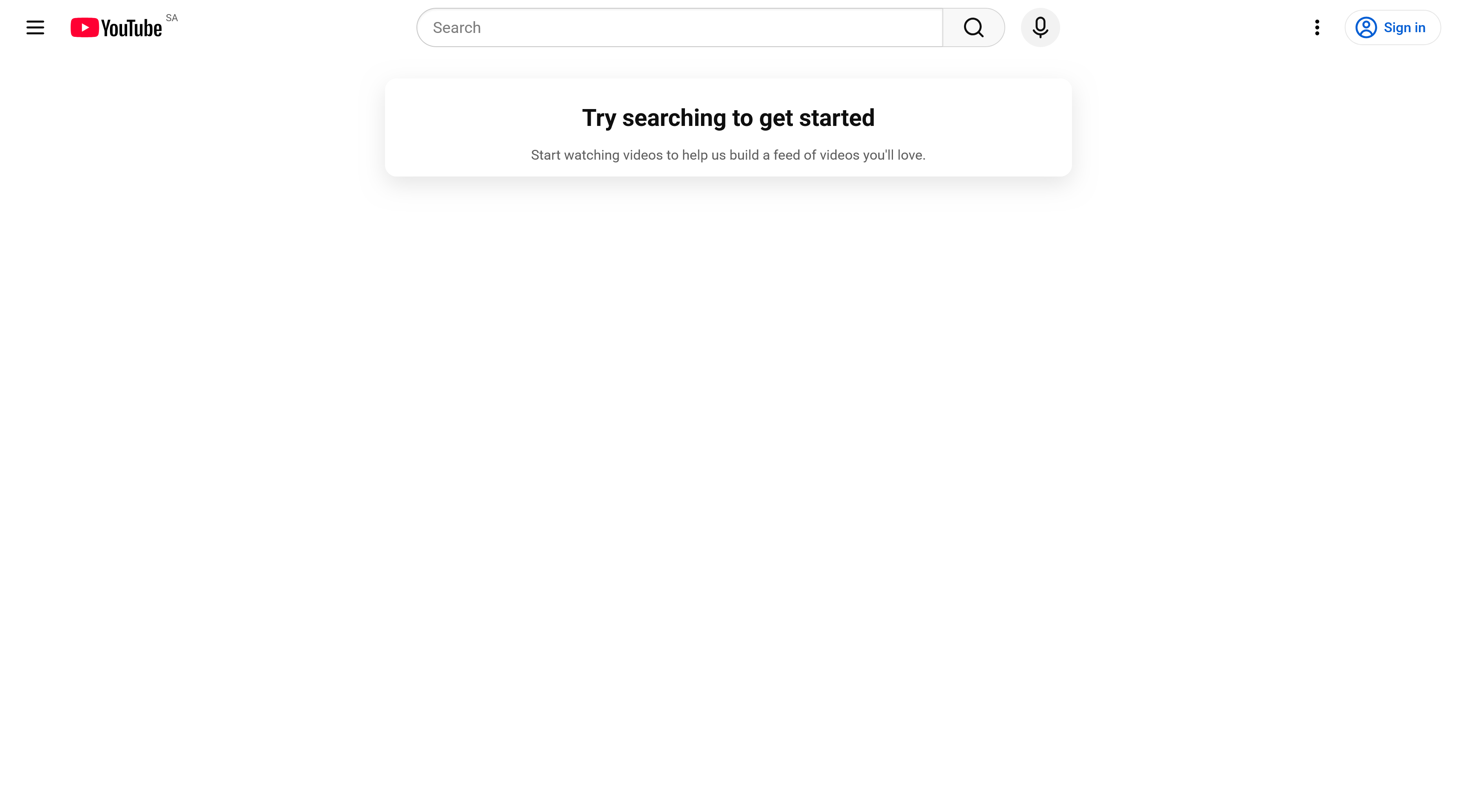
Youtube does not work. It shows somekind of default page that is essentially blank. It does say: "Try searching to get started" and "Start watching videos to help us build a feed of videos you'll love."
But it will not respond when I attempt to search anything.
Solution choisie
Videos fail to play. I have Youtube site loading, lists videos, clicking on any link has no effect. Accessing a video directly loads the page with a blank screen but, again, does not play. They will play properly in Private or Safe Mode.
Lire cette réponse dans son contexte 👍 0Toutes les réponses (5)

How about if you try to go directly to a specific youtube video ? Does the video work ?
https://www.youtube.com/watch?v=RrESvSRNpeo
Maybe it's just the search function that doesn't work ?
How about when you go directly to a specific video ? Does the video work ?
https://www.youtube.com/watch?v=RrESvSRNpeo
Maybe it's just the search function that's broken ?
Solution choisie
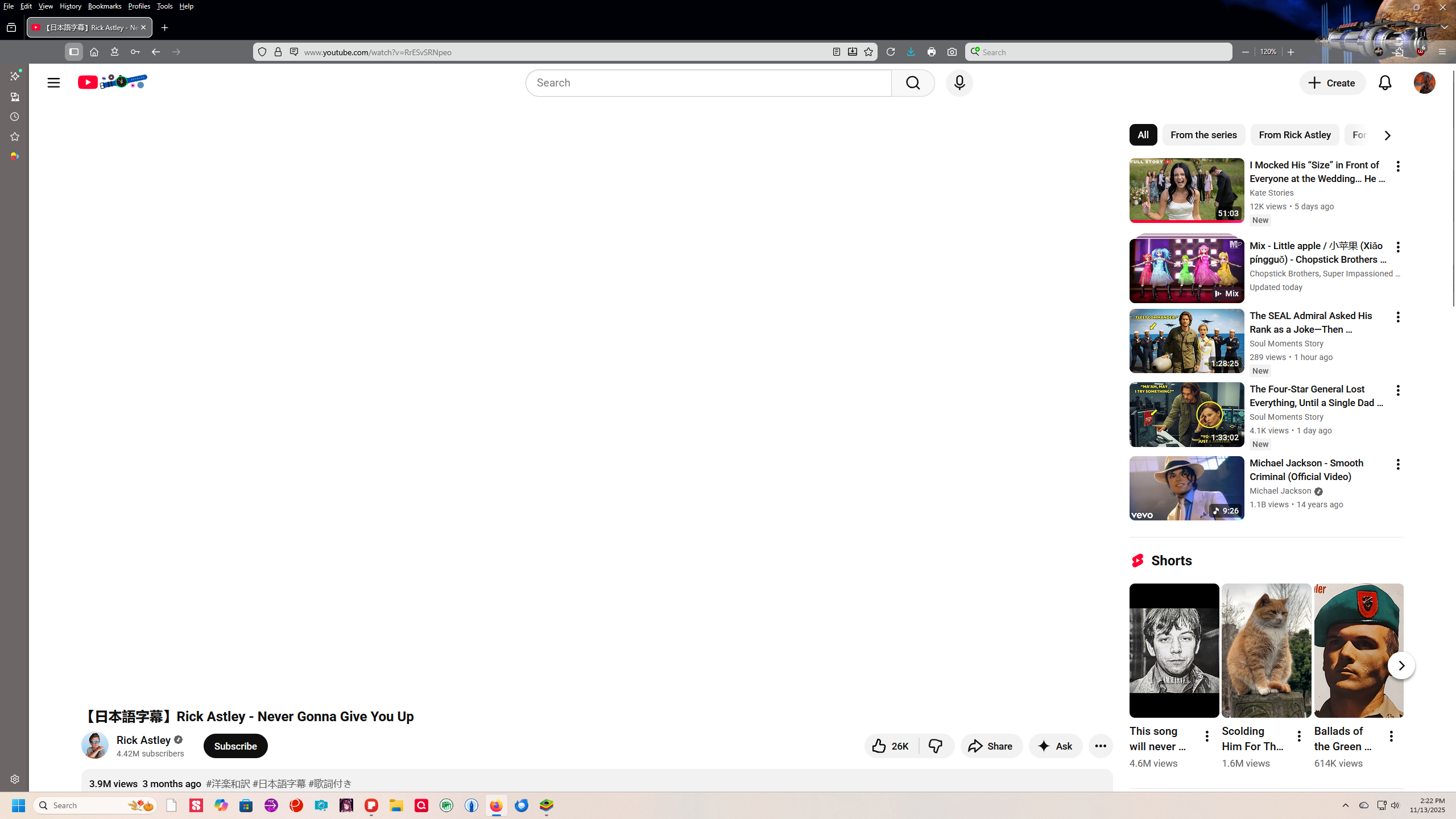
Videos fail to play. I have Youtube site loading, lists videos, clicking on any link has no effect. Accessing a video directly loads the page with a blank screen but, again, does not play. They will play properly in Private or Safe Mode.
this is a screenshot going directly to: https://www.youtube.com/watch?v=RrESvSRNpeo
The white major portion of the screen is where the video would play.
I am currently facing the same issue, not sure what is happening here.. Did you manage to solve it in the end without using the private tab?