


Windows 10 reached EOS (end of support) on October 14, 2025. If you are on Windows 10, see this article.

Rechercher dans l’assistance

Évitez les escroqueries à l’assistance. Nous ne vous demanderons jamais d’appeler ou d’envoyer un SMS à un numéro de téléphone ou de partager des informations personnelles. Veuillez signaler toute activité suspecte en utilisant l’option « Signaler un abus ».

En savoir plus
Résolu Archivé

After I refresh Firefox, will the sync restore extensions etc?

lekorrigan

Hello, I use Firefox on two desktop computers and one mobile device. Firefox is being slow on one desktop, so I want to "refresh" it. The [page] says that extensions and search engines will be removed... but will they be restored by Firefox Sync from the other desktop computer? Or will sync also remove extensions on the other computer? Thanks

Hello, I use Firefox on two desktop computers and one mobile device. Firefox is being slow on one desktop, so I want to "refresh" it. The [[https://support.mozilla.org/en-US/kb/refresh-firefox-reset-add-ons-and-settings|help page]] says that extensions and search engines will be removed... but will they be restored by Firefox Sync from the other desktop computer? Or will sync also remove extensions on the other computer? Thanks

Toutes les réponses (2)

Solution choisie

Sync will bring back your extensions from the other devices once you sign into your Mozilla account. Refresh is scary which is why I've only done it maybe 3 times in all my years running Firefox.  ;-) I also run most versions of the browser plus Waterfox on several devices so my data is in more than 1 browser and on more than 1 device. see old screenshot
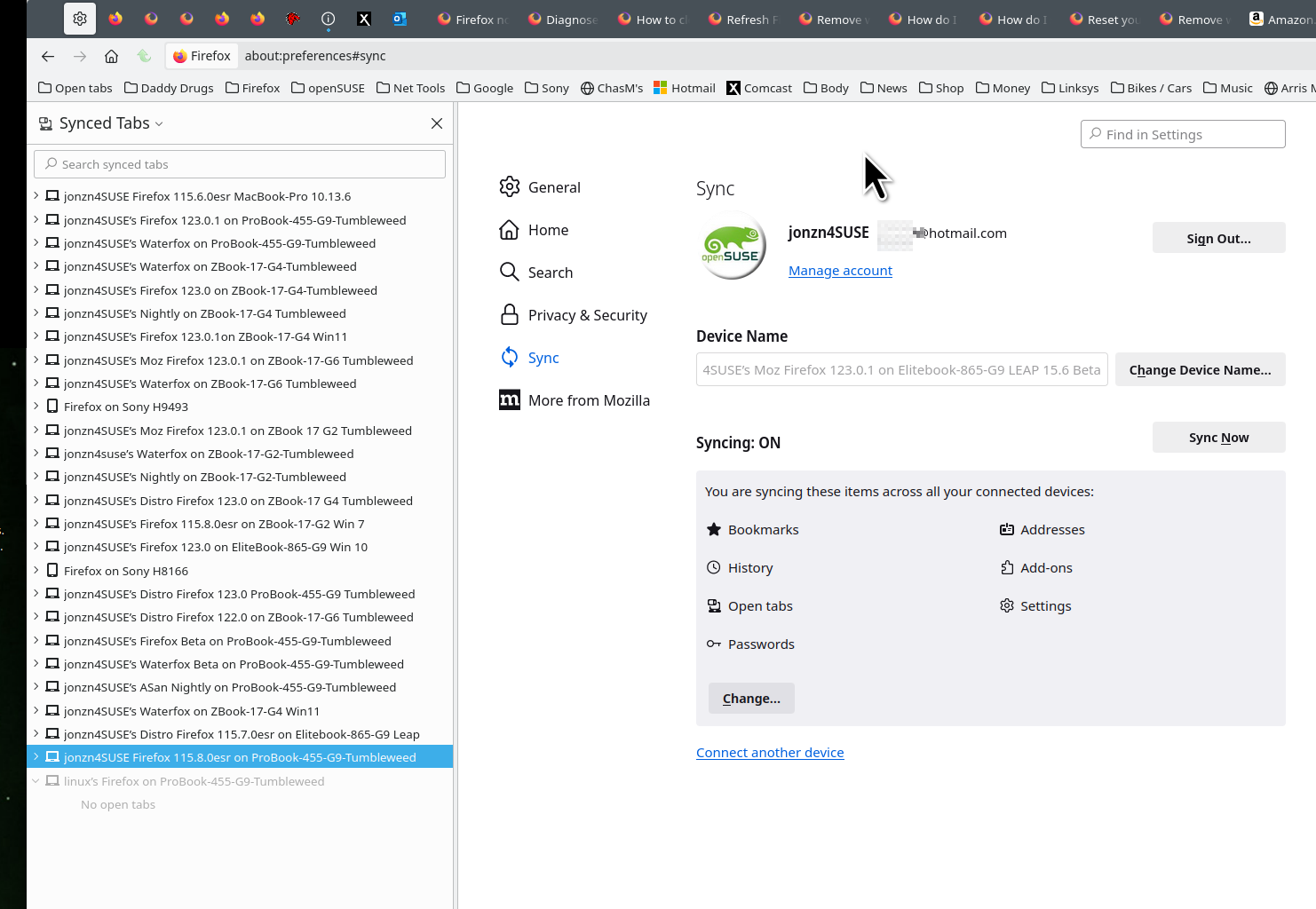
Modifié le par jonzn4SUSE

Whatever your issue is, it could be diagnosed by running Troubleshoot mode to see if an extension or too many of them is the issue.

https://support.mozilla.org/en-US/kb/diagnose-firefox-issues-using-troubleshoot-mode#w_how-to-start-firefox-in-4troubleshoot-modesf5safe-modesf

Modifié le par jonzn4SUSE