


Problems loading websites with latest version of Firefox

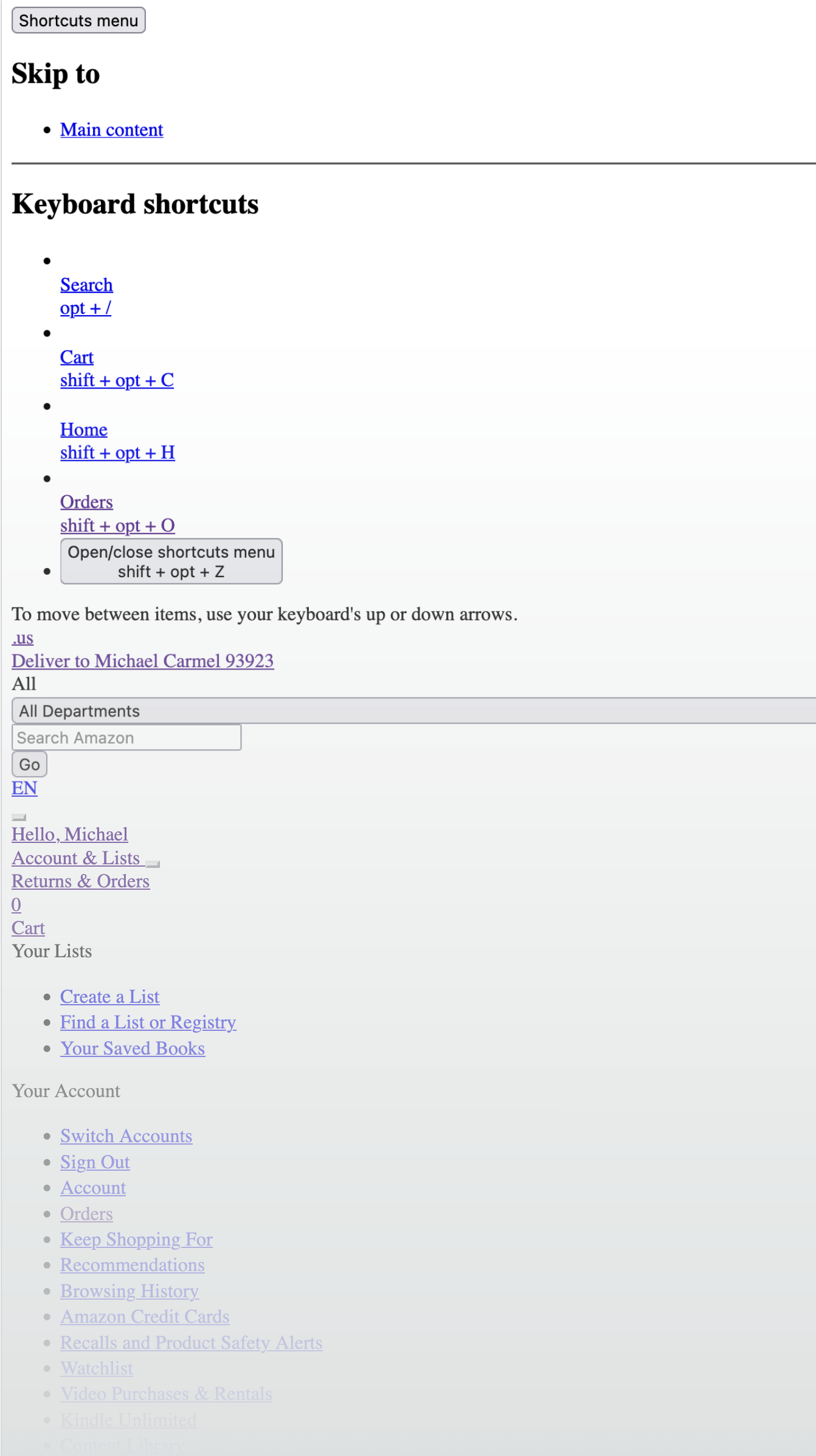
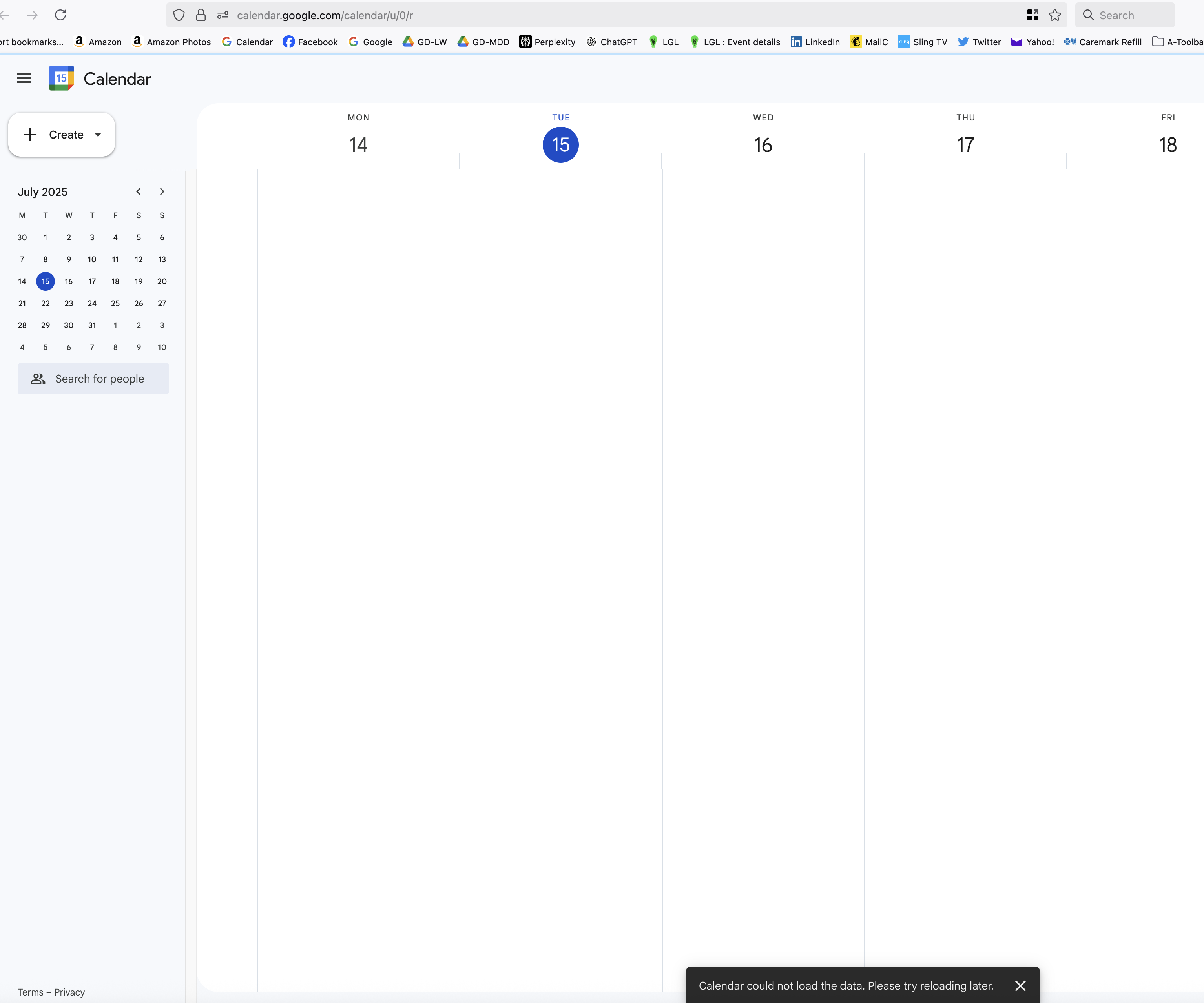
Is anyone else having problems with the latest version of Firefox not rendering Google Calender, Amazon.com and other websites?
Modifié le par mdelapa
Solution choisie
No problem, but you don't have to remove it, just tweak it. I've been using Adblock Plus for years with not many issue. The same for Ghostery. It bothers a lot of site, but you just have to get your tweak on until it works. I have no issues with Amazon and ABP. Can't do the interwebs without it. Try it. https://addons.mozilla.org/en-US/firefox/user/13462625/?utm_source=firefox-browser&utm_medium=firefox-browser&utm_content=addons-manager-user-profile-link
I forgot. Mark this as resolved and don't forget to like, share, and subscribe. ;-))
Lire cette réponse dans son contexte 👍 1Toutes les réponses (6)

Did you try with Firefox in Troubleshoot Mode?
jonzn4SUSE - Well, it solved one problem -- the websites I was having problems with now load properly -- but it created a new and maybe bigger problem. I lost all of my tab groups, so I have dozens of tabs dancing around my toolbar. Any way to get those tabs back into my original groups?
Much thanks!
Update: I restarted Firebox without deploying Troubleshoot Mode. All of my tab groups came back to life but the websites that didn't load previously still won't load. So is the likely problem a conflict with one of my extensions, e.g., maybe an ad blocker?
Blocker for $200... This is why a full browser screenshot is always helpful.
Modifié le par jonzn4SUSE
Thank you. I removed AdBlocker and everything is back to normal. I really appreciate your help.
Solution choisie
No problem, but you don't have to remove it, just tweak it. I've been using Adblock Plus for years with not many issue. The same for Ghostery. It bothers a lot of site, but you just have to get your tweak on until it works. I have no issues with Amazon and ABP. Can't do the interwebs without it. Try it. https://addons.mozilla.org/en-US/firefox/user/13462625/?utm_source=firefox-browser&utm_medium=firefox-browser&utm_content=addons-manager-user-profile-link
I forgot. Mark this as resolved and don't forget to like, share, and subscribe. ;-))