


Can no longer sign in to particular website using Firefox Browser
The website in question is https://accounts.groceries.morrisons.com/auth-service/sso/login
If I use with the same username and password in MS Edge, I can successfully login. I'm usng the Dashlane Password Mananger
FF 129.0.1 Edge 127.0.2651.105 OS Windows 11 Pro v 24H2 Build(26100.1457)
Solution choisie
Add-ons used a) Dashlane & b) Malwarebytes Broswer Guard
1) With both (a) & (b) installed issue is still present; 2) with only (b) installed, issue still present; 3) with only (a) installed, issue NOT present
So the MalawareBrowser Guard is the root cause of the issue.
Thank you for your help,
Lire cette réponse dans son contexte 👍 0Toutes les réponses (9)

We need a postal code to replicate.
NG17 4NX
Thanks. Let me try to register and see what happens.
It works for me. I was able to register, login, logout, and log back in. see screenshots You need to show the issue. Just saying there's an issue doesn't help us help you. Do you have the same issue with Firefox in Troubleshoot Mode?


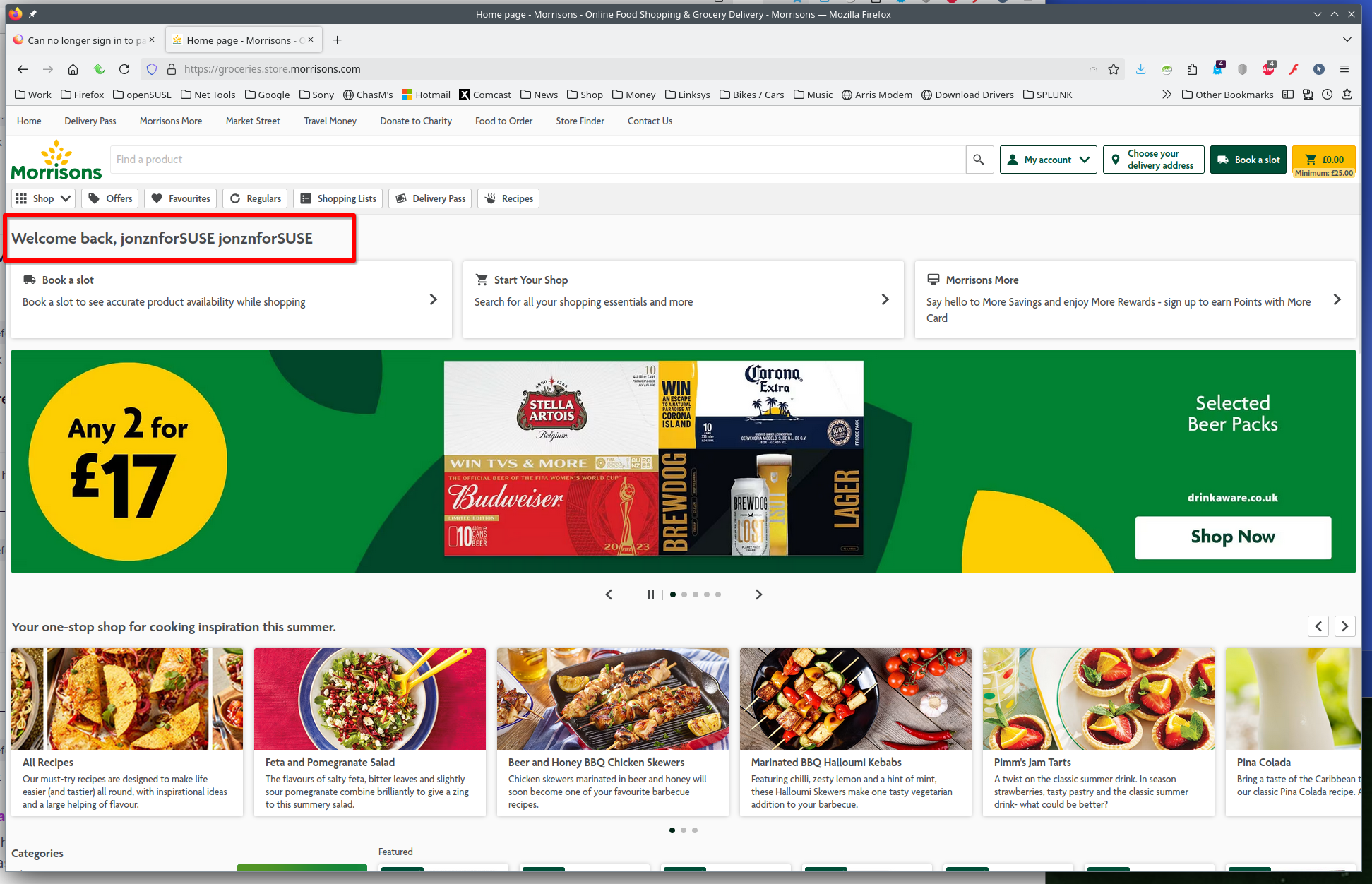
No!! It worked OK in Troubleshooter Mode!!
Still doesn't work in non-troubleshooter mode
Maybe Malwarebytes Browser Guard.
If it works in Troubleshoot Mode and in regular mode with all extensions ("3-bar" menu button or Tools -> Add-ons -> Extensions) disabled, try to find which extension is causing the problem by enabling one extension at a time until the problem reappears.
Close and restart Firefox after each change via one of these:
- "3-bar" menu button -> Exit (Power button)
- Windows: File -> Exit
- Mac: Firefox -> Quit Firefox
- Linux: File -> Quit
Solution choisie
Add-ons used a) Dashlane & b) Malwarebytes Broswer Guard
1) With both (a) & (b) installed issue is still present; 2) with only (b) installed, issue still present; 3) with only (a) installed, issue NOT present
So the MalawareBrowser Guard is the root cause of the issue.
Thank you for your help,
This is a known issue between the latest version of Firefox & Malwarebytes Browser Guide