


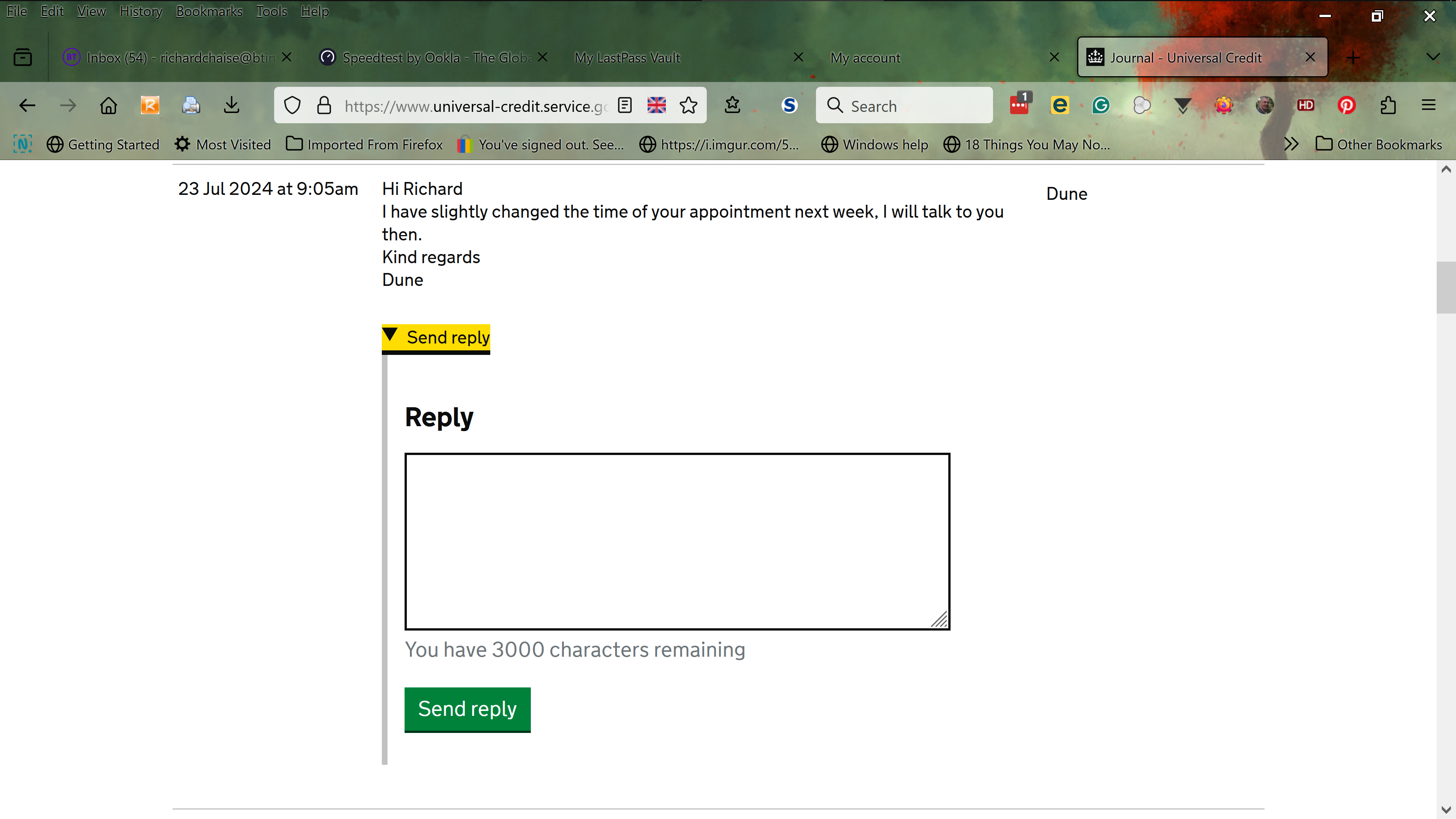
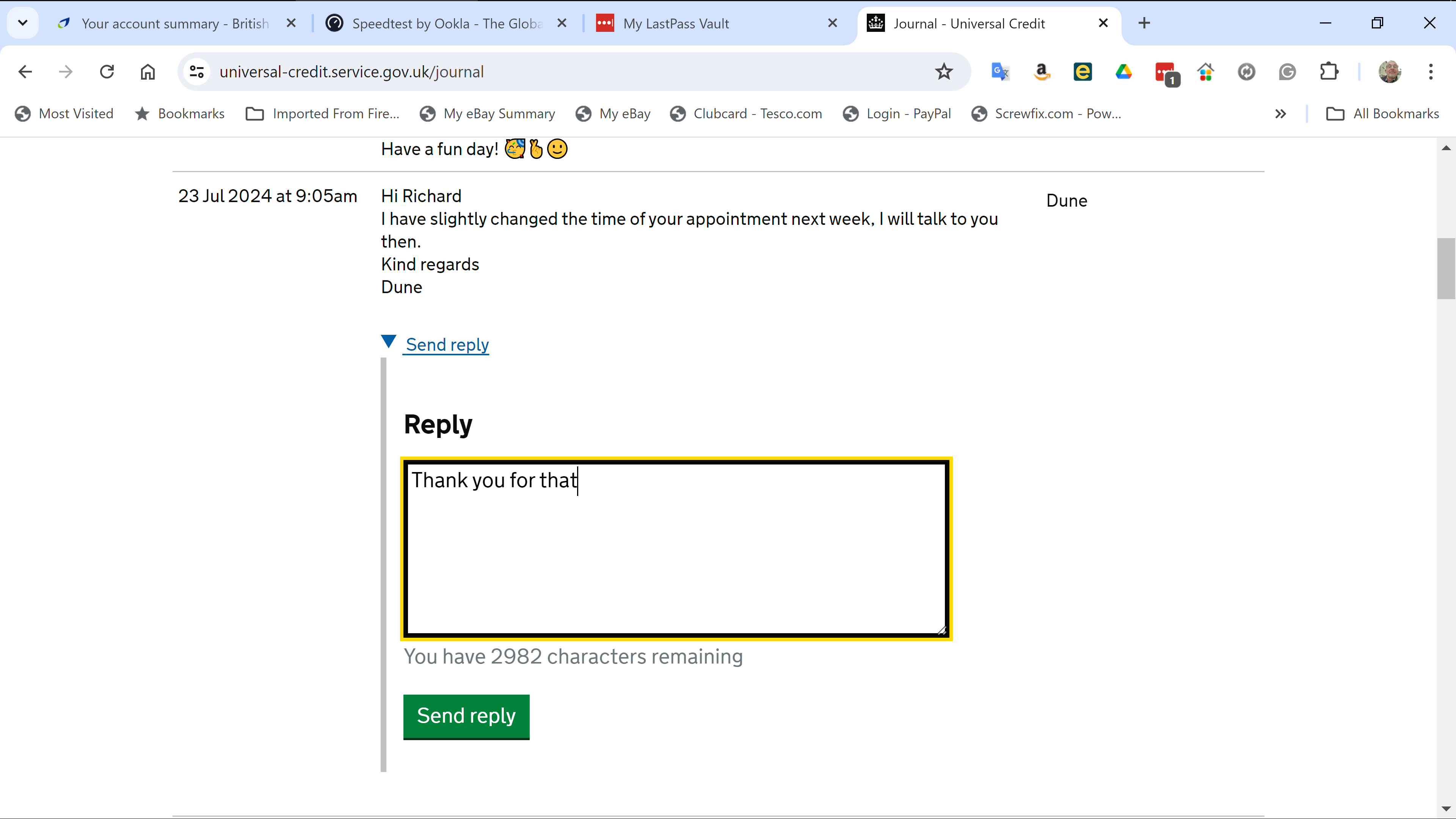
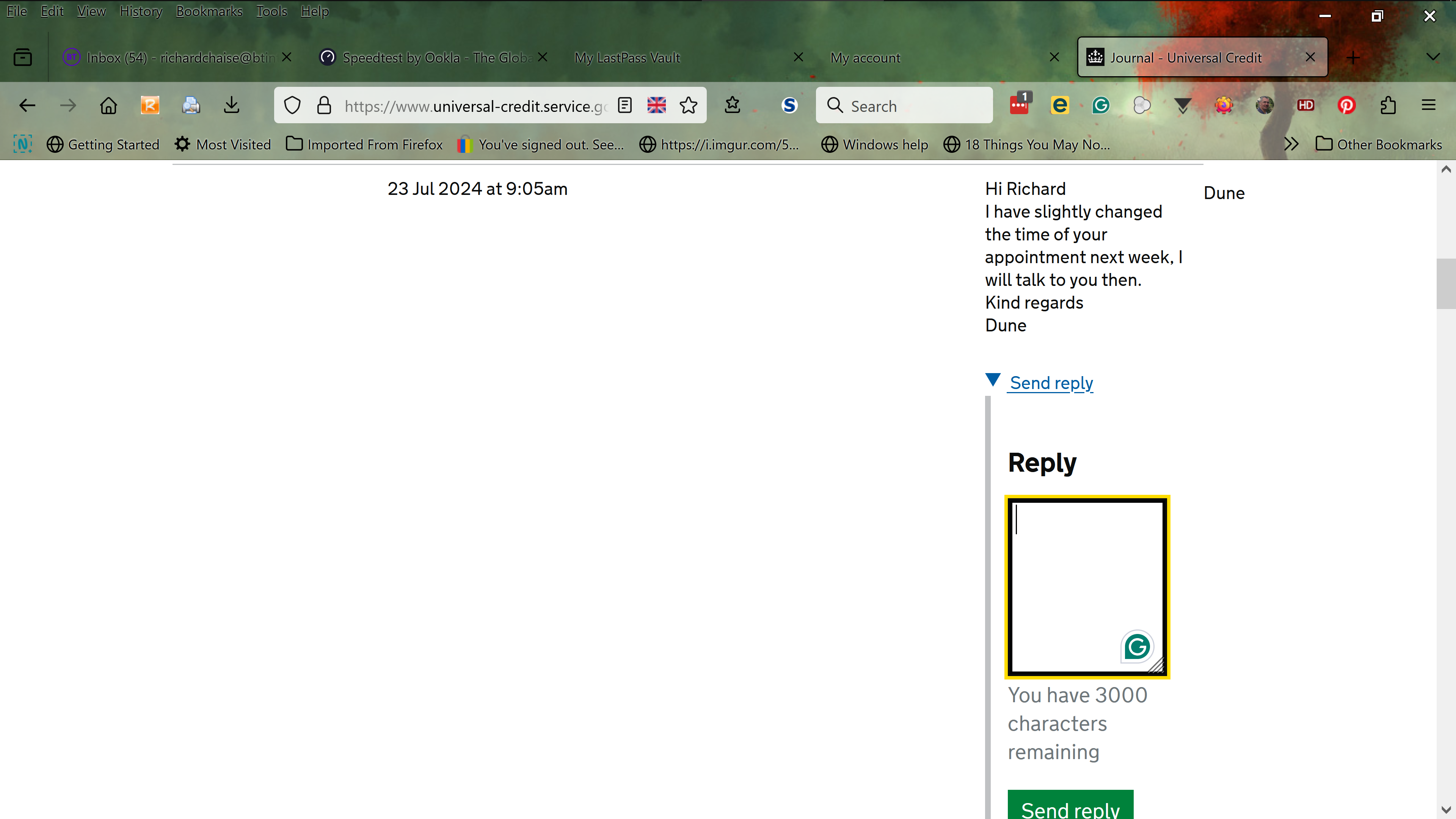
Firefox resizes and pushes to the right the "Reply" text box when I enter the cursor to type my message.
Hi all 👋 I'm using the Universal Credit website - https://www.universal-credit.service.gov.uk When I receive a message, sometimes there's a radio button to "Reply", which initially opens in the center of the page as normal, but as soon as I place the cursor in the box, it shoves it off to the side and shrinks it. This has been going on for a while, but as I found work for the last 6 months, I haven't been interacting with the site. I had to reply this morning and had the same issue, so I thought to try opening it in Chrome and had no such issue.
Before I go down the Nuclear route with the "Refresh" option, as I have enough on my plate already, does anyone understand this issue and have any idea for a fix for me, please?
Firefox is set to auto-update and reports that it is up-to-date. 128.0 (64-bit) The same for the Windows install Edition Windows 10 Home Version 22H2 Installed on 22/03/2022 OS build 19045.4651 Experience Windows Feature Experience Pack 1000.19060.1000.0
Solution choisie
I quite randomly discovered it was Grammarly for Firefox playing games; as soon as I turned it off, the text box went back to Normal. I hope this will help others!
Lire cette réponse dans son contexte 👍 0Toutes les réponses (1)
Solution choisie
I quite randomly discovered it was Grammarly for Firefox playing games; as soon as I turned it off, the text box went back to Normal. I hope this will help others!