


Facebook does not scroll further
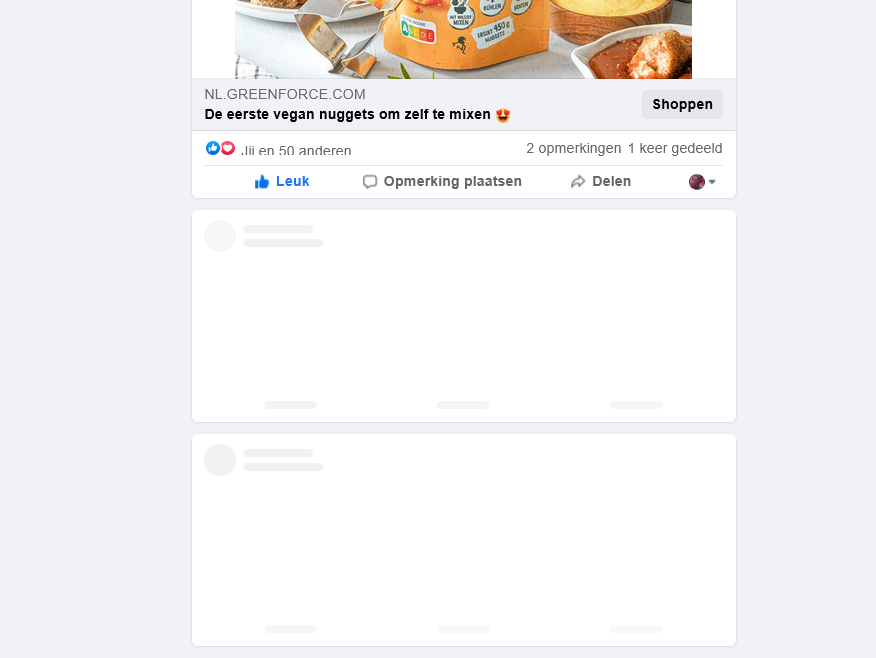
Since a couple of weeks I cannot scroll and view any further down on my start nor home page.
I guessed this was only FB harassment because I only accepted essential copies (although FB functionality was fine with my cookie preference until some time ago) , but it also happens when I accept all cookies.
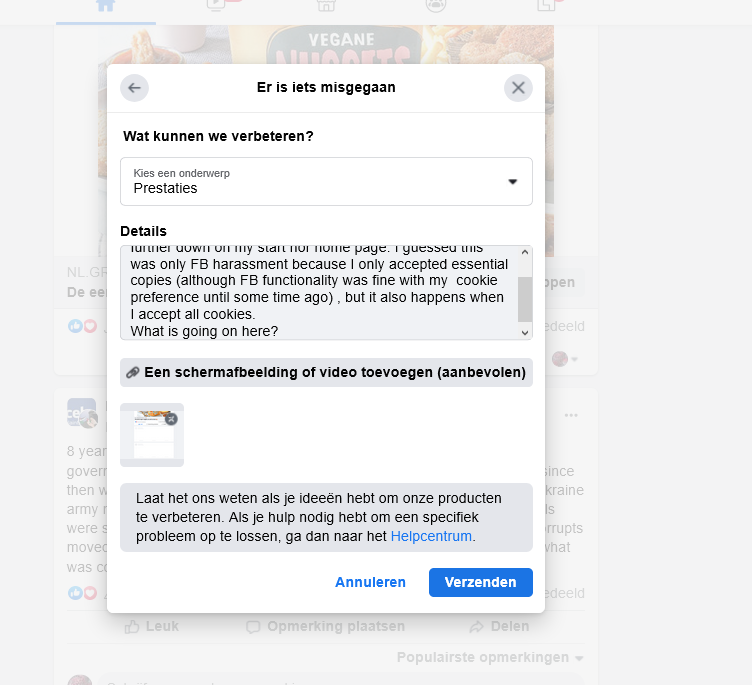
Also , with your own FF browser I even cannot send feedback (also see other attachement) Usuing another webbrowser (Chrome) for Facebook worked perfect. What is going on here?
And I really want direct FF support , not posting on a forum.
Toutes les réponses (3)
Hi
Do you have any add-ons installed in Firefox?
What level of tracking protection do you have set?
Nothing changed in plug in / add on/ extensions for a year , on my PC nor FF environment.
I tried safe mode , still the same .Add blockers are always switch of when using FB.
With Edge or Chrome FB loads /functions normally!
kr
Peter

Hello, Try Firefox Safe Mode to see if the problem goes away. Firefox Safe Mode is a troubleshooting mode that temporarily turns off hardware acceleration, resets some settings, and disables add-ons (extensions and themes).
If Firefox is open, you can restart in Firefox Safe Mode from the Help menu:
Click the menu button, click Help and select Restart with Add-ons Disabled. If Firefox is not running, you can start Firefox in Safe Mode as follows:
On Windows: Hold the Shift key when you open the Firefox desktop or Start menu shortcut. On Mac: Hold the option key while starting Firefox. On Linux: Quit Firefox, go to your Terminal and run firefox -safe-mode (you may need to specify the Firefox installation path e.g. /usr/lib/firefox) When the Firefox Safe Mode window appears, select "Start in Safe Mode". If the issue is not present in Firefox Safe Mode, your problem is probably caused by an extension, theme, or hardware acceleration. Please follow the steps in the Troubleshoot extensions, themes and hardware acceleration issues to solve common Firefox problems article to find the cause.
To exit Firefox Safe Mode, just close Firefox and wait a few seconds before opening Firefox for normal use again.
When you figure out what's causing your issues, please let us know. It might help others with the same problem.