


Playstation/Sony website will not let me log in.

Whenever I try to log into Playstation/Sony's website it keeps throwing this error:
A connection to the server could not be established. (18.3ec8d917.1629664264.c0ae22c)
I can log into it fine via Edge and any other browser but Firefox. I have also disabled all addons and reset my cache and history and still throws this error. It is a firefox issue.
Solution choisie
I figured it out, I uninstalled Firefox and then searched for all mozilla folders in my %appdata% and deleted them. Then I reinstalled Firefox and it seemed to fix the issue. So something in one of those folders in Roaming, and Local had an issue.
Toutes les réponses (5)
You will need to show us the issue. Sounds like something is being blocked. It would help us help you if you the full browser.
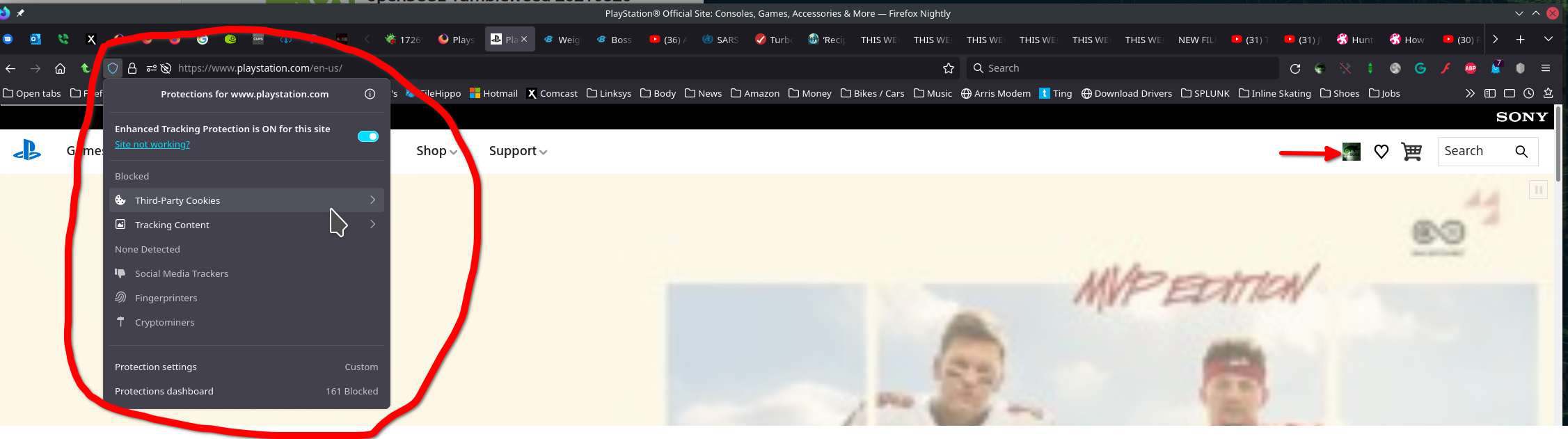
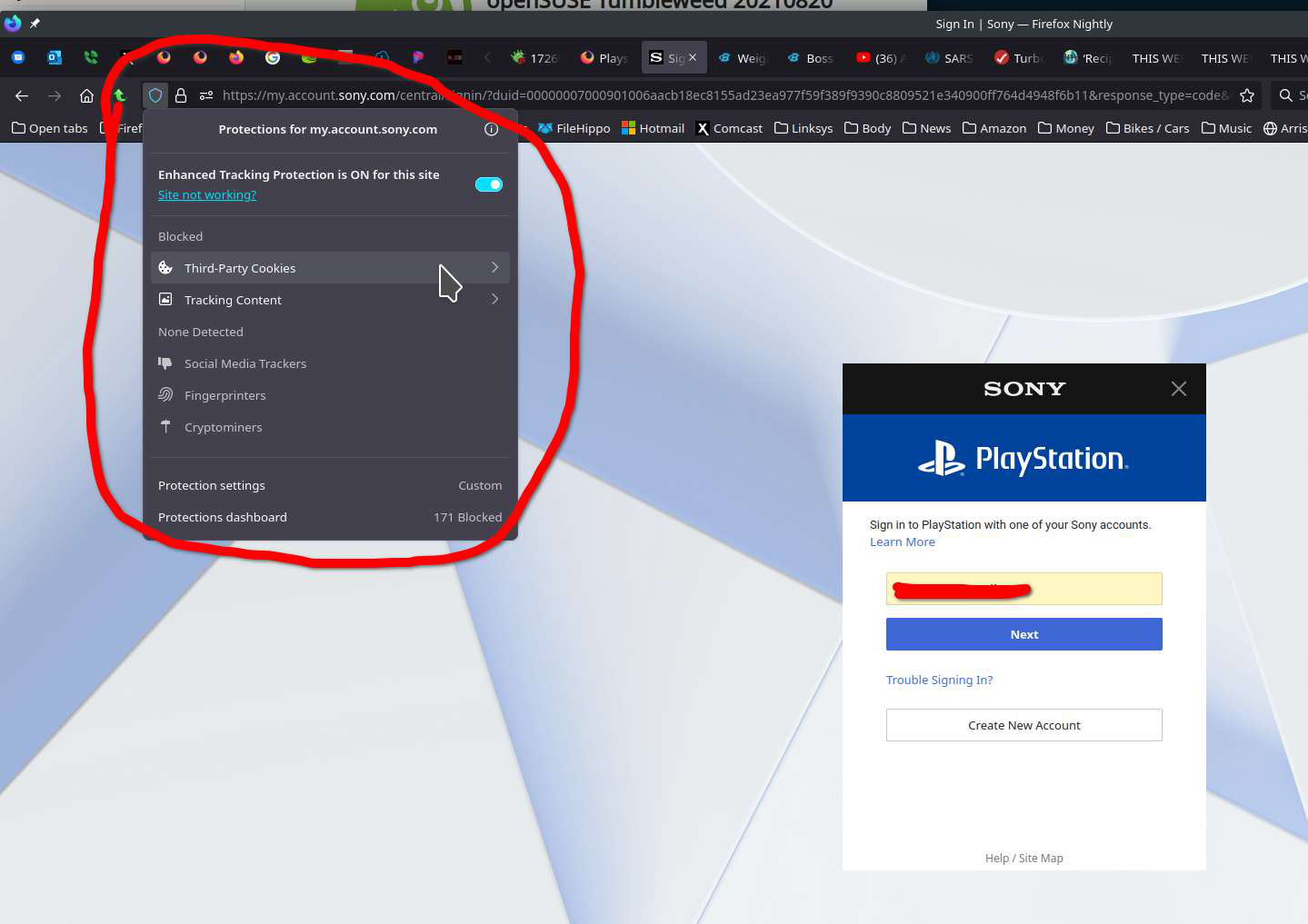
Modifié le par jonzn4SUSE
jonzn4SUSE said
You will need to show us the issue. Sounds like something is being blocked. It would help us help you if you the full browser.
Mine doesn't show third party cookies, it is on standard protection.
What security software are you running? Can you try another account on the computer without logging into your Firefox account.
Modifié le par jonzn4SUSE
jonzn4SUSE said
What security software are you running? Can you try another account on the computer without logging into your Firefox account.
I am running malwarebytes premium but it is only in Firefox. I can log in via chrome, edge, and internet explorer on the same PC. I also did a Firefox refresh and it still gives the same error. Firefox on iOS on my iPad allows me to login. I’ll try disabling my virus protection but I don’t think that’s it because it is working on other browsers. If it was my anti virus software it would be blocking it on the other browsers. Thus why it is a Firefox issue.
Solution choisie
I figured it out, I uninstalled Firefox and then searched for all mozilla folders in my %appdata% and deleted them. Then I reinstalled Firefox and it seemed to fix the issue. So something in one of those folders in Roaming, and Local had an issue.
This question has been locked because the original author has deleted their account. While you can no longer post new replies, the existing content remains available for reference.