


Windows 10 reached EOS (end of support) on October 14, 2025. If you are on Windows 10, see this article.

Rechercher dans l’assistance

Évitez les escroqueries à l’assistance. Nous ne vous demanderons jamais d’appeler ou d’envoyer un SMS à un numéro de téléphone ou de partager des informations personnelles. Veuillez signaler toute activité suspecte en utilisant l’option « Signaler un abus ».

En savoir plus

Images and videos disappear on facebook and some other sites

  • 1 réponse
  • 0 a ce problème
  • 51 vues
  • Dernière réponse par cor-el
  • Archivé

The issue occurred several times in other sites too but mostly when I'm on facebook and scrolling down, the browser stops responding for a second or two and then all the images and videos of the page disappear. And they don't reappear unless I reload the page or open it in a new tab. I tried uninstalling and reinstalling the browser, disabling each addons, starting the browser in safe mode. The problem did not occur the few times I was trying out safe mode, but it occurs again when I start Firefox normally, even with all the addons disabled.

I am using Firefox 71.0 64 bit version on a Windows 10 machine. CPU: Intel Core i7 6700HQ GPU: nVidia GeForce GTX 960M RAM: 8GB
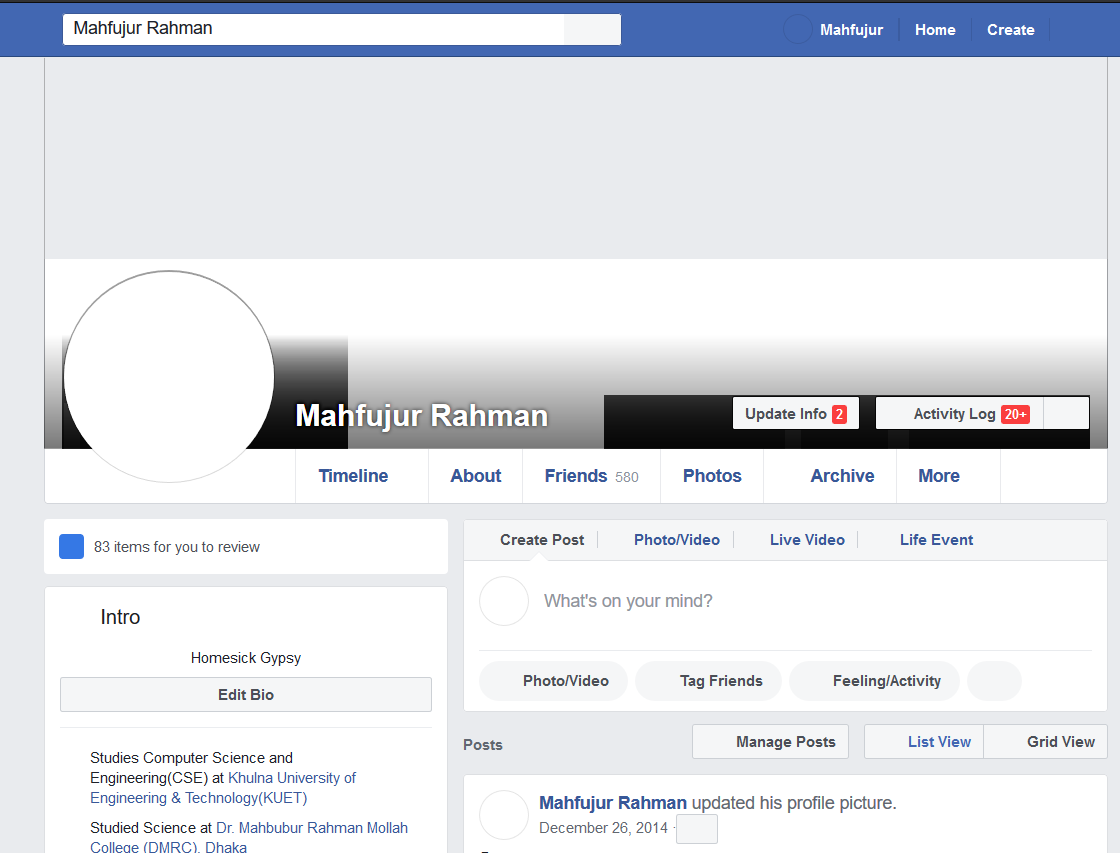
The issue occurred several times in other sites too but mostly when I'm on facebook and scrolling down, the browser stops responding for a second or two and then all the images and videos of the page disappear. And they don't reappear unless I reload the page or open it in a new tab. I tried uninstalling and reinstalling the browser, disabling each addons, starting the browser in safe mode. The problem did not occur the few times I was trying out safe mode, but it occurs again when I start Firefox normally, even with all the addons disabled. I am using Firefox 71.0 64 bit version on a Windows 10 machine. CPU: Intel Core i7 6700HQ GPU: nVidia GeForce GTX 960M RAM: 8GB
Captures d’écran jointes

Toutes les réponses (1)

Start Firefox in Safe Mode to check if one of the extensions ("3-bar" menu button or Tools -> Add-ons -> Extensions) or if hardware acceleration is causing the problem.

  • switch to the DEFAULT theme: "3-bar" menu button or Tools -> Add-ons -> Themes
  • do NOT click the "Refresh Firefox" button on the Safe Mode start window