browser refreshes on loading

Why does my browser refresh automatically when it loads. I start to type text in the URL and Search box then the browser refreshes and my typed entry disappears and I have to start typing aging
Toutes les réponses (7)

Is it the browser that is resetting, or is the browser window reloading?
Start Firefox in Safe Mode {web link}
A small dialog should appear. Click Start In Safe Mode (not Refresh). Is the problem still there?
What happens is:-
The browser loads.
I type search text into the url box
As I am typing the text disappears as the browser seems to refresh and I am left with only part or none of the text and have to clear the box and start typing again.
It only happens on start up
And Safe Mode?
It still happens in safe mode but not all the time
I noticed it happens in non-safe mode once the browser has loaded and then if you click your mouse anywhere in the brower, it refreshes
Hmm, sounds like a script problem. But it could be something else.
Location of the cache/cache2 folder; Windows: *C:\Users\<user>\AppData\Local\Mozilla\Firefox\Profiles\<profile>\ Mac: ~/Library/Caches/Firefox/Profiles/ Linux: ~/.cache/mozilla/firefox/
Close Firefox. Open your file browser to the above, and remove the folder.
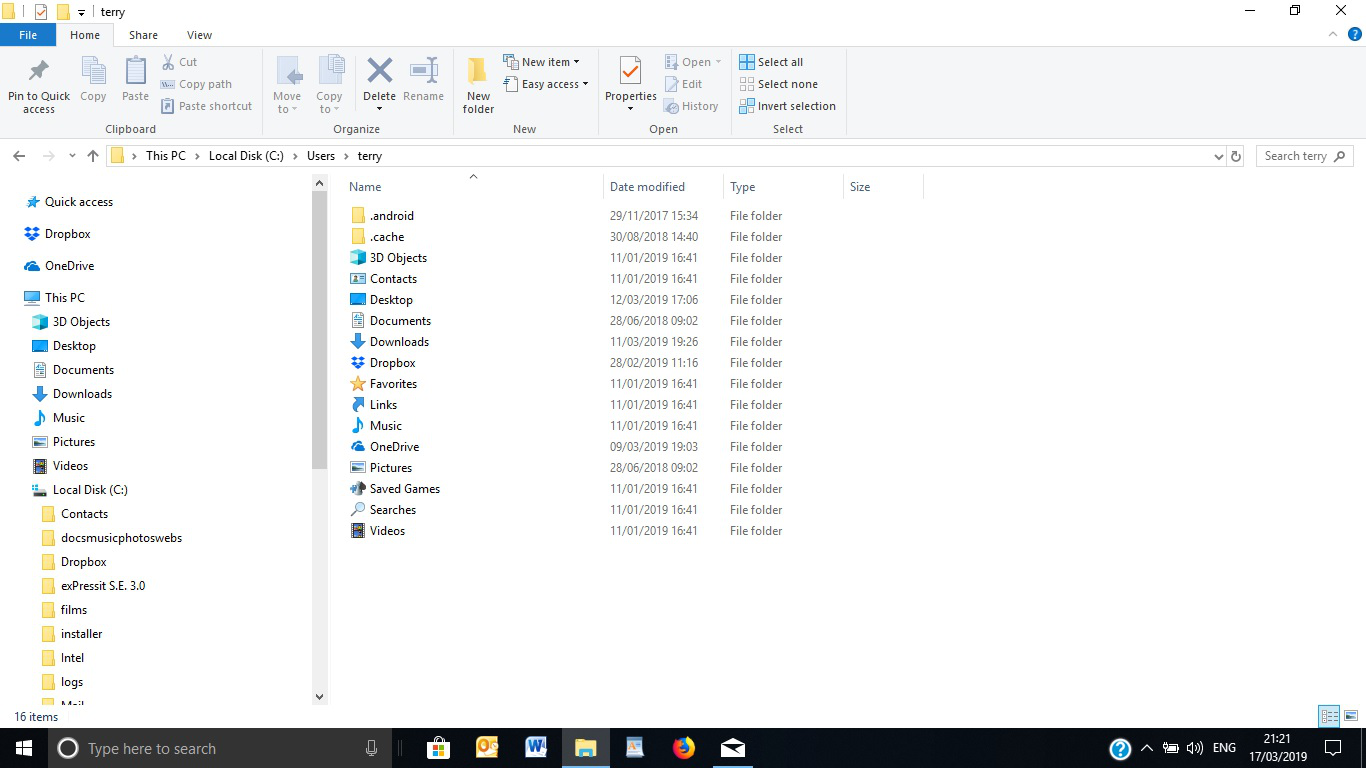
There is no route to the folder you quote
- C:\Users\<user>\AppData\Local\Mozilla\Firefox\Profiles\<profile>\
Pic attached