


When i click on any webpage (especially near text) the cursor blinks on the webpage where i clicked ! Is this normal with Firefox v50.0.2 ?

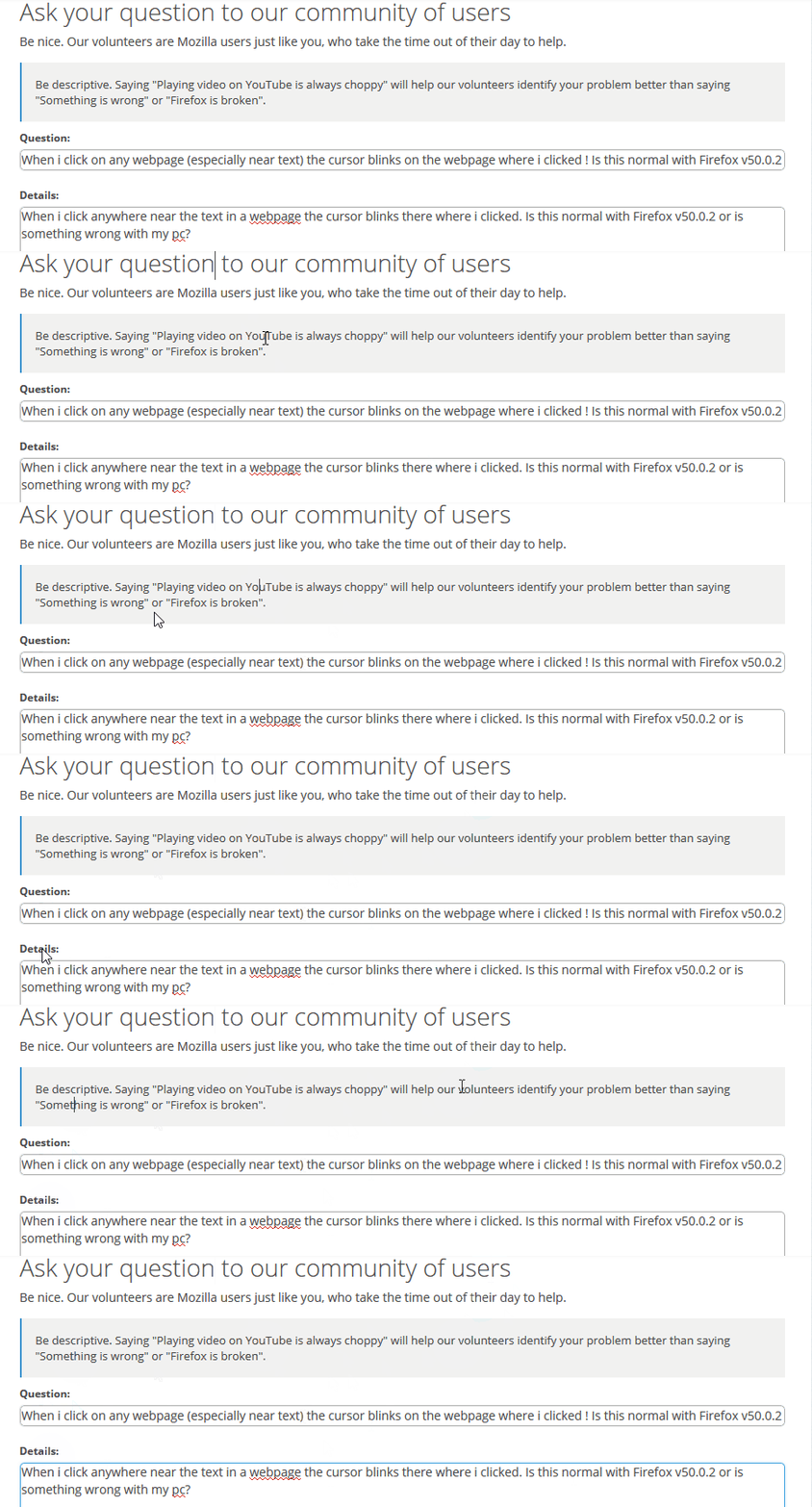
When i click anywhere near the text in a webpage the cursor blinks there where i clicked. Is this normal with Firefox v50.0.2 or is something wrong with my pc?
Toutes les réponses (4)
Solution choisie
It sounds like "caret browsing" which lets you navigate through the text of a document with the up and and down arrow keys. The F7 function key turns caret browsing on and off. Or you can use the Options page, Accessibility section. See: Advanced panel - Accessibility, browsing, network, updates, and other advanced settings in Firefox.
Was that it?
By the way, a GIF was a great idea the screenshot. How did you create that?
jscher2000 said
It sounds like "caret browsing" which lets you navigate through the text of a document with the up and and down arrow keys. The F7 function key turns caret browsing on and off. Or you can use the Options page, Accessibility section. See: Advanced panel - Accessibility, browsing, network, updates, and other advanced settings in Firefox. Was that it?
this is it! :) i turned off the caret browsingO:)
jscher2000 said
By the way, a GIF was a great idea the screenshot. How did you create that?
I use Kazam app to capture screens in ubuntu
https://apps.ubuntu.com/cat/applications/kazam/
and ScreenToGif in windows to capture screens.
https://screentogif.codeplex.com/
( i use dual boot of windows & ubuntu )