


Access to videosettings in the browser, to solve a problem with green spots

Hello Everyone!
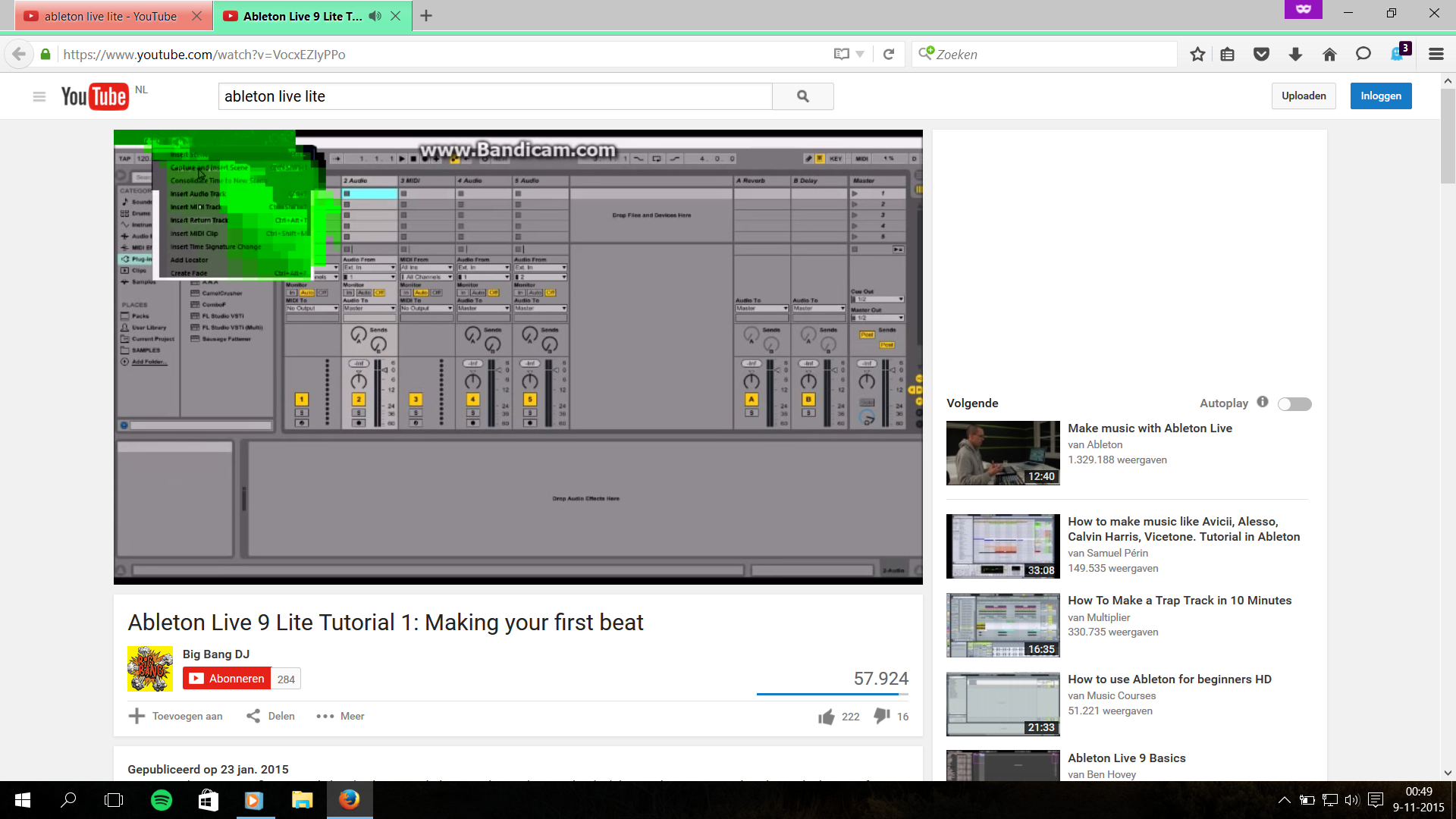
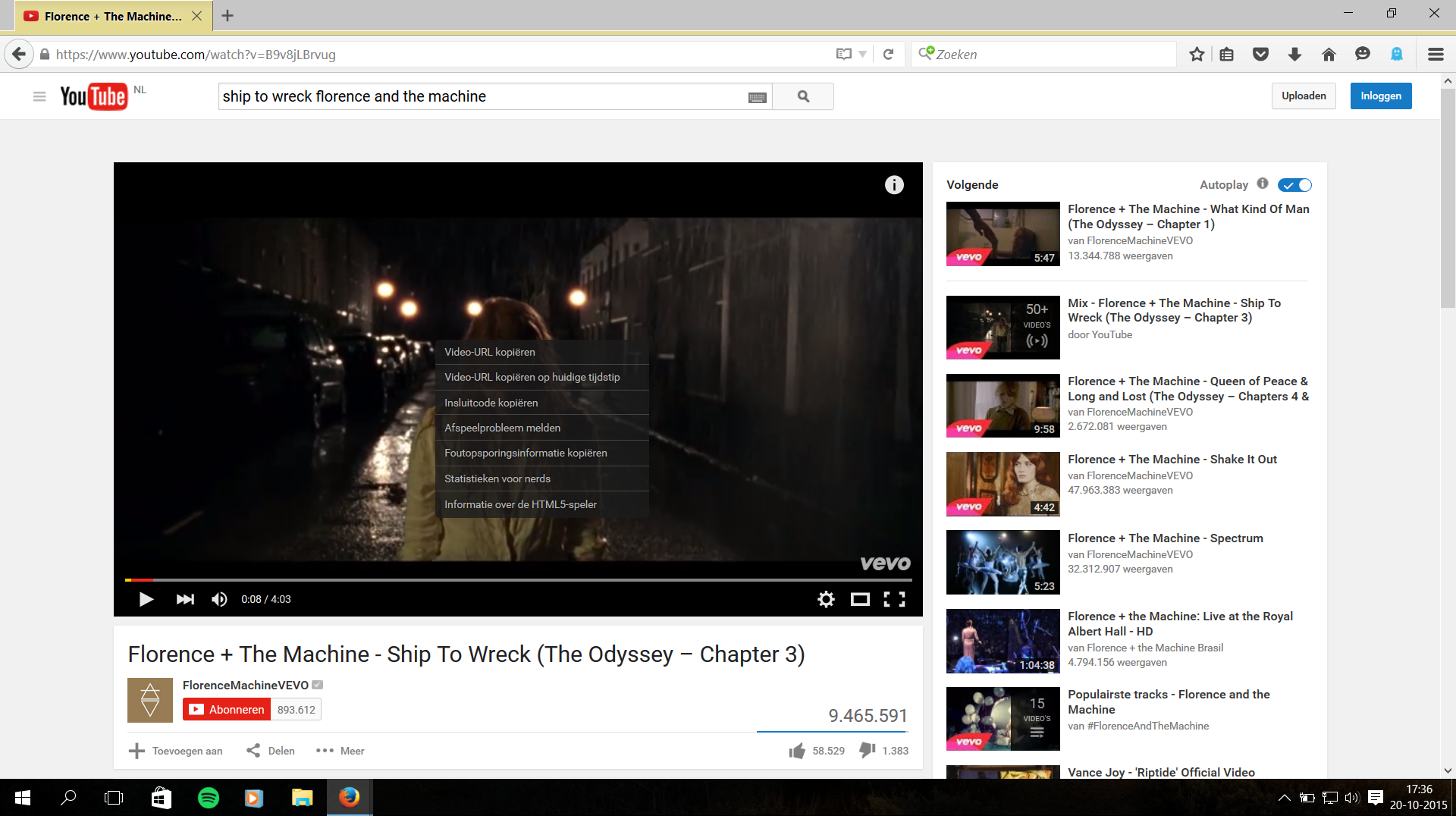
Whenever I watch a video online, be it on youtube or facebook, I often get green spots in the video (as can be seen in the first attachment). My compute manufacturer (Medion) told me to right-click on the video to access the settings (instellingen) and then to disable hardware-acceleration. However as can be seen in the second screenshot, I cannot access the settings of a video online. So I was wondering whether I was looking in the wrong place? I could not find an answer in mozilla support. Thank you for your time! Hopefully you will be able to help me.
Sincerely,
Laura
Modifié le par Laura92
Solution choisie
This is not about the (context) menu on the web page, but about a setting in Firefox.
You can try to disable hardware acceleration in Firefox.
- Extra > Opties > Geavanceerd > Algemeen: Navigeren: "Hardwareversnelling gebruiken wanneer beschikbaar"
You need to close and restart Firefox after toggling this setting.
You can check if there is an update for your graphics display driver and check for hardware acceleration related issues.
Lire cette réponse dans son contexte 👍 1Toutes les réponses (2)
Solution choisie
This is not about the (context) menu on the web page, but about a setting in Firefox.
You can try to disable hardware acceleration in Firefox.
- Extra > Opties > Geavanceerd > Algemeen: Navigeren: "Hardwareversnelling gebruiken wanneer beschikbaar"
You need to close and restart Firefox after toggling this setting.
You can check if there is an update for your graphics display driver and check for hardware acceleration related issues.
Hello Cor-el,
Thank you very much, I haven't problems with green spots after disabling the hardware acceleration.
Sincerely,
Laura