


why don't images appear when i go to the mozilla add-on page?

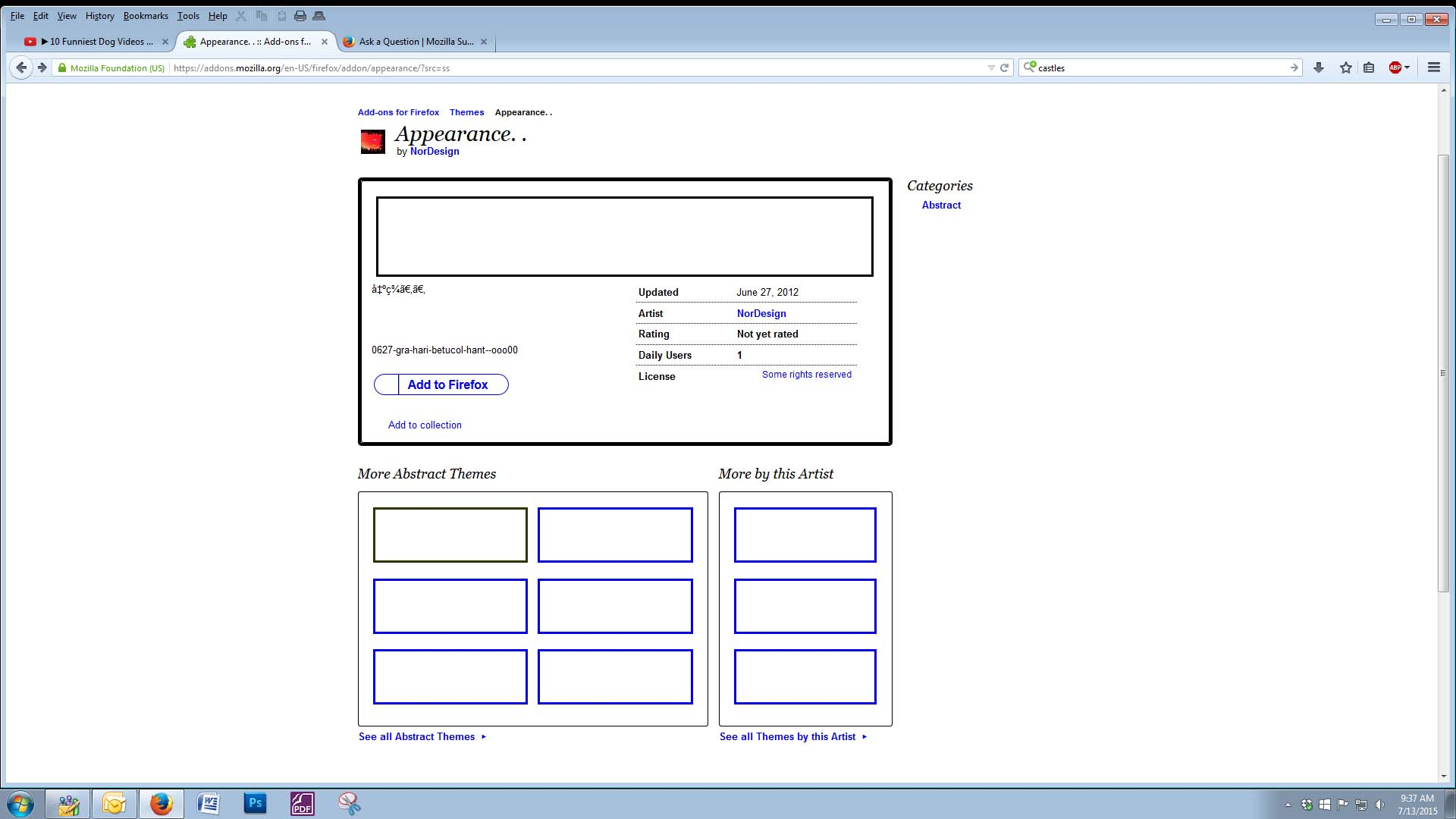
i have gone to the mozilla add-ons page to select a new appearance add-on. everything seems to appear but the images (see image attached). i have recently re-installed mozilla, and have had to debug flash for some reason, so i don't know if there are other things that may also need debugging.
i have check google images and that seems to be working fine.
Toutes les réponses (2)

Many site issues can be caused by corrupt cookies or cache.
- Clear the Cache and
- Remove Cookies
Warning ! ! This will log you out of sites you're logged in to.
Type about:preferences<Enter> in the address bar.
- Cookies; Select Privacy. Under History, select Firefox will Use Custom Settings. Press the button on the right side called Show Cookies. Use the search bar to look for the site. Note; There may be more than one entry. Remove All of them.
- Cache; Select Advanced > Network. Across from Cached Web Content, Press Clear Now.
If there is still a problem, Start Firefox in Safe Mode {web link} While you are in safe mode;
Type about:preferences#advanced<Enter> in the address bar.
Under Advanced, Select General. Look for and turn off Use Hardware Acceleration.
Poke around safe web sites. Are there any problems?
Then restart.
check this:
- see if there are updates for your graphics drive drivers
https://support.mozilla.org/kb/upgrade-graphics-drivers-use-hardware-acceleration
- disable protected mode in the Flash plugin (Flash 11.3+ on Windows Vista and later)
https://forums.adobe.com/message/4468493#TemporaryWorkaround
- disable hardware acceleration in the Flash plugin
https://forums.adobe.com/thread/891337 See also:
Make sure that you haven't enabled a High Contrast theme in the Windows/Mac Accessibility settings.
Make sure that you allow pages to choose their own colors.
- Tools > Options > Content : Fonts & Colors > Colors : Override the colors specified by the page with my selections above
Try "Never" if the default "Only with High Contrast themes" isn't working.
This setting affects background images.
See also: