


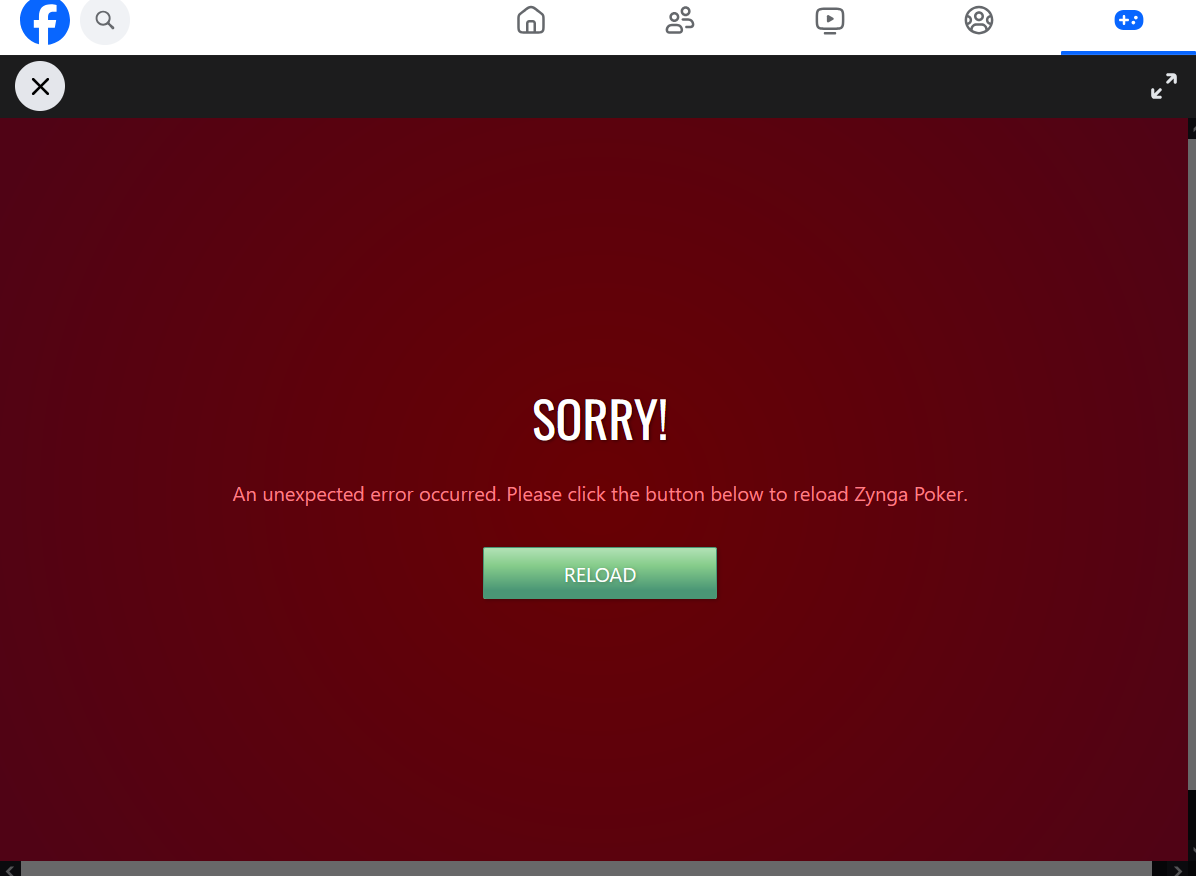
Ynga Poker does not reload in firefox and shows" Sorry reload
Hello Firefox Support, I need your help with a problem in Mozilla Firefox. I play Zynga Poker on my laptop. Firefox is much faster than other browsers on my computer, but Zynga Poker does not load. It only displays the message "Sorry, reload." Reloading the page does not solve the problem. The game works in Google Chrome, but Chrome is extremely slow, making it difficult to play. Could you please help me find out why Zynga Poker does not work correctly in Firefox and how I can fix this issue? Thank you for your time and support. Kind regards
All Replies (2)
They apparently have different steps and permissions when you launch it from their site vs. from third parties, see support.mozilla.org/questions/1591815 for previous attempts and the difference in the settings. (You should try Zynga support if they have any updates.)
Generally, I'd try first in a new Private Window, and then see if any of the steps help:
- Start with clearing Firefox cache.
- If it does not help, try clearing cookies and data for the website you experience troubles with (warning: you will be logged out on this website).
- Please check if you have Enhanced Tracking Protection (ETP) enabled. You can do that by clicking the shield
 icon in the left part of the address bar. If ETP is enabled, try disabling it.
- If it also does not help, try running Firefox in Troubleshoot Mode. If the problem doesn't persist, please follow the steps from this article to troubleshoot further.
19:00 Hello, thank you for your suggestions. I tried opening Zynga Poker in a Private Window and I also tried Firefox Troubleshoot Mode, but the problem is still the same. When I click Play Now, it still shows "Sorry, reload".