


having problems configuring Thunderbird for use on videotron

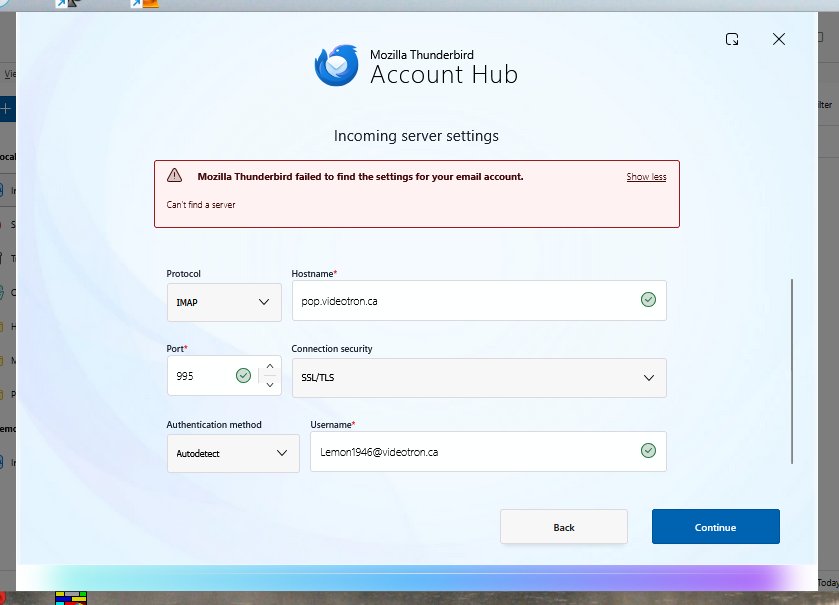
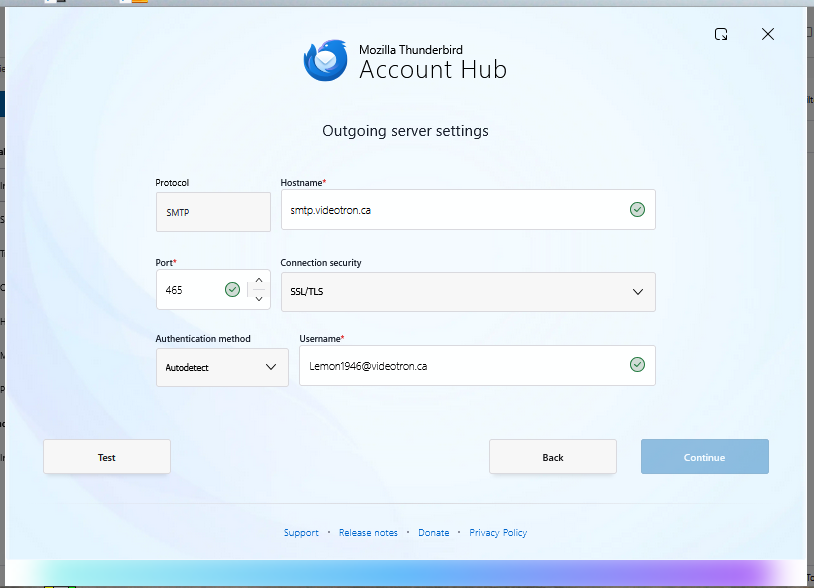
the morning I tried to access my email account on Videotron (I live in Quebec) and got this message from thunderbird "Sending of the message failed. The message could not be sent because connecting to Outgoing server (SMTP) .videotron.ca failed." Thunderbird was working perfectly yesterday. I contacted Videotron tech service and spent over an hour with the technician with no success. I have included two screen shots.
All Replies (2)

Account Hub is intended for setting up new accounts. If you already have it set up, working or not, that shouldn't be necessary. But the first screen shot might provide a clue with the message "Can't find a server". That implies to me that there is a network problem between you and them.
Have you confirmed the correct server settings, in case you have to configure them manually? I found this web page, but it seems a little vague to me.
https://www.videotron.com/en/support/internet/email/pop-imap#server-address-informations
Try turning off the "experimental" Account Hub feature (see <Settings | General | Account Hub> and use the old setup routine, and resort to Manual Configuration if necessary.
Do you use a VPN? If so, turn it off, at least temporarily, and try to authenticate again.
The problem had to be solved by reinstalling windows 11 via repair rather than a clean install