


Lost 2FA app and backup codes, but have access to registered email

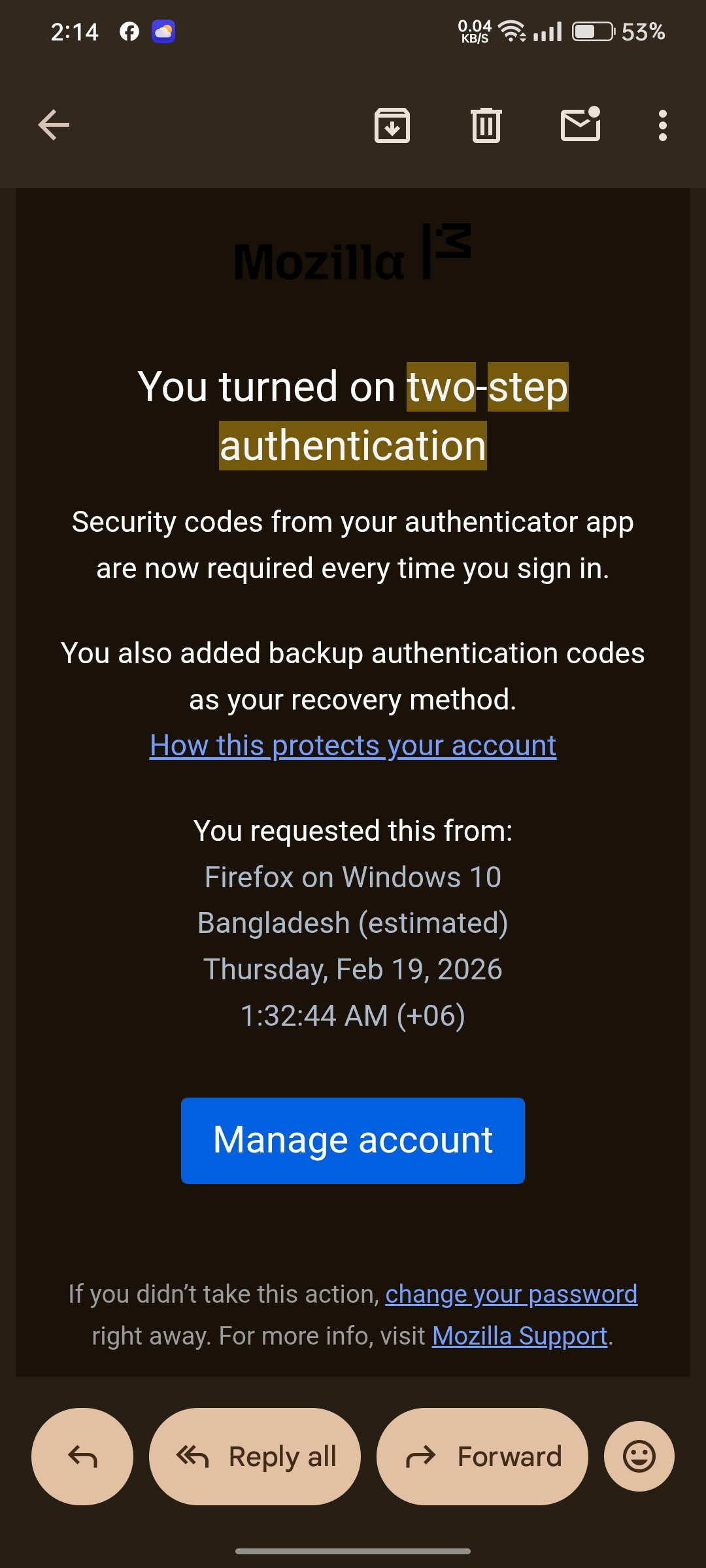
Dear Mozilla Support Team, I am writing to request your assistance in recovering my Firefox/Mozilla account. I have unfortunately lost access to the authenticator app used for my Two-Factor Authentication (2FA). Furthermore, I do not have my backup recovery codes saved. However, I am the rightful owner of the account and I currently have full access to the registered email address associated with it: riadchowdhury908@gmail.com I understand Mozilla's strict security and privacy policies. Is there any way to verify my identity through my registered email address or perform a manual review to disable the 2FA on my account? I only need the 2FA disabled so I can log back in and set up a new authenticator. I am ready to provide any additional information needed from my email to prove my ownership. Thank you for your time and support. I look forward to your response. Sincerely, Riad Chowdhury
All Replies (1)
Hi Riad — If any device is still signed into your Firefox account you can disable Two-step authentication from Settings > Security; otherwise you’ll need a saved backup code or a recovery phone to get a one-time code. If you have none of those (no signed-in device, no backup codes, no recovery phone), Mozilla cannot disable 2FA using only your email and you’ll need to create a new account.i recommend use alternatives Privacy email with strong 2FA like tutanuta email or proton and use a strong password manager like bitwarden or keypass, for 2FA Aiges or Authy for simple and strong 2FA and also back some 2FA files on laptop or spare USB.
Modified by Mr. Jet