


Windows 10 reached EOS (end of support) on October 14, 2025. If you are on Windows 10, see this article.

Search Support

Avoid support scams. We will never ask you to call or text a phone number or share personal information. Please report suspicious activity using the “Report Abuse” option.

Learn More

It looks like "turning off hardware acceleration" is not applied to the initial "Firefox - Choose User Profile" !, What should I do ?

  • No replies
  • 0 have this problem
  • Open

Hello All,

I'm using Firefox (149.0.2 snap) with LUbuntu 24.04.4 LTS. Because of a wrong graphic driver, I had to turn off hardware acceleration in FF.

When FF is started the Initial "Firefox - Choose User Profile" is unreadable (see attached : wrong_screen.jpg), but if I continue (click somewhere in the window) , all the opened tabs are readable.

Once in FF, if I want to select another profile from the application menu -> .. -> manage profiles, then the "Choose User Profile" window is fine (see attached : good_screen.jpg).

I tried to start FF with the "-P" option to specify wanted profile but it continues to start with the unreadable "Choose User Profile" window.

Could someone give me a solution, except finding the good hardware driver for my computer?

Thanks Bouilla.
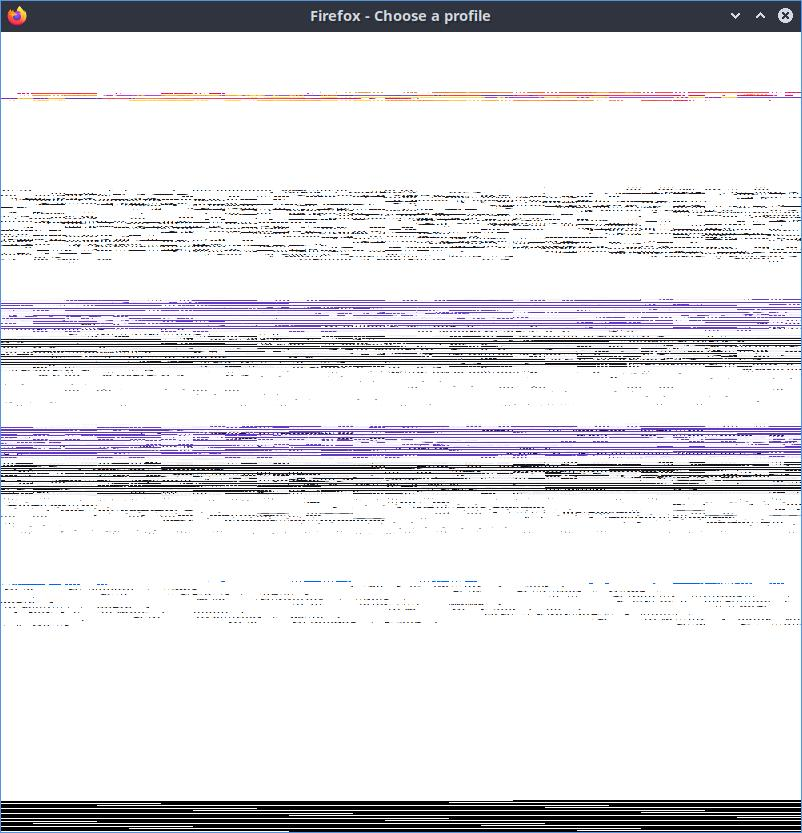
Hello All, I'm using Firefox (149.0.2 snap) with LUbuntu 24.04.4 LTS. Because of a wrong graphic driver, I had to turn off hardware acceleration in FF. When FF is started the Initial "Firefox - Choose User Profile" is unreadable (see attached : wrong_screen.jpg), but if I continue (click somewhere in the window) , all the opened tabs are readable. Once in FF, if I want to select another profile from the application menu -> .. -> manage profiles, then the "Choose User Profile" window is fine (see attached : good_screen.jpg). I tried to start FF with the "-P" option to specify wanted profile but it continues to start with the unreadable "Choose User Profile" window. Could someone give me a solution, except finding the good hardware driver for my computer? Thanks Bouilla.
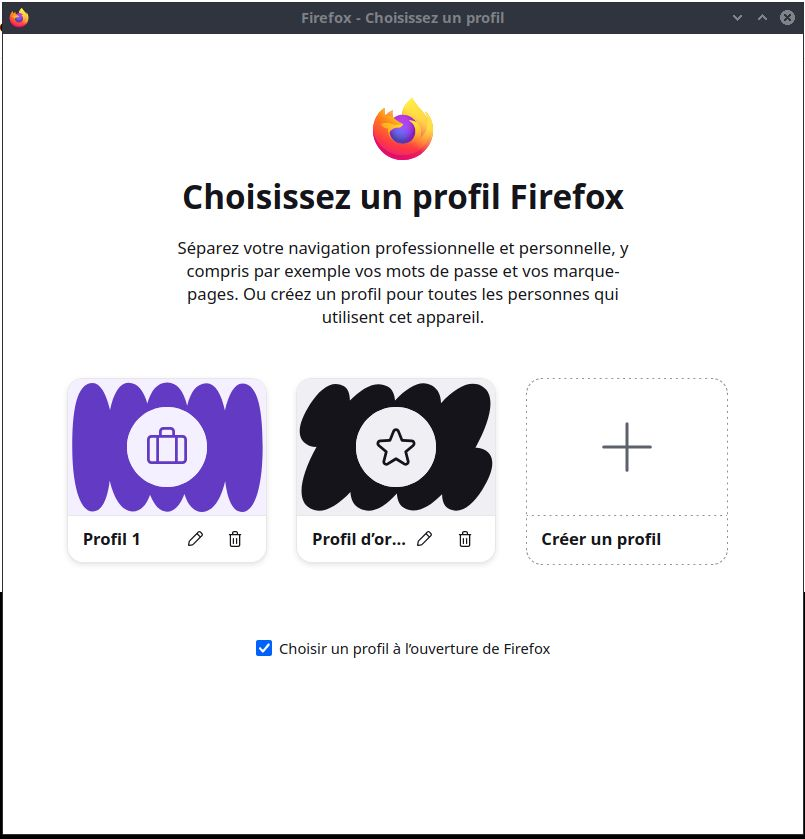
Attached screenshots

You must log in to your account to reply to posts. Please start a new question, if you do not have an account yet.