


Read email not listed in certain file folder

I have one file folder that I moved certain files to that once read, they are not visible or listed in the folder. The folder massage count is 296. When I move an email into the folder and it is not read, I can see the message. Once read, it disappears. I can filter by attachments and contacts and see some but not all of the messages.
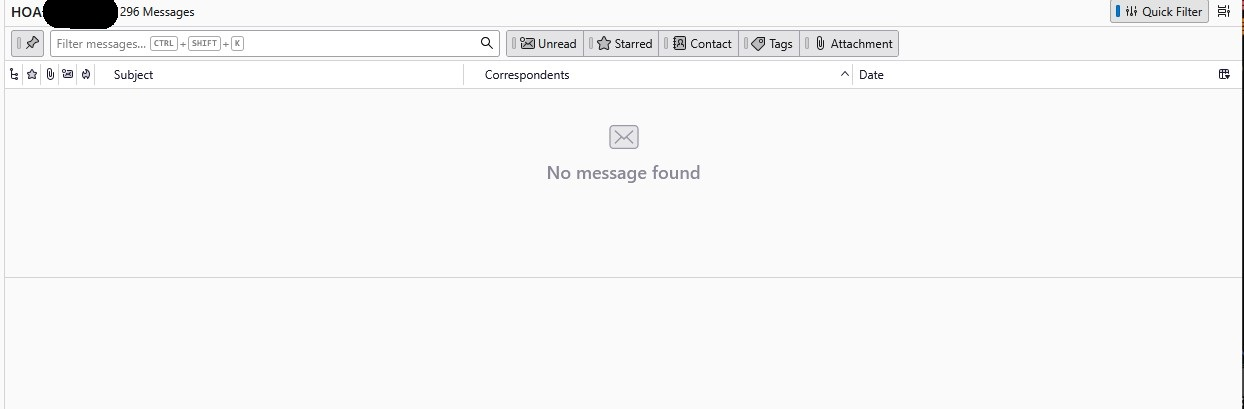
ویرایش شده توسط christ1
پاسخها (11)
Is the issue the same when you (re-) start Thunderbird's in 'troubleshoot mode'? https://support.mozilla.org/en-US/kb/troubleshoot-mode-thunderbird
yes, same behavior
R-click on that "HOA...." folder > Properties > General: which is the number of messages and the folder size? Then click on "Repair Folder" ...
306 messages, same as shown on top of folder list, Repair was not successful. I tried this before posting.
No idea what' s wrong with this folder. Is this a folder in a POP or an IMAP account?
pop account
Which is the size of this folder?
305 messages, 102,000 KB
This is not very big. I have no explanation for your issue and no solution. Disable the Quick Filter and restart Thunderbird.
no change in behavior, this is a recent issue, I suspect a bug.
I can't reproduce your issue in any of my different Thunderbird versions and their specific profiles. You can file a bug report here https://bugzilla.mozilla.org/home