Display issue in URL dropdown.

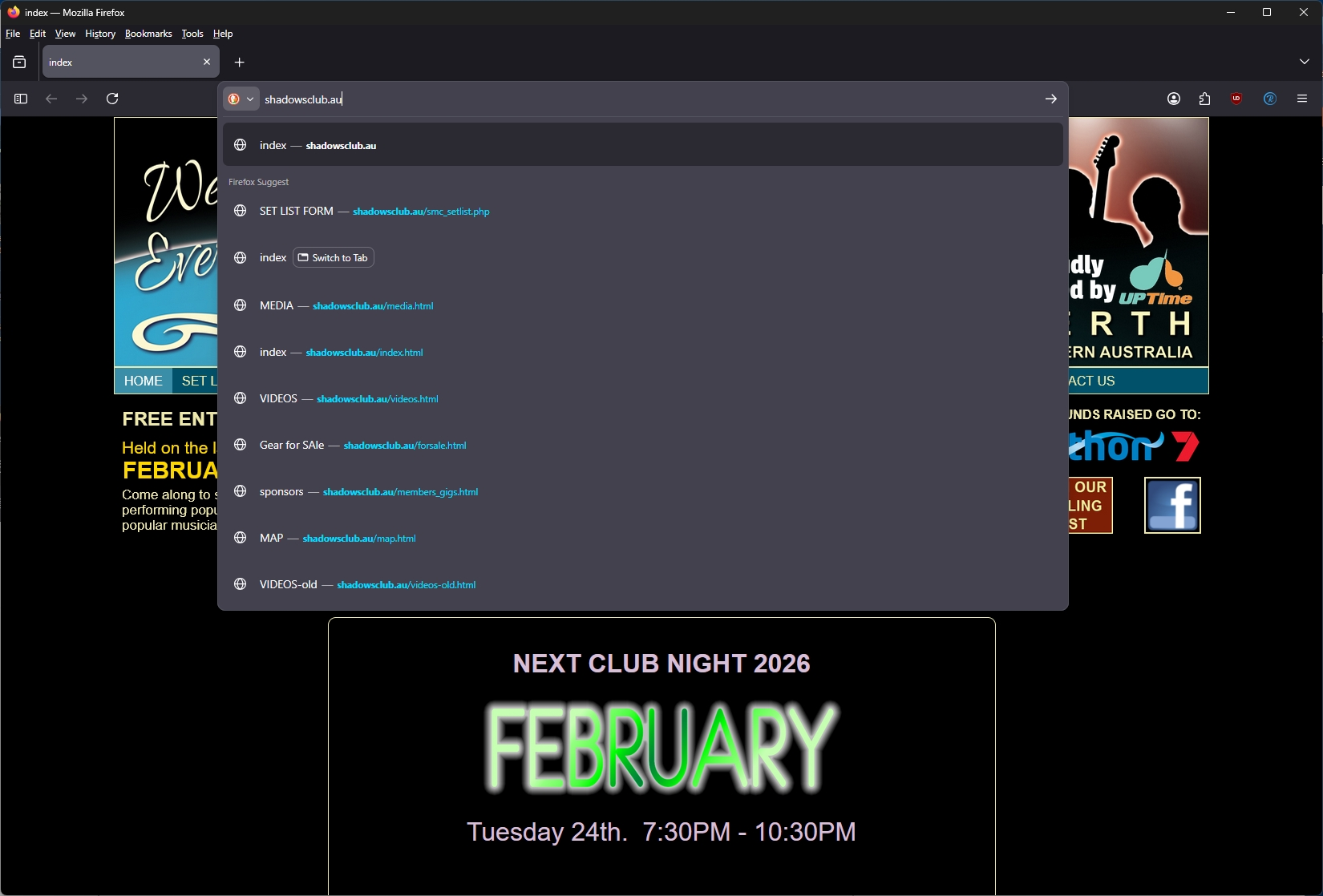
When I open a website from a shortcut in my desktop (Win Pro 25H2) the link works perfectly and the site opens. However, a dropdown box opens from the address bar and displays all the URL of every page I've visited within that site. I can click on the site page (away from the dropdown list) and the the dropdown list then closes. Is there a way to turn this annoying thing off?
When I open a website from a shortcut in my desktop (Win Pro 25H2) the link works perfectly and the site opens. However, a dropdown box opens from the address bar and displays all the URL of every page I've visited within that site. I can click on the site page (away from the dropdown list) and the the dropdown list then closes. Is there a way to turn this annoying thing off?