


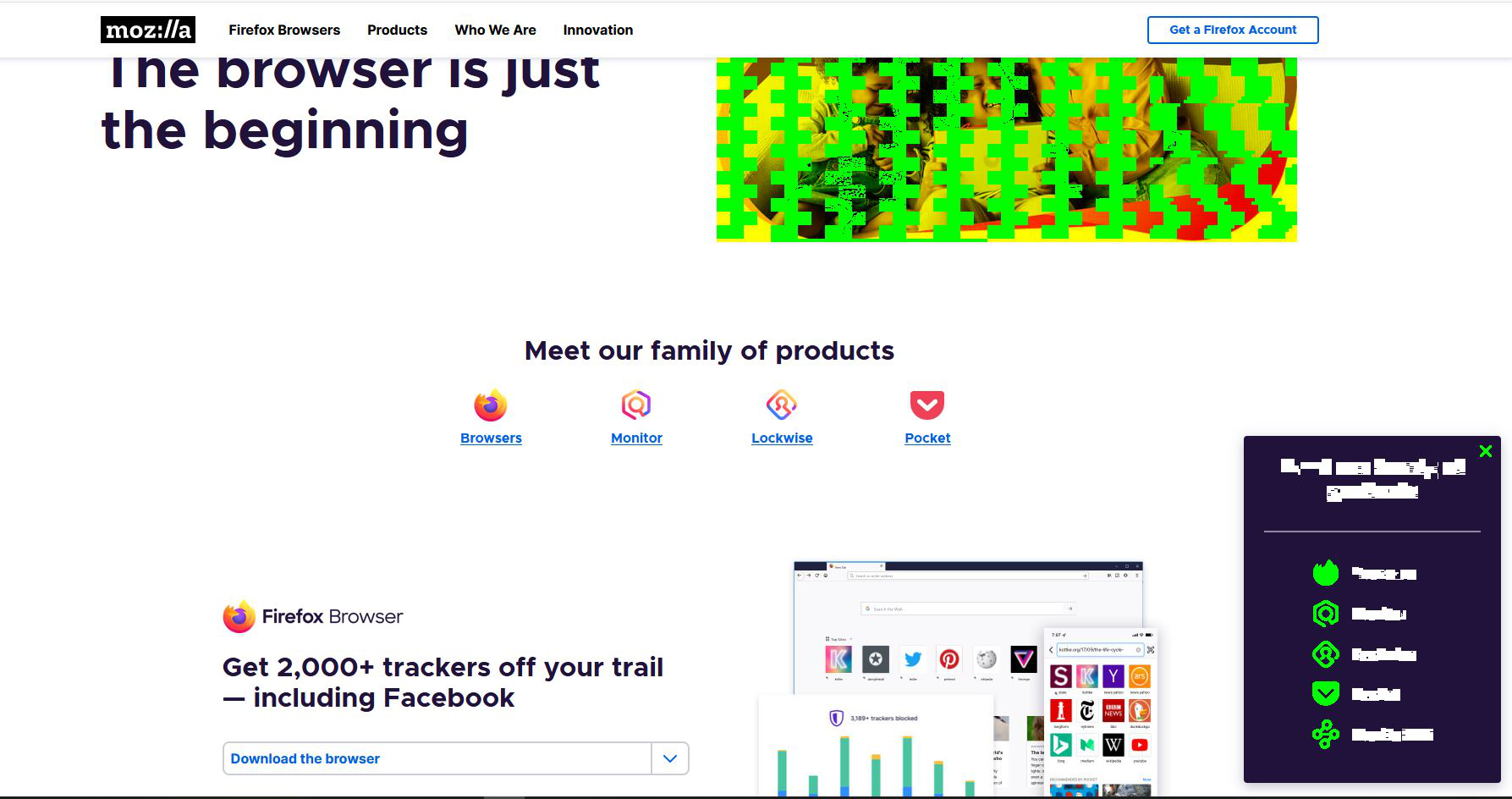
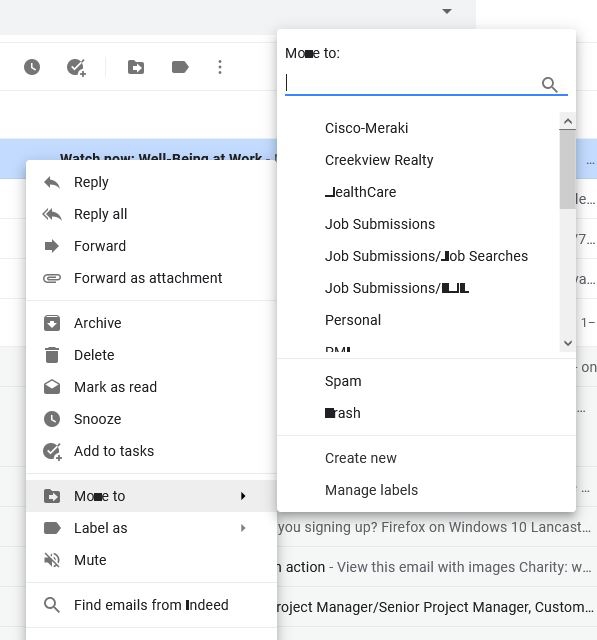
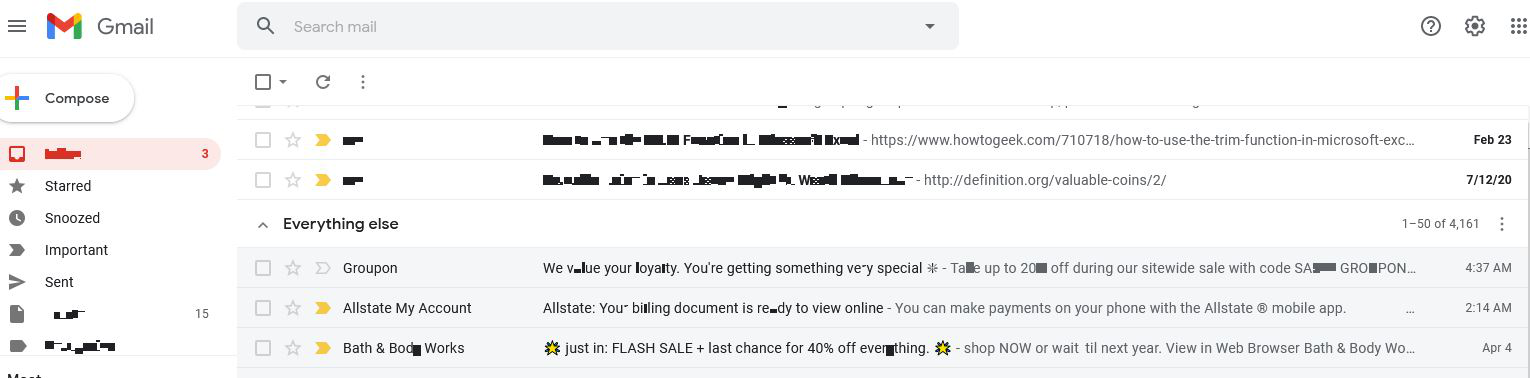
Firefox browser looks like a redacted document
updated Firefox and lost everything, I can get over no bookmarks but what I don't understand is the distortion of the screen, big green blocks and changing letters from letters to blocked out squares making my email look like it has been redacted. How can I fix my Firefox installation to stabilize the font. I tried reinstalling and updated the advanced settings but I don't think that is the issue, it almost seems like a virus.
پاسخها (3)

https://support.mozilla.org/en-US/kb/how-run-firefox-when-profile-missing-inaccessible
http://kb.mozillazine.org/Profile_folder_-_Firefox#Navigating_to_the_profile_folder
https://support.mozilla.org/en-US/kb/profile-manager-create-and-remove-firefox-profiles
https://support.mozilla.org/en-US/kb/back-and-restore-information-firefox-profiles
Type about:profiles<enter> in the address bar.
How many profiles are listed?
How many should be there?
Also, open the profile folder in your file explorer.
https://support.mozilla.org/en-US/kb/recover-user-data-missing-after-firefox-update
Thanks for the tip, got my bookmarks back. My emails still look redacted. Not sure what causes that. It must be something in Windows since I have uninstalled and reinstalled Firefox twice. I know they are pushing Edge, but I would hate to think they would issue an update to destroy Firefox.
You can try to disable hardware acceleration in Firefox.
- Options/Preferences -> General: Performance
remove checkmark: [ ] "Use recommended performance settings"
remove checkmark: [ ] "Use hardware acceleration when available" - https://support.mozilla.org/en-US/kb/performance-settings
Close and restart Firefox after modifying the setting for changes to take effect.
You can check if there is an update for your graphics display driver and check for hardware acceleration related issues.