


How to use a theme for bookmarks section?
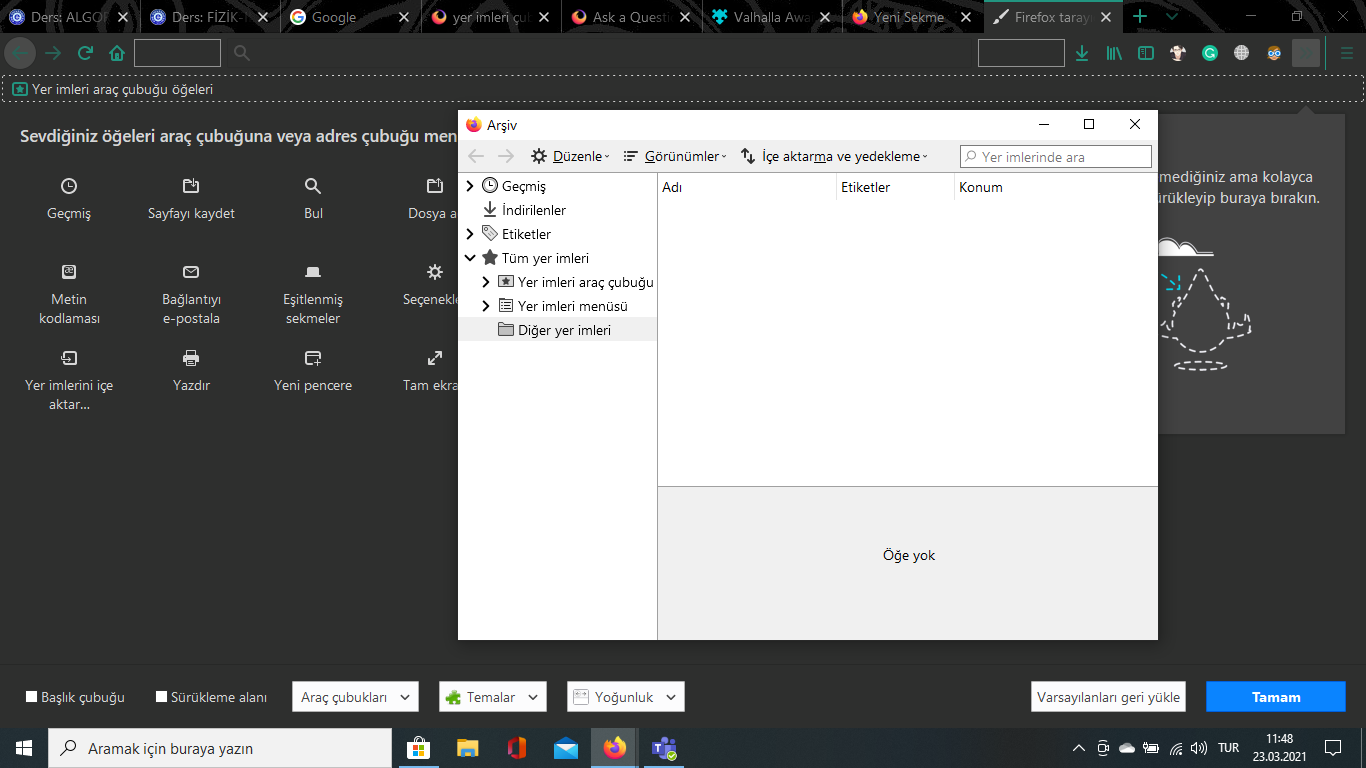
i'm using windows 10 and i have a firefox theme i like installed and in use, but when i open bookmarks, it doesn't show the theme and it's just looking so old, like windows xp? how can i change that? by the way i was using linux until yesterday.
پاسخها (9)
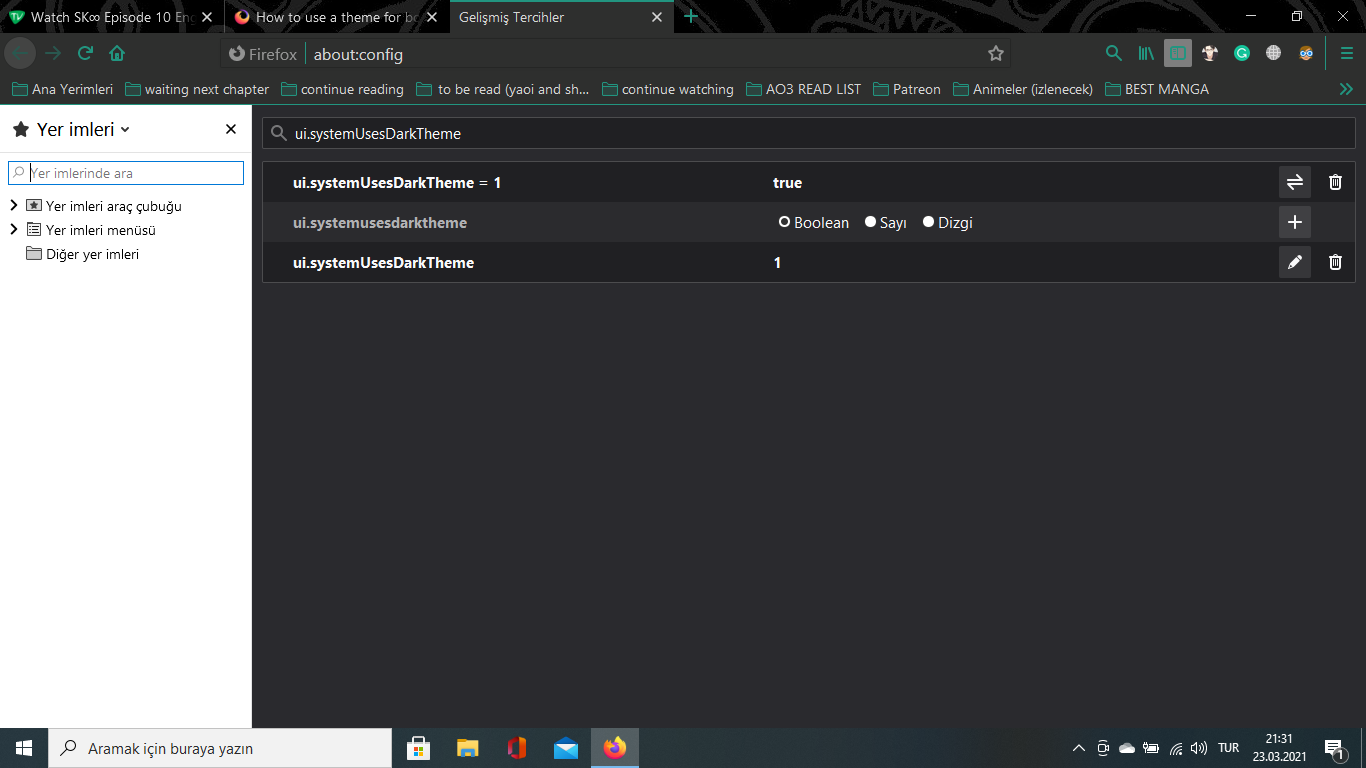
Try to go to about:config and add the following integer pref:
- ui.systemUsesDarkTheme = 1
sorry, i did it but it didn't do it. of course after doing that i restarted firefox
ویرایش شده توسط Aygüsu
Hmm, when I test:
- It works for me in a test profile that isn't as customized as my main one.
- In my main one, it works for the Library window (Ctrl+Shift+O) but not for the Sidebar. Probably something in my userChrome.css or userContent.css file is causing the problem.
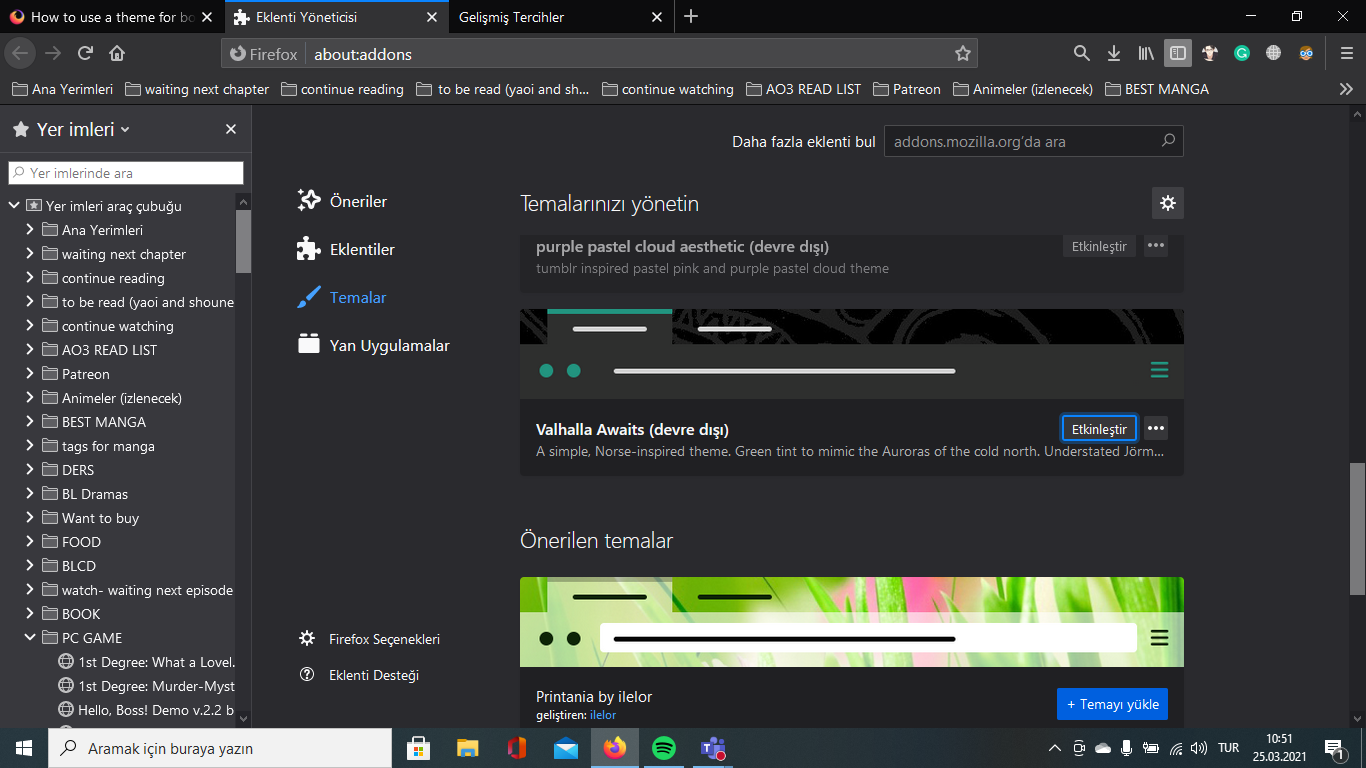
What Firefox theme are you using as it is possible that only some default theme is supported ?
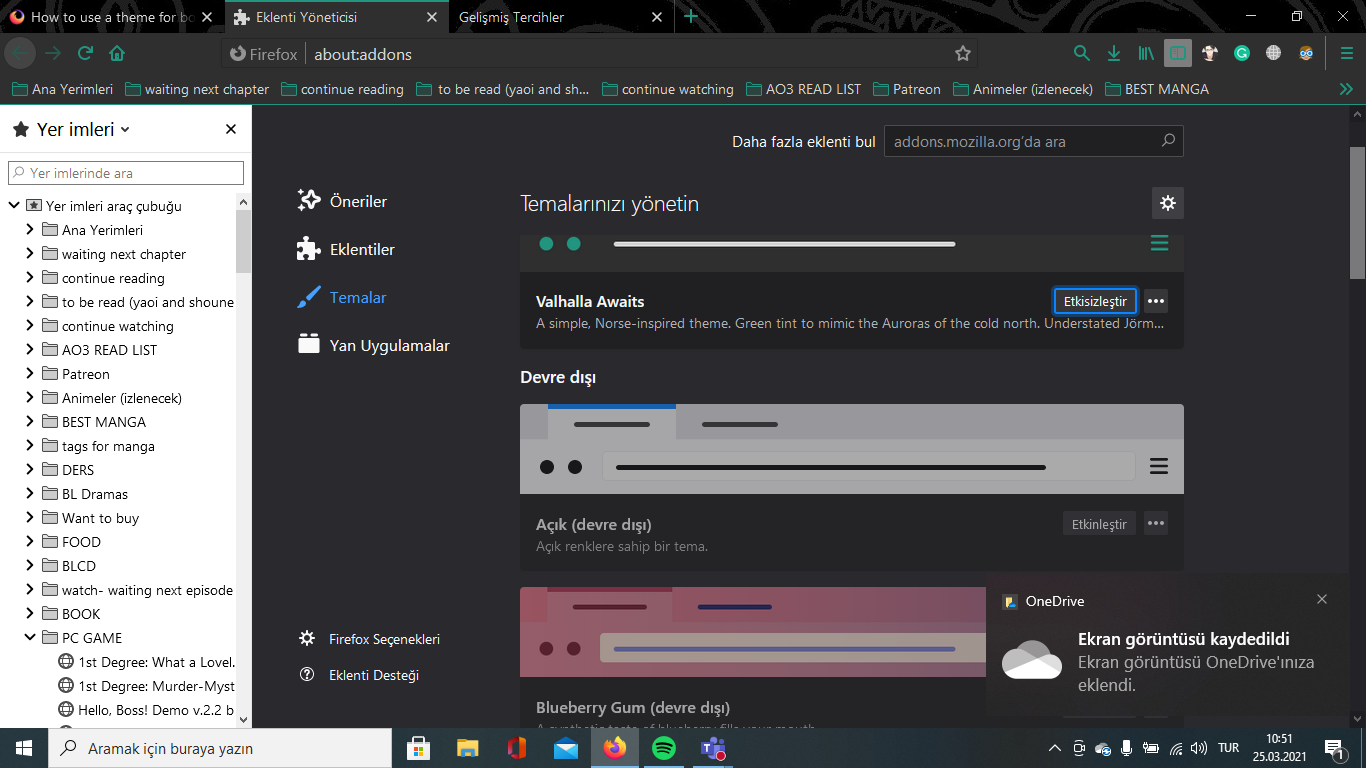
Valhalla Awaits by eliasjames747

Sorry as a newbie i cant help you with.
Does it work if you use the default Firefox theme ?
if i use default theme with dark theme, it works. but the second i use the other theme, it's useless.

Sorry as an new member I cant help you with.