


page crash
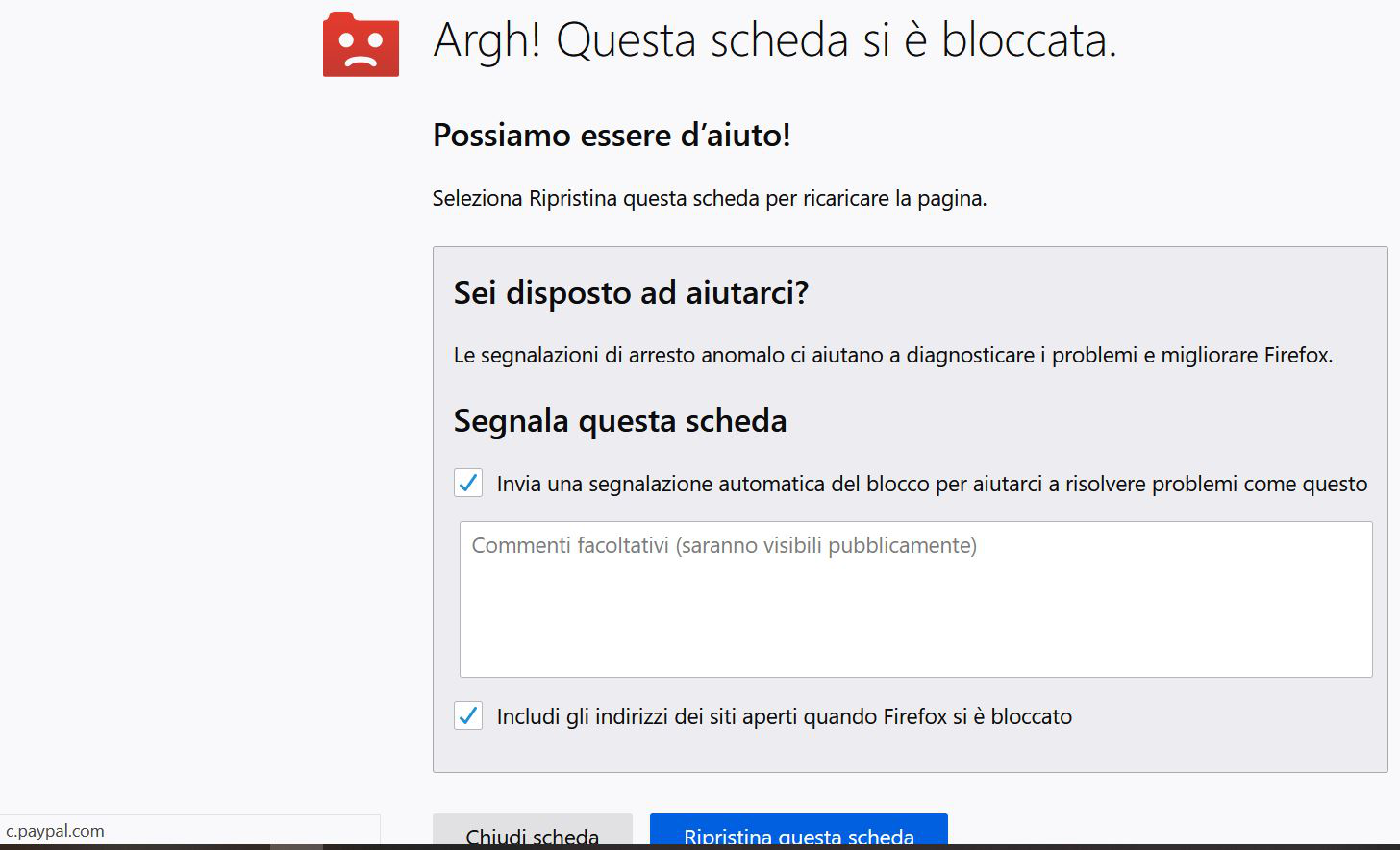
Hi, web pages often crash with the page below. This is happening since less than a month ago. Before, the same pages (i.e. ebay.com login page) didn't. Any idea? Thanks

بخشها
Reboot the computer.
Make sure you are not blocking content.
Start Firefox in Safe Mode {web link}
A small dialog should appear. Click Start In Safe Mode (not Refresh). Is the problem still there?
https://support.mozilla.org/en-US/kb/enhanced-tracking-protection-firefox-desktop
Many site issues can be caused by corrupt cookies or cache.
Warning ! ! This will log you out of sites you're logged in to. You may also lose any settings for that website.
- How to clear the Firefox cache {web link}acking-protection-firefox-desktop
پاسخها (6)
Please translate what the message says.
message? which message?
if you mean what this mozilla message says, here is the english translation (is this mozilla page the italian translation from english?):
Argh, this page is blocked! we can help you click the "restore" button to reload the page
In the grey box how send that page to support etc. (I did it but never got any answer)
Then 2 buttons: "close" and "restore"
The restore function restores the page but it crashes again and I cannot go back to the previous page therefore the session must be closed.
بخشها
Reboot the computer.
Make sure you are not blocking content.
Start Firefox in Safe Mode {web link}
A small dialog should appear. Click Start In Safe Mode (not Refresh). Is the problem still there?
https://support.mozilla.org/en-US/kb/enhanced-tracking-protection-firefox-desktop
Many site issues can be caused by corrupt cookies or cache.
Warning ! ! This will log you out of sites you're logged in to. You may also lose any settings for that website.
- How to clear the Firefox cache {web link}acking-protection-firefox-desktop
thank you so much! R
Glad to help. Safe Surfing.