Open
Firefox on mac stops loading websites on LAN

I think the behaviour is triggered by the mac in sleep mode and resuming browsing. The issue only affects as far as I can tell LAN pages. Been over the pages https://support.mozilla.org/en-US/kb/server-not-found-connection-problem?as=u&utm_source=inproduct
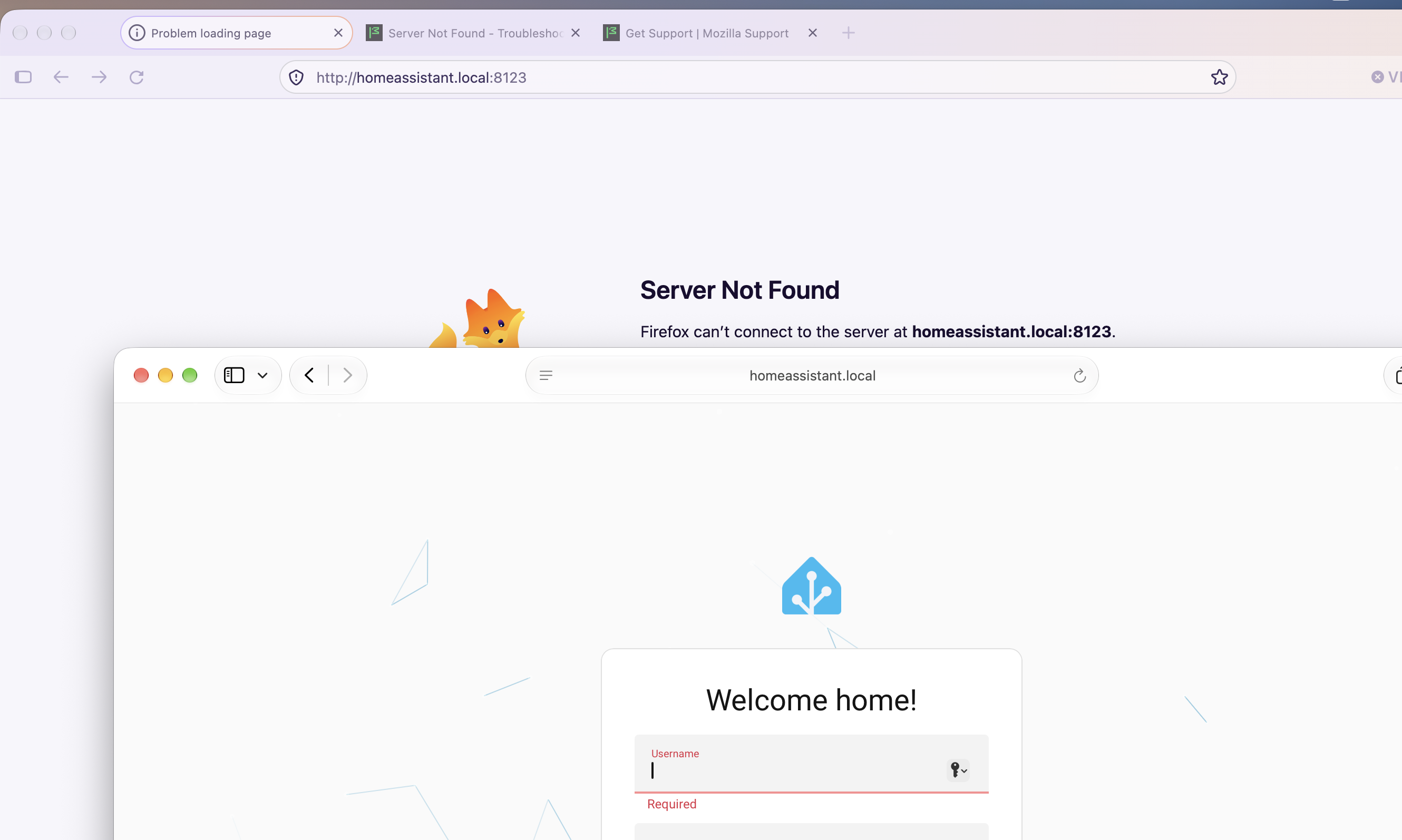
Another browser such as Safari or Chrome does load the page fine, but Firefox. Using the latest 159.0 but the issue I recall been around for a bit now.
Don't have proxy configured, disabled DNS prefetch, IPv6 support...deleted cache and cookies, restarted Firefox and no change. The only way I found to fix the behaviour by restarting the mac. Any ideas or thoughts on what could be going wrong here please?
(does it with home assistant, the synology NAS, and other LAN pages)
I think the behaviour is triggered by the mac in sleep mode and resuming browsing. The issue only affects as far as I can tell LAN pages. Been over the pages https://support.mozilla.org/en-US/kb/server-not-found-connection-problem?as=u&utm_source=inproduct
Another browser such as Safari or Chrome does load the page fine, but Firefox. Using the latest 159.0 but the issue I recall been around for a bit now.
Don't have proxy configured, disabled DNS prefetch, IPv6 support...deleted cache and cookies, restarted Firefox and no change. The only way I found to fix the behaviour by restarting the mac. Any ideas or thoughts on what could be going wrong here please?
(does it with home assistant, the synology NAS, and other LAN pages)