Youtube full screen problem

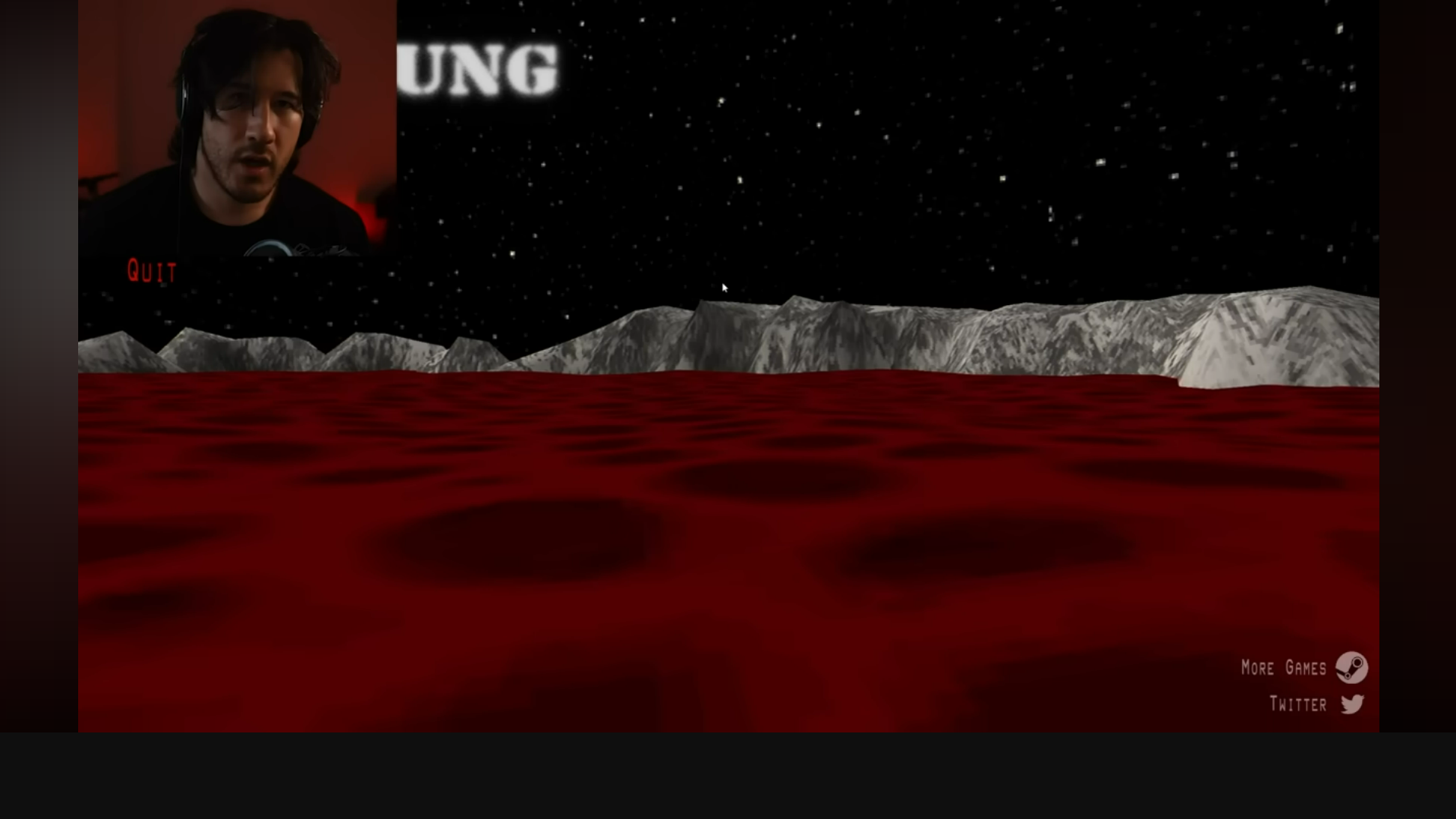
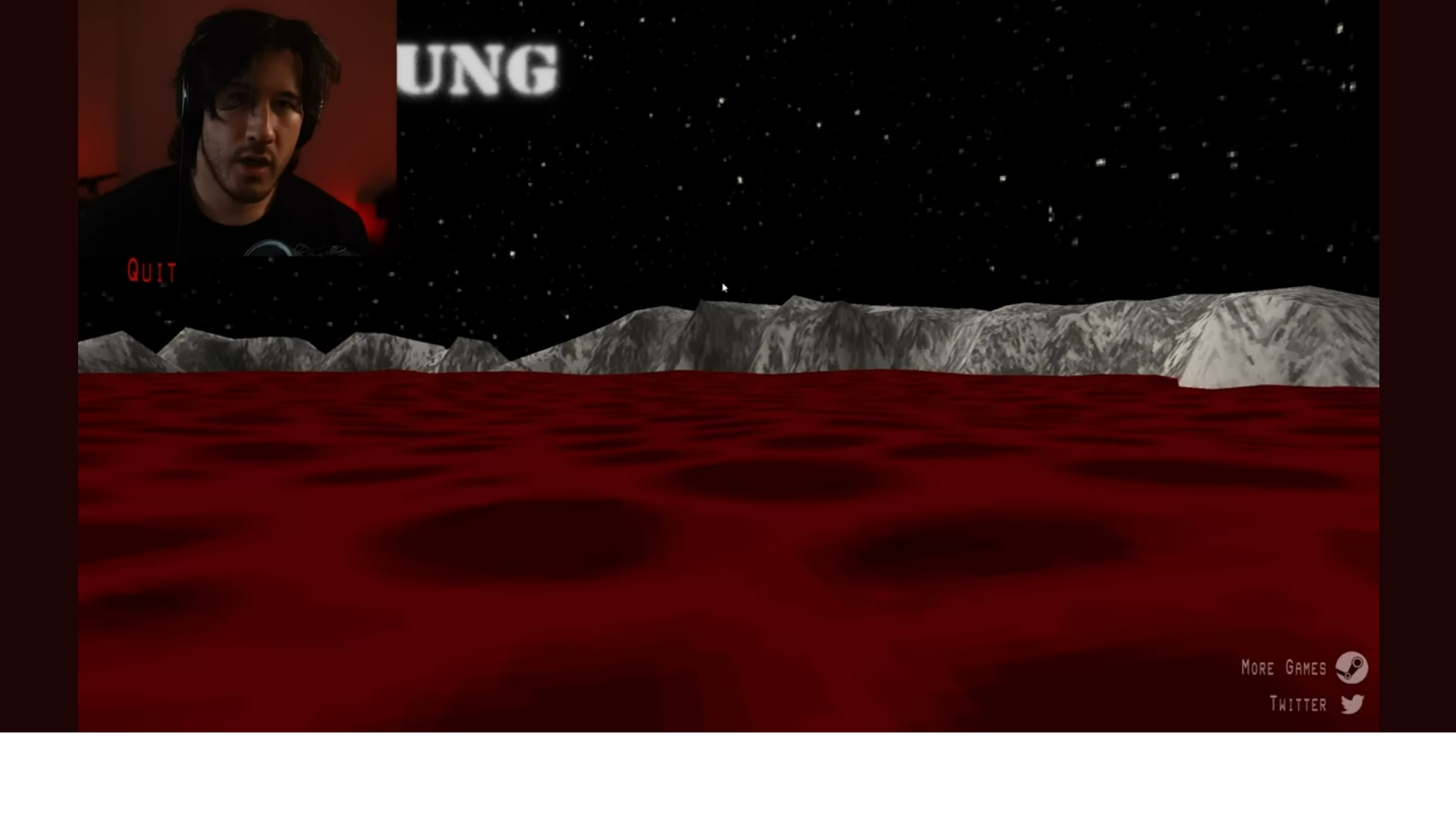
Whenever I try to full screen a Youtube video a large solid white bar will appear on the bottom of my screen. It doesn't block the actual video or even the controls but it seems to push the entire video upwards. It only does this on firefox and only on youtube. It seems to be a solid empty space as I can't click on it and right clicking just gives me video playing options. I've tried restarting my computer and firefox a few times and that didn't work. It does however change size and with the browser zoom and color mode respectively. please help.
Whenever I try to full screen a Youtube video a large solid white bar will appear on the bottom of my screen. It doesn't block the actual video or even the controls but it seems to push the entire video upwards. It only does this on firefox and only on youtube. It seems to be a solid empty space as I can't click on it and right clicking just gives me video playing options. I've tried restarting my computer and firefox a few times and that didn't work. It does however change size and with the browser zoom and color mode respectively. please help.