PDFs not displaying correctly in browser

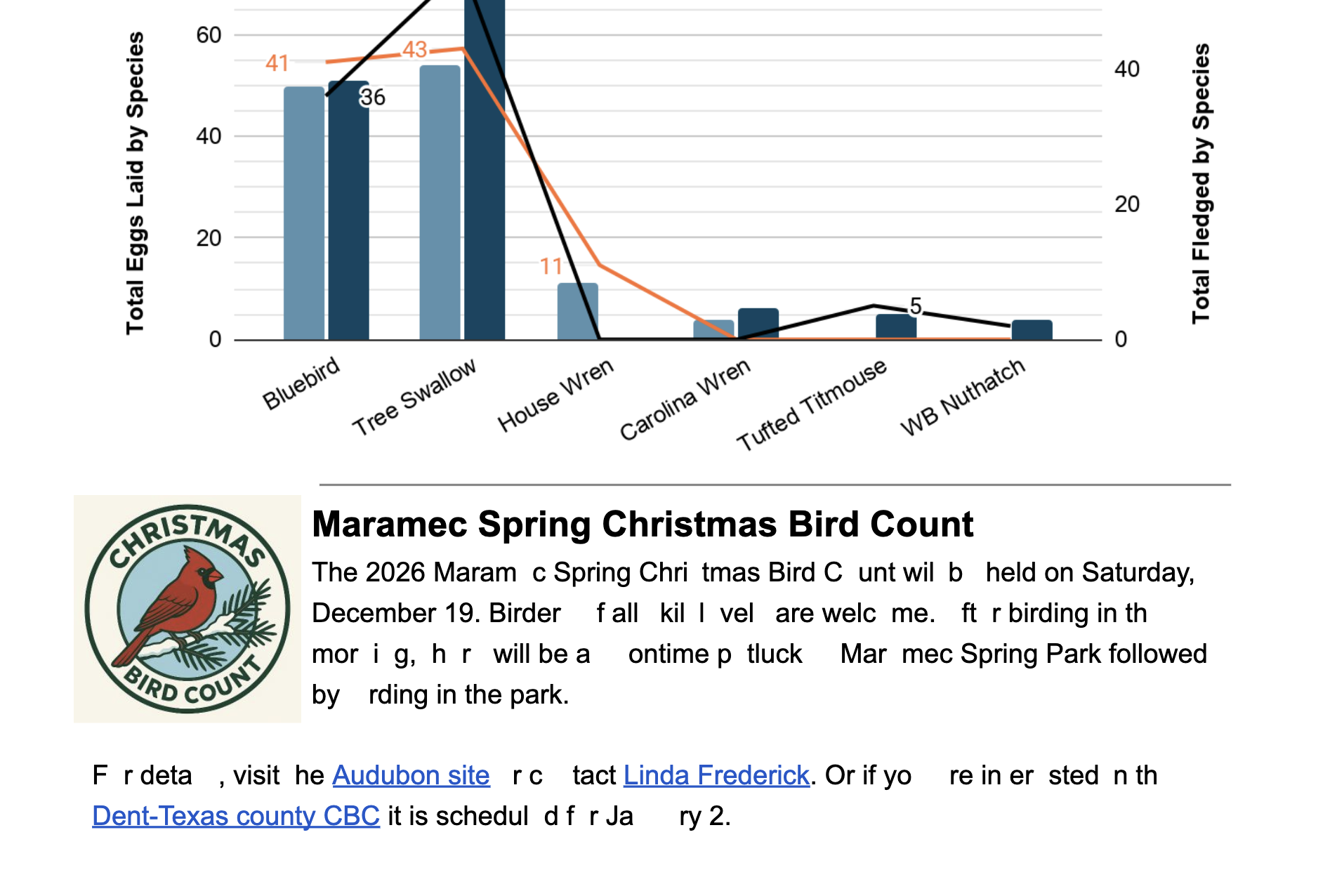
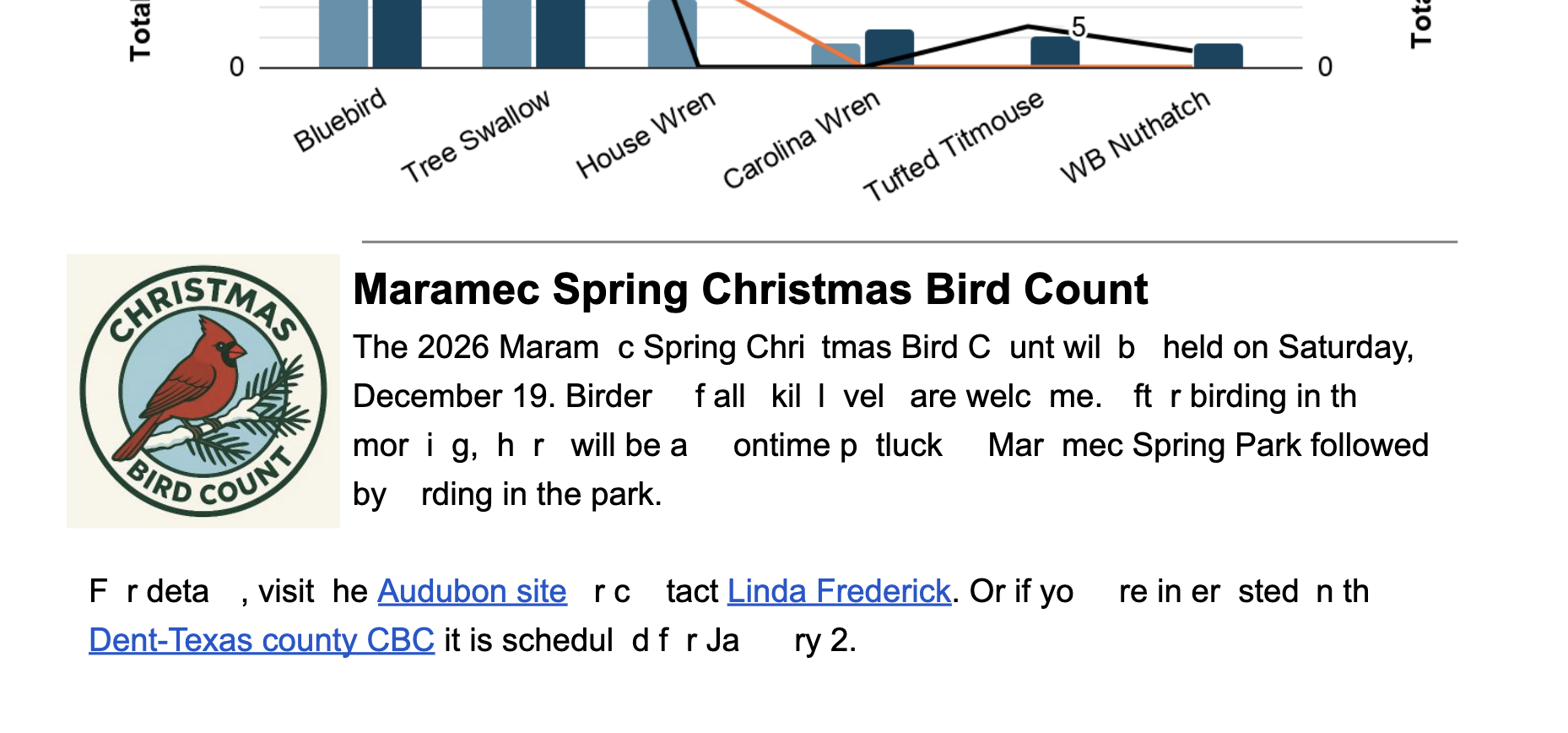
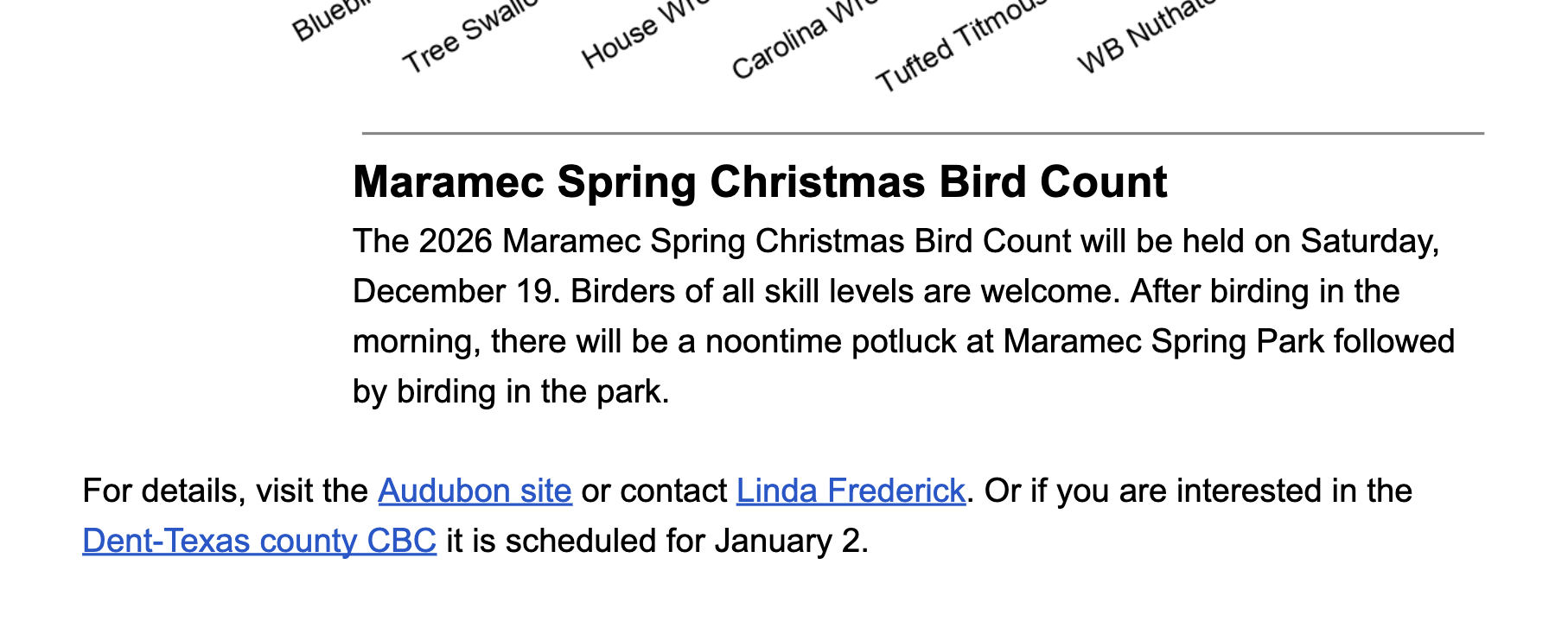
After recent updates now when I visit a website and click on link that maps to a pdf file - the view is randomly messed up - added characters, missing text ... pretty much unusable. If I refresh the link it starts correcting those abnormalities but not all of them - refresh again and things get better and then sometimes go back to a jumbled mess. If I turn on troubleshoot mode it displays just fine. Followed your quidance and removed all of my extensions and the problem still happens,
Attached are 3 screen shots - original, refreshed once and refreshed again ... very strange.
All Replies (2)
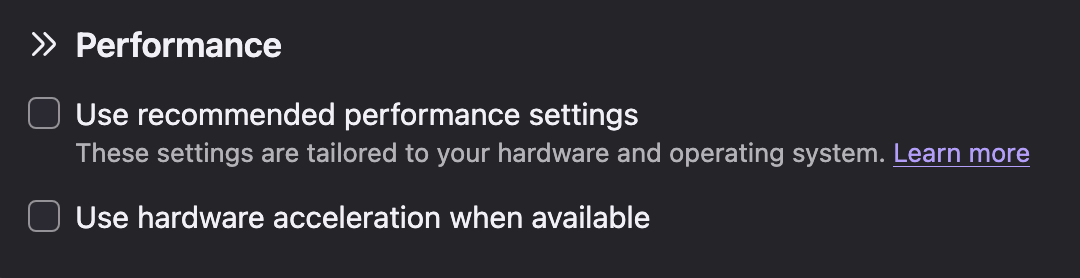
Jerry, I assume this is a recently uncovered bug in your AMD graphics card (you're running an older Intel Mac with perhaps multiple GPU units even?) — see support.mozilla.org/questions/1617700#answer-1862068 how to disable hardware acceleration for now.
There should be a workaround available in an update shipping this Tuesday.
Valitud lahendus
Downloaded Nightly and the PDFs rendered correctly. Per instructions I then disabled : Use hardware acceleration when available in my Firefox app and the PDFs then rendered correctly
Thanks, JerryB