


How do I create a mailing list in Thunderbird 140.11.0esr?

A message posted here in 2015 describes the process but it doesn't work for me. File>New does not offer me 'Mailing List'. Where do I go to find it?
All Replies (3)

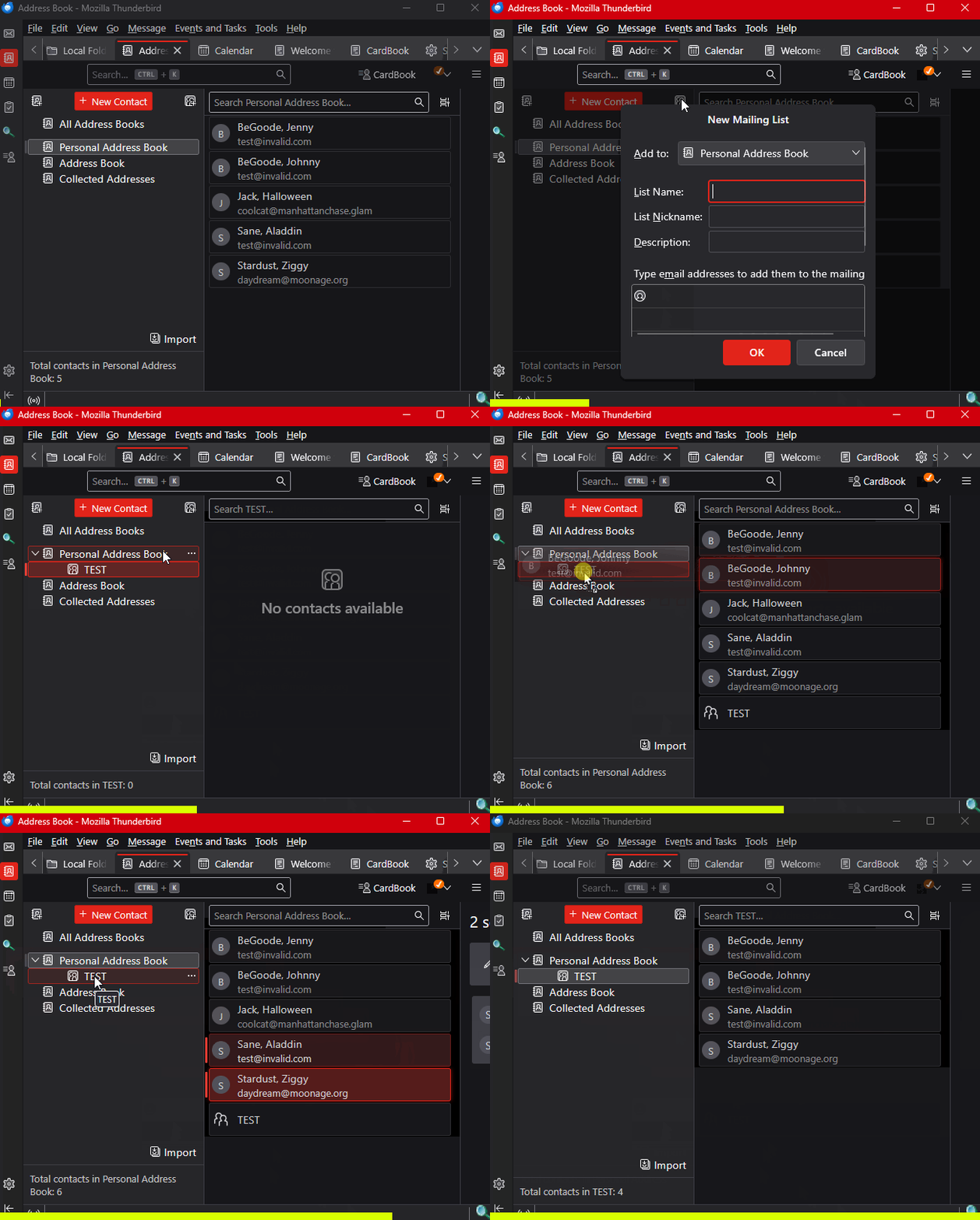
See the attached animation. Basically, you create a Mailing list in one of your local Address Lists, then you can drag and drop contacts from the Address List into the Mailing List.
Note that you can't create an Address List in a Google Contacts Address Book (I don't know about other online address books), only on a local one. But you can drag contacts from a Google list to your local Address List.
Thanks for your advise. However, I cannot relate your animation to my address book presentation - see attached snip.
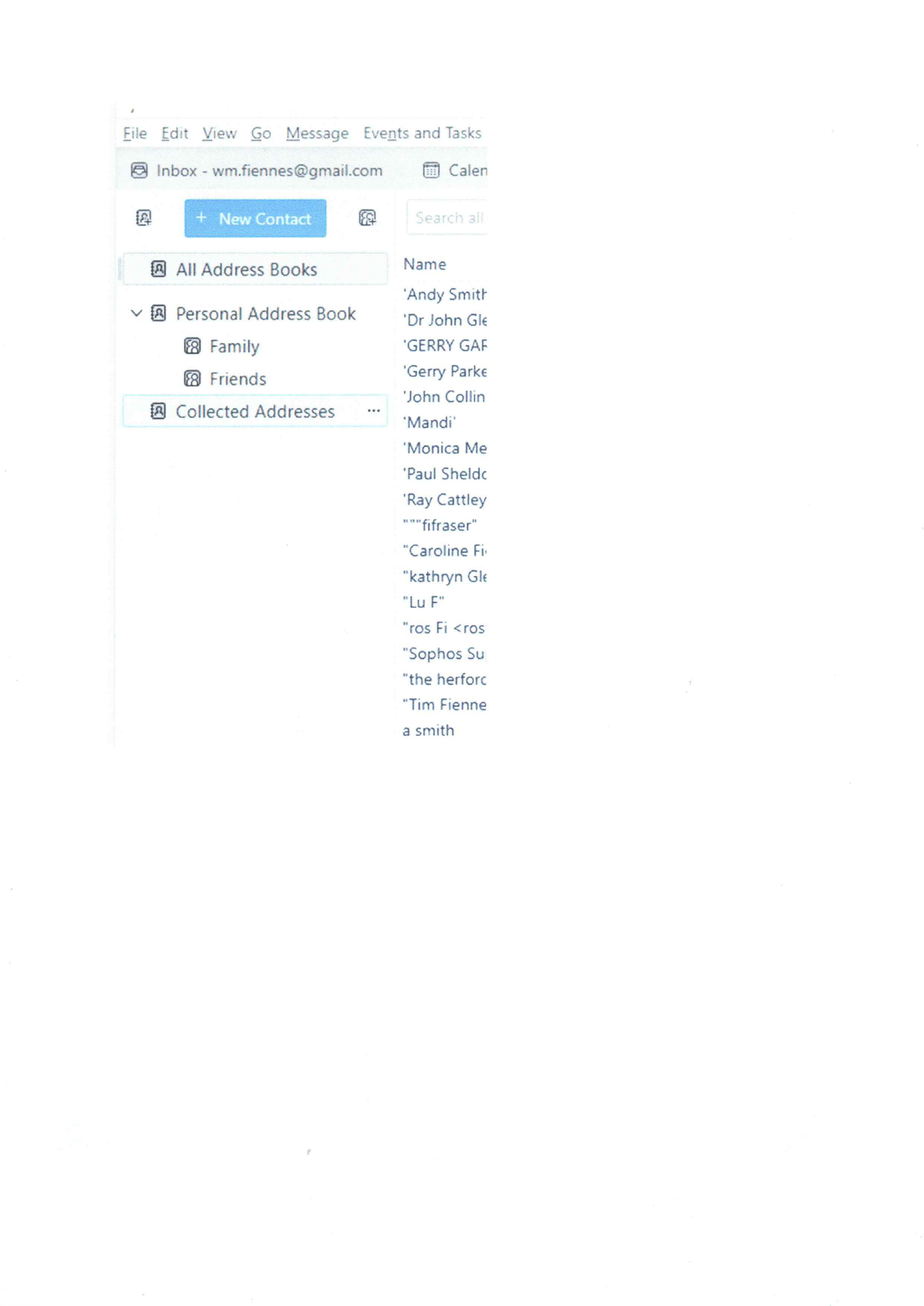
I don't understand. Yours looks just like mine except for the color theme. Also, I see that you have already created some Mailing Lists, so you must have known how to do it at one time.
Maybe I don't understand your question.