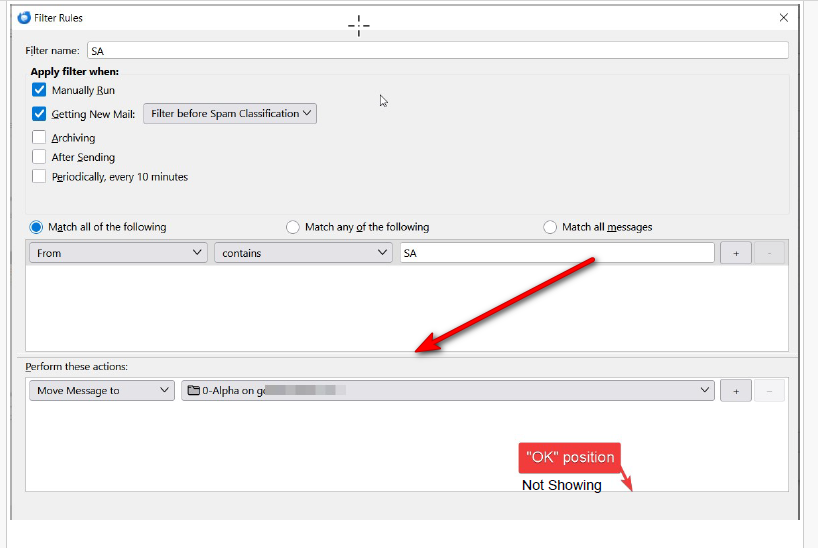
Trying to create an email filter, however, the screen/window display will not show the "OK" button to allow the filter creation to be saved for usage.

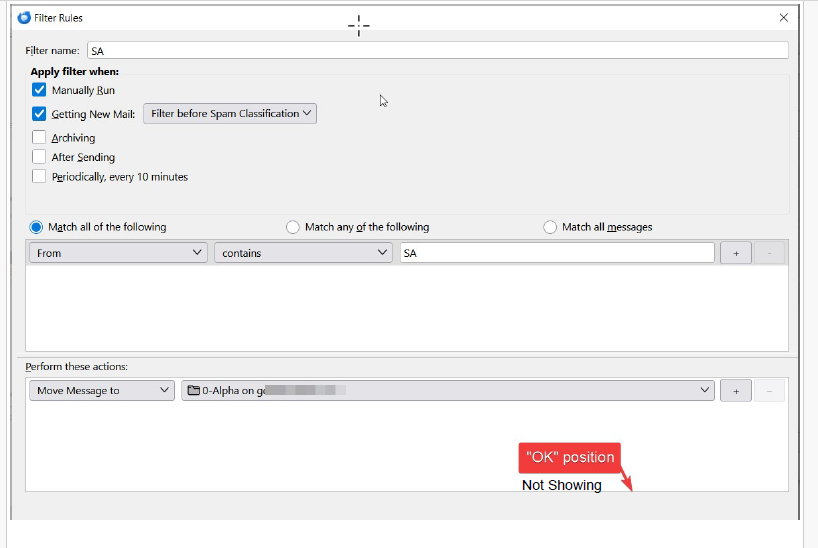
In Thunderbird, I am trying to create an email filter, however, the screen/window display will not show the "OK" button to allow the filter creation to be saved for usage. After several hours, I have tried all the resolution changes, "resizing" the screen/window, "window" stacking, cascading etc, - nothing works to lengthen the screen to show the "OK button. I have other filters created previously, that work, but editing with changes have the same display issue. (HP Pavilion laptop-Windows10, i7) It appears that the bottom of screen is in a fixed position -see screenshot.
Any suggestions appreciated,
All Replies (3)
With the mouse you can drag the bottom of the selection screen to make smaller, and I think, to a degree, you can also do to the action screen. Setting Windows to full screen (F11) may also help.
Thanks, I am a little late, but the bottom of the "selection screen", seems to be "fixed"? But I will give the F11 etc a try. GK