


Microphone in the AI Sidebar
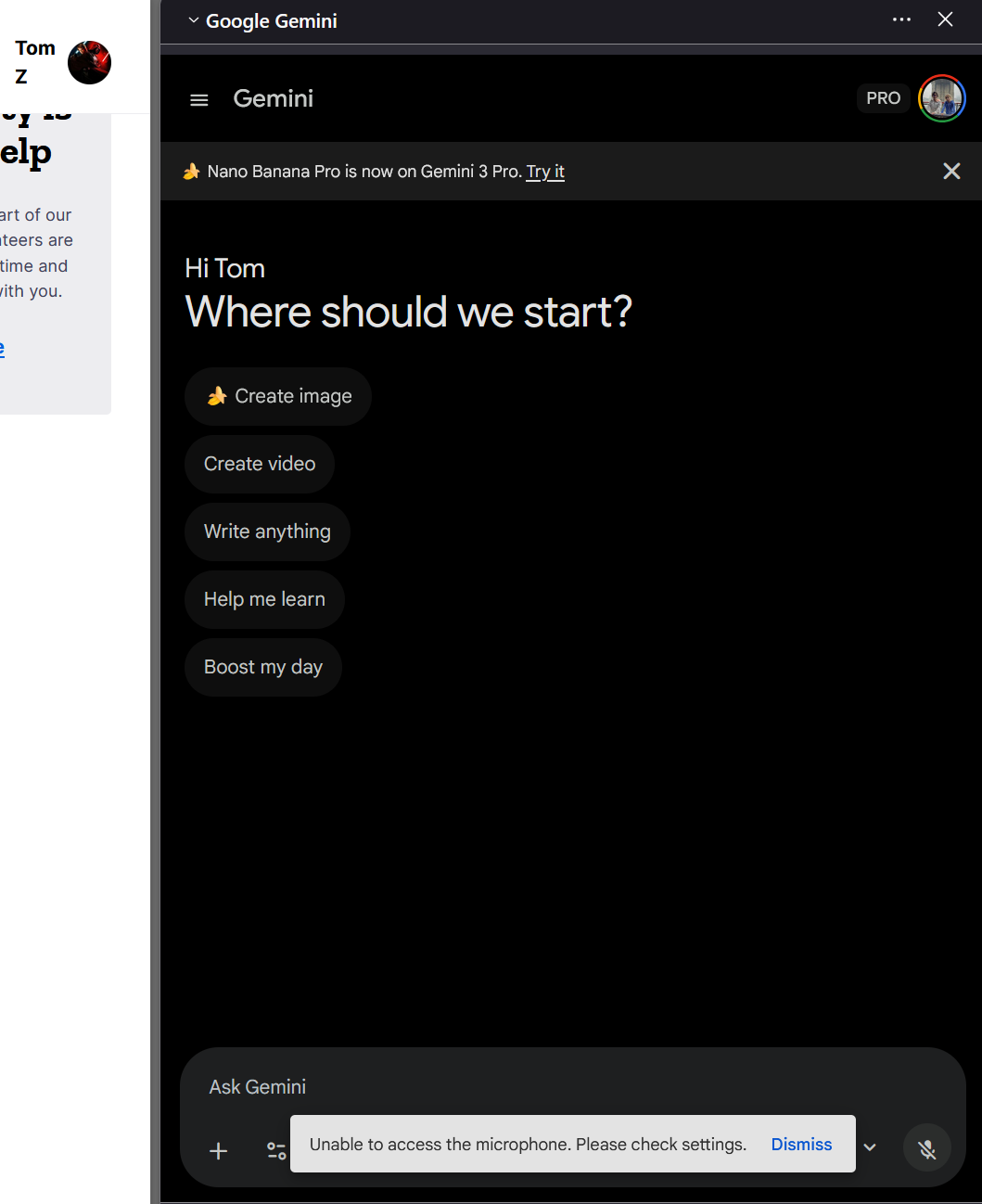
I can't seem to locate how to activate the microphone in the AI sidebar. I have Gemini selected, and when I hit the microphone to dictate I get the following message.. Unable to access the microphone. Please check settings.
I looked through Firefox settings and my laptop's but I don't see where it is turned off or asking for activation.'
Tom Z.
All Replies (2)
Valitud lahendus
Just visit gemini.google.com and allow microphone access (not just for the session, but permanently).
See How to manage your camera and microphone permissions with Firefox

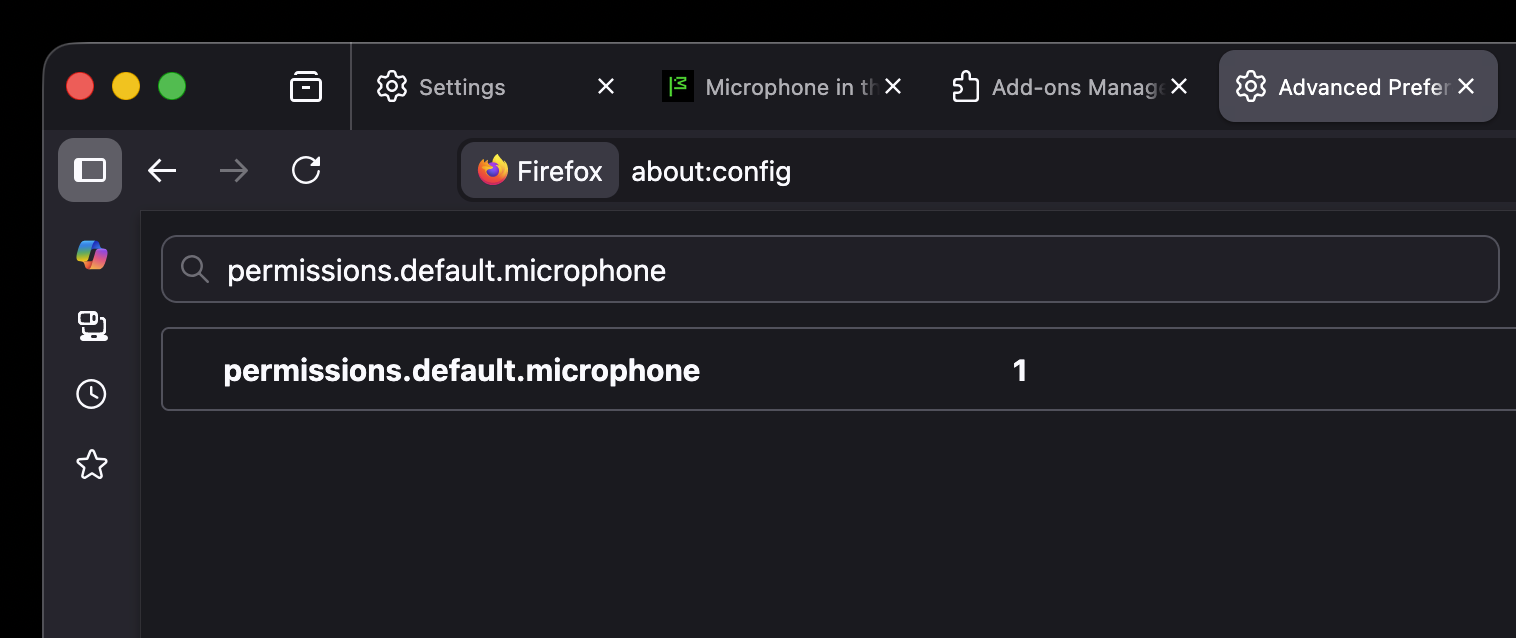
Hello, I’ve had an issue with the microphone not working specifically in the Mozilla Sidebar (MacOs) with the AI feature. I already changed the permissions.default.microphone setting from 0 to 1 in about:config, and that resolved the problem. Thanks a lot! [SOLVED]
Muudetud Andrew poolt