Thunderbird toolbars

I am running Thunderbird 140.0 on Windows 11. I want to have some buttons for extensions that are not in my toolbar appear in my toolbar. The advice for Firefox is to use the Extensions button in the toolbar, but I do not have that button in my toolbar and have not been able to find out how to get one into my toolbar.
I am running Thunderbird 140.0 on Windows 11. I want to have some buttons for extensions that are not in my toolbar appear in my toolbar. The advice for Firefox is to use the Extensions button in the toolbar, but I do not have that button in my toolbar and have not been able to find out how to get one into my toolbar.
All Replies (1)
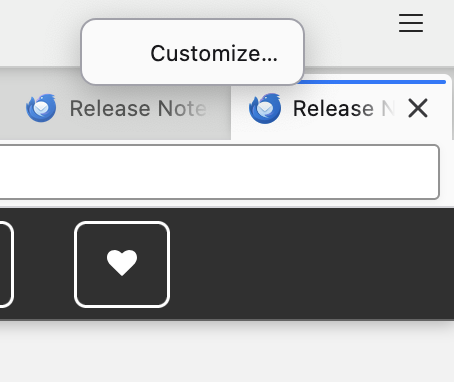
Right-click on the toolbar
Choose "Customize…" from the menu.
In the Customize Toolbar window, you should see buttons for installed extensions, if those extensions provide a toolbar button.
Drag and drop any available extension buttons into the toolbar area.
Click Done when you're finished.
Please update and let me know if this fixes your issue.